

Introduction
Definition of a workspace
It is a board letting you create and update folders and jobs, once you work ended and saved into the base the workspace can be deleted.
Sometimes when you want to work on a folder and edit it (Check in) you can be stuck by someone else “working” on it:
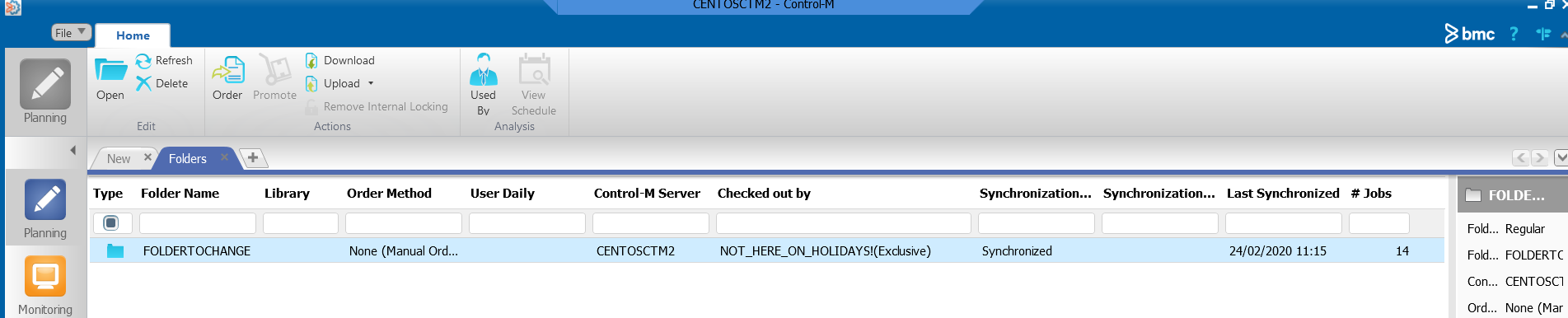
But how can you proceed if this user is no longer here? As if he has took 5 holidays weeks 😀
Instead of waiting for him during all this you have 2 solutions
1 Joining him for 5 weeks to enjoy holidays
2 Take ownership of the folder
As we only leave for jobs scheduling, we will select the second option
Problem
We need to update a folder for example the one named FOLDERTOCHANGE
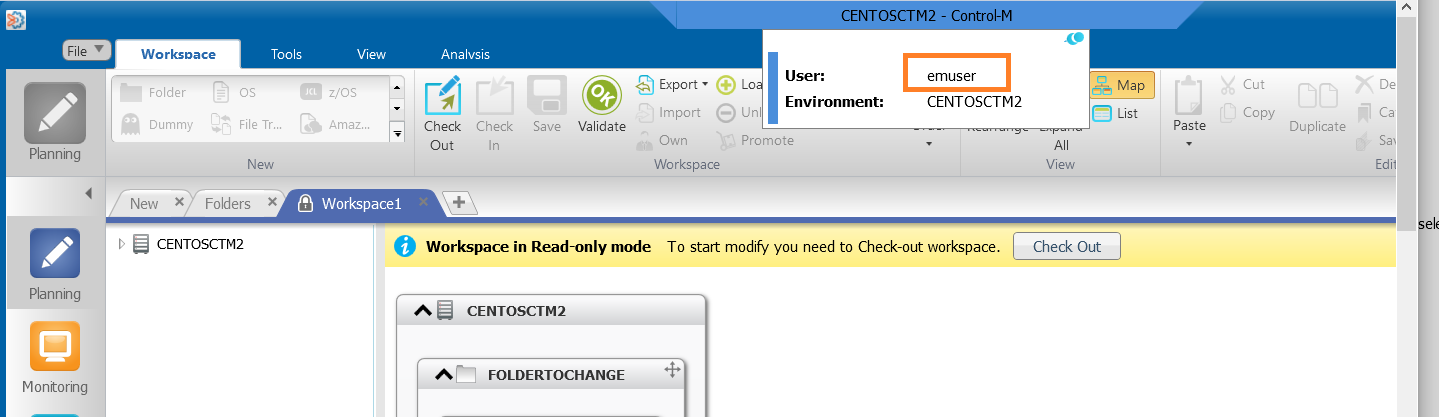
The fact is that once you have selected it and try to update it , you face the following issue:
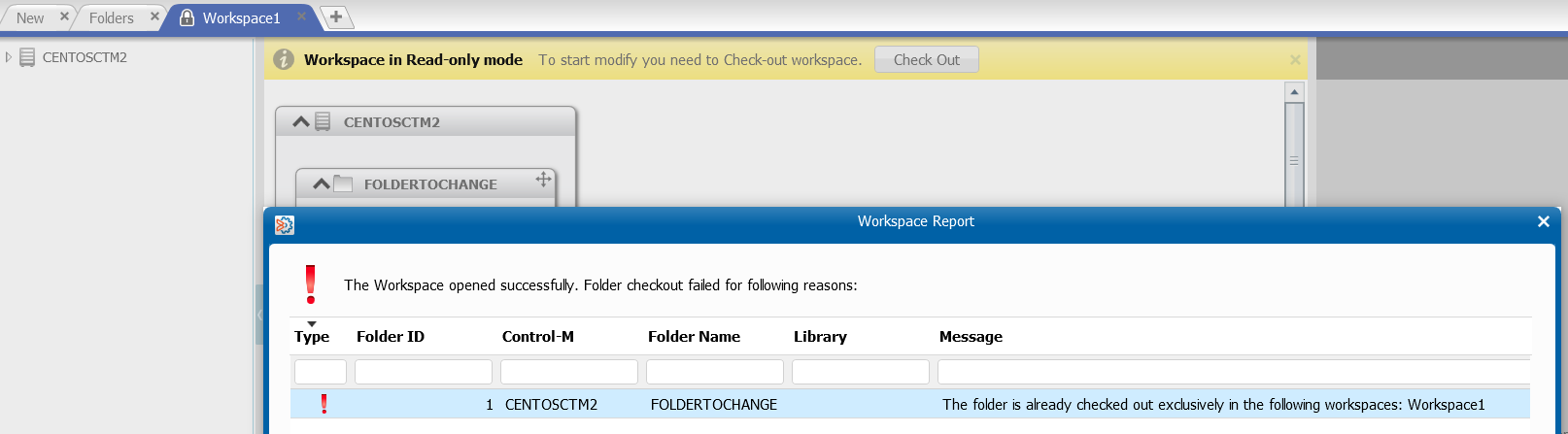
You have no way to modify the jobs in the folder
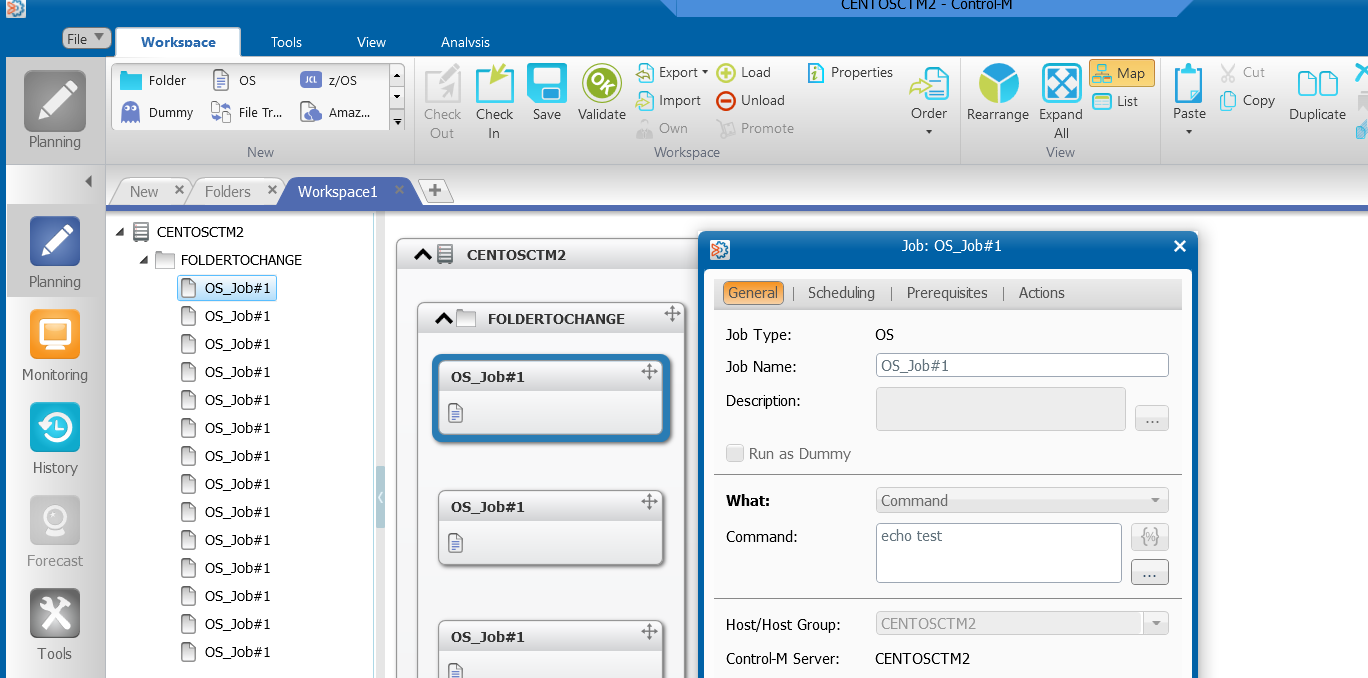
Note:
It is absolutely normal as it is a BMC Control M security to avoid that 2 or more persons work on the same folder at the same time it would be a bit messy and datas can be lost, user has the exclusivity
Solution
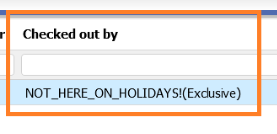
As we can see the user NOT_HERE_ON_HOLIDAYS is locking the workspace and seems to work on it
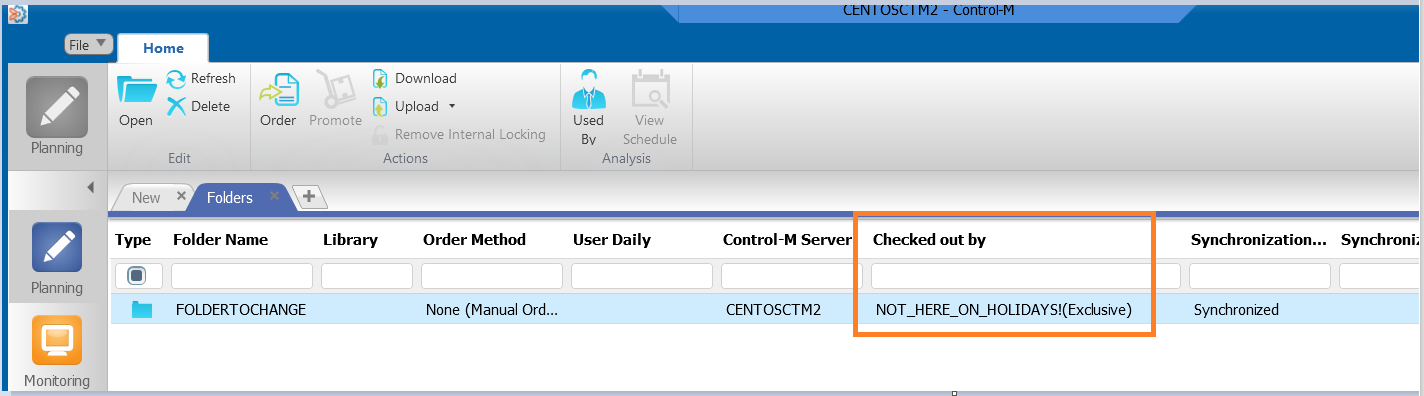
Select the icon with the man in costume “used by” to display the folder locked.
We can now click on the workspace held by user NOT_HERE…quite a long nickname 😊
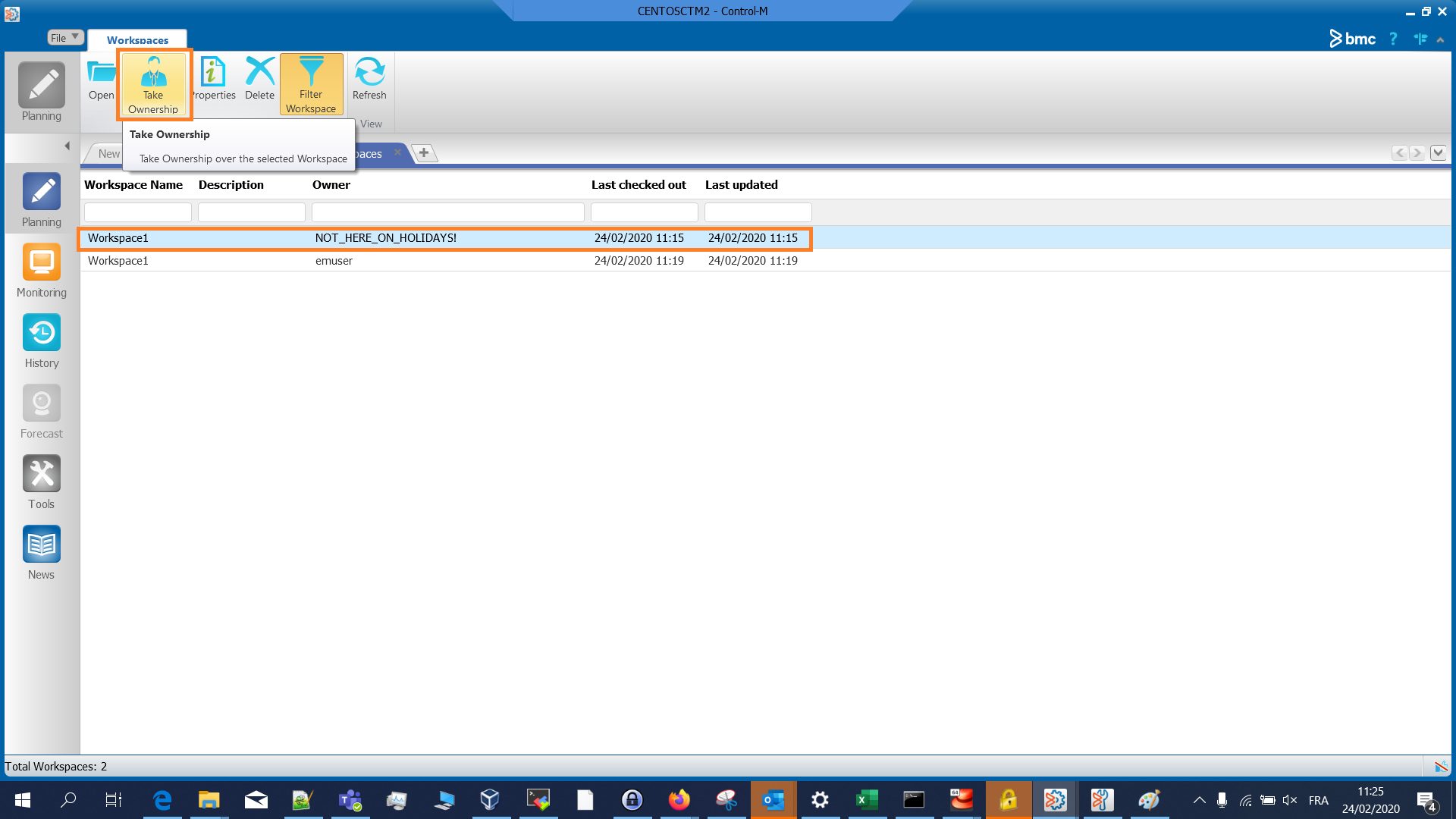
Then it is possible to take ownership of the folder.
Of course, you must ensure that the user is not working on it anymore and that he only forgot to close his workspace
Once you have taken ownership a confirmation pop-up will display reminding you that you ust contact the owner before kick him out
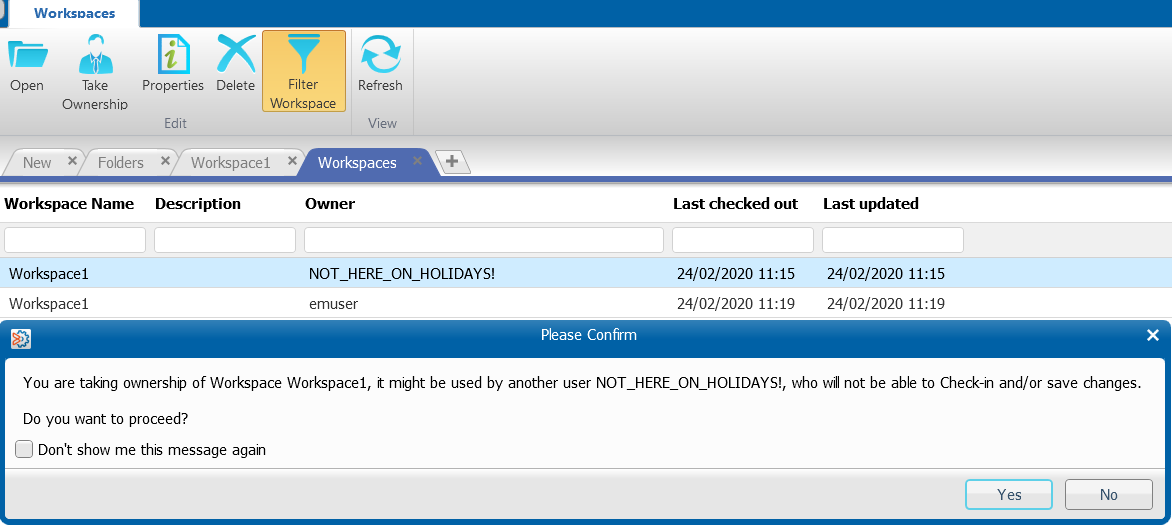
Congratulations you are now the workspace’s owner:
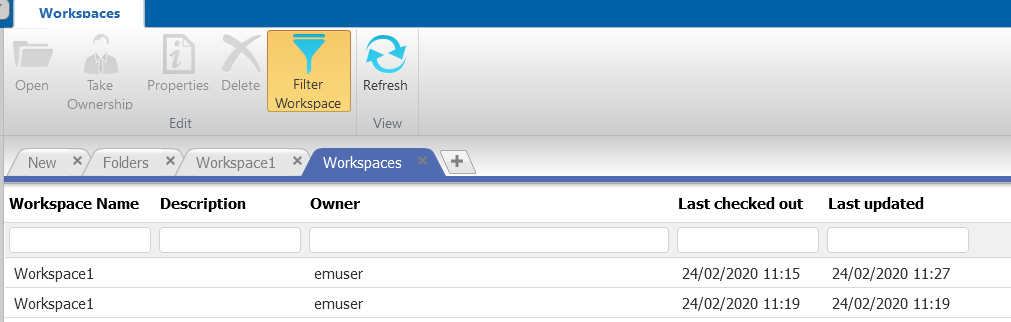
You are now able to modify the folder:
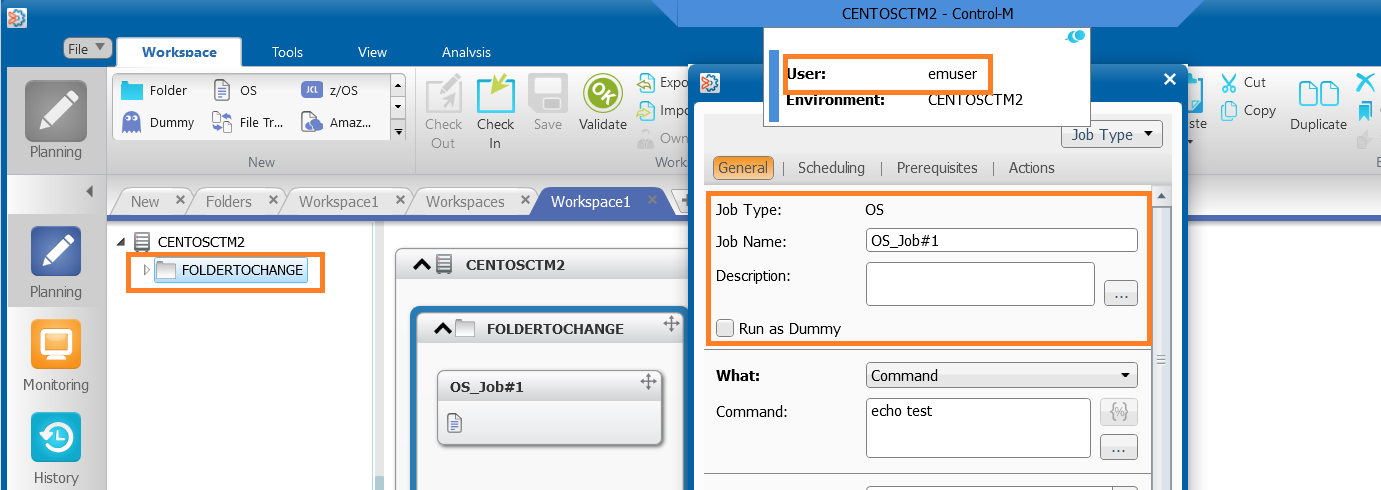
And you are also the exclusive owner of the workspace so don’t forget to free it once you have finished your update ( even if we have this emergency solution 😊 )
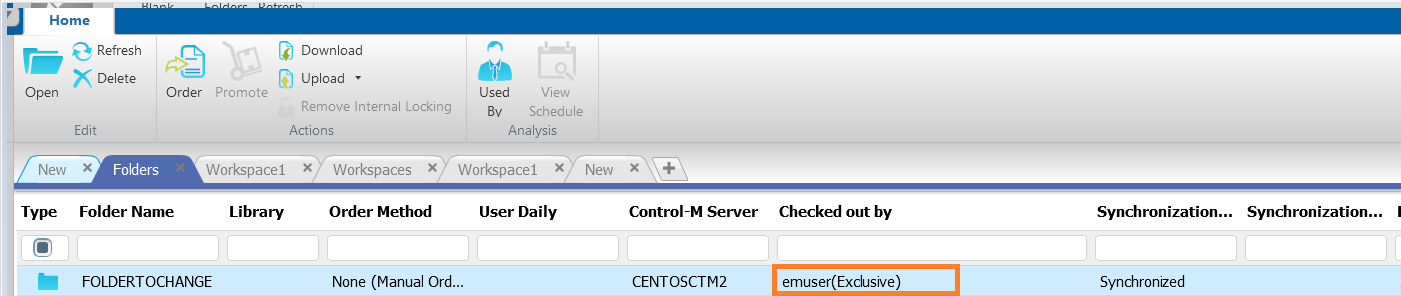
If you have no more actions to do on the workspace and if it is still own by you, you can also delete the workspace to unlock it for the other users
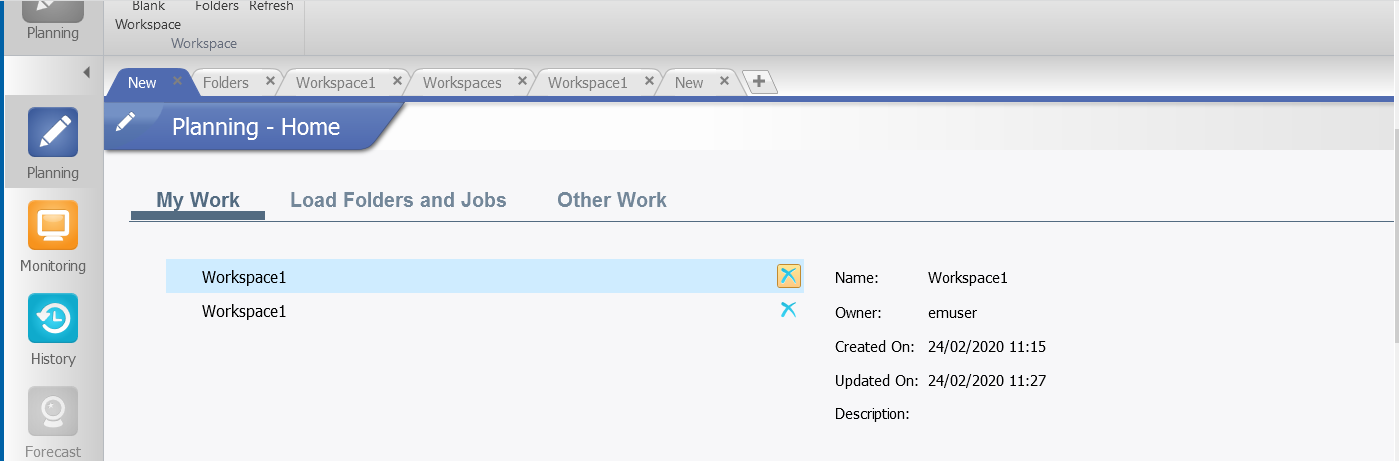
Select the corresponding workspace click on the cross and then confirm deletion
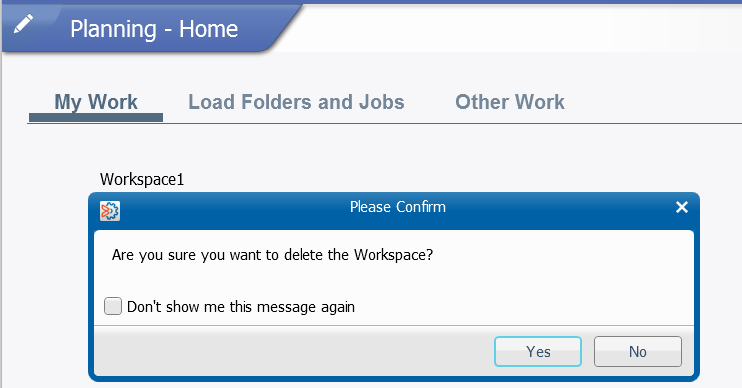
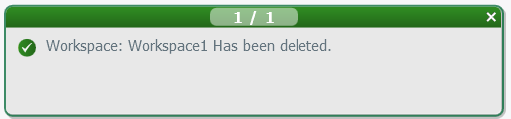
Then you will have a confirmation
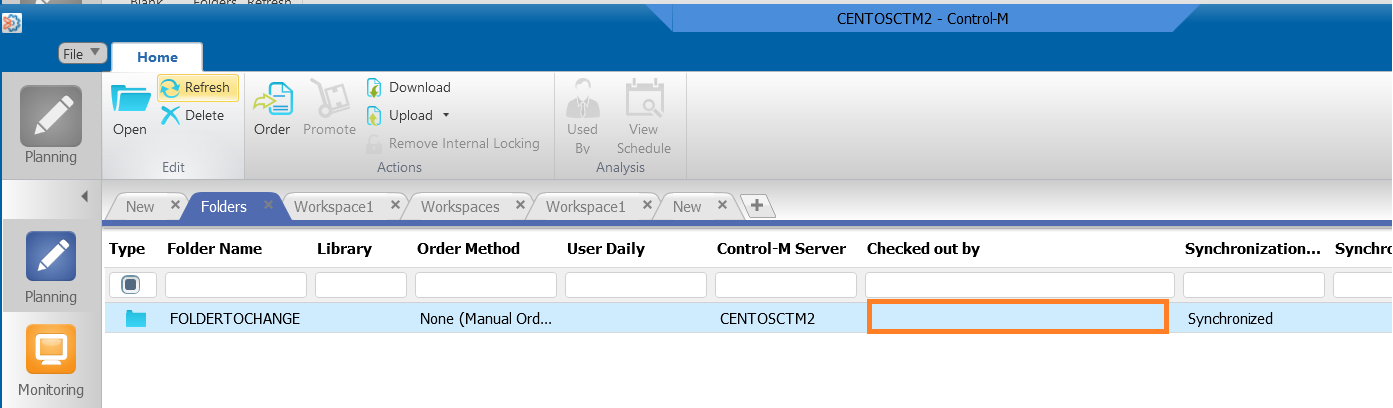
As result you will see, when selecting the folder,that no user is assign to him:
Conclusion
You are now able to take ownership on a folder and update it as you want but remember you must do it only if you are sure that the owner is not working on it anymore, in other case you have to advert him
You can consult also BMC site and videos to go further, what about taking ownership on web server??? 🙂
I invite you also to consult my dbi’s colleagues blogs on Control M to learn more ways to use this flexible software 😎 .
Next blogs coming : Mass update and shouts and even more….Stay tuned!
