Skip to content

Microsoft Team

Posts published under the Microsoft Team account are collective contributions by the dbi services Microsoft consultants. The practice covers SQL Server across its lifecycle, from installation, migration, and security to high availability with Always On and performance tuning, together with Azure data services and the Microsoft Business Intelligence stack, including Power BI. The team holds Microsoft certifications up to Expert level and operates customer platforms under service level agreements.

263 posts since October 2011

SQL Server TCP: Having both Dynamic Ports and Static Port configured

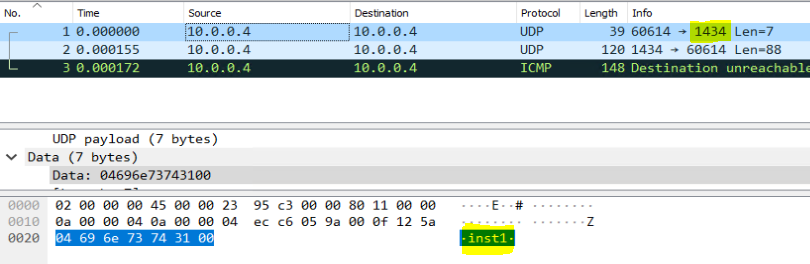
Introduction Have you ever seen an SQL Server instance configured to listen on both “TCP Dynamic Ports” and “TCP (static) Port”? This kind of configuration can be caused by the following scenario: A named instance is installed. By default, it is configured to use dynamic ports. Someone wants to configure the instance to listen to a fixed port and set… 

Validate your SQL Server infrastructure with dbachecks

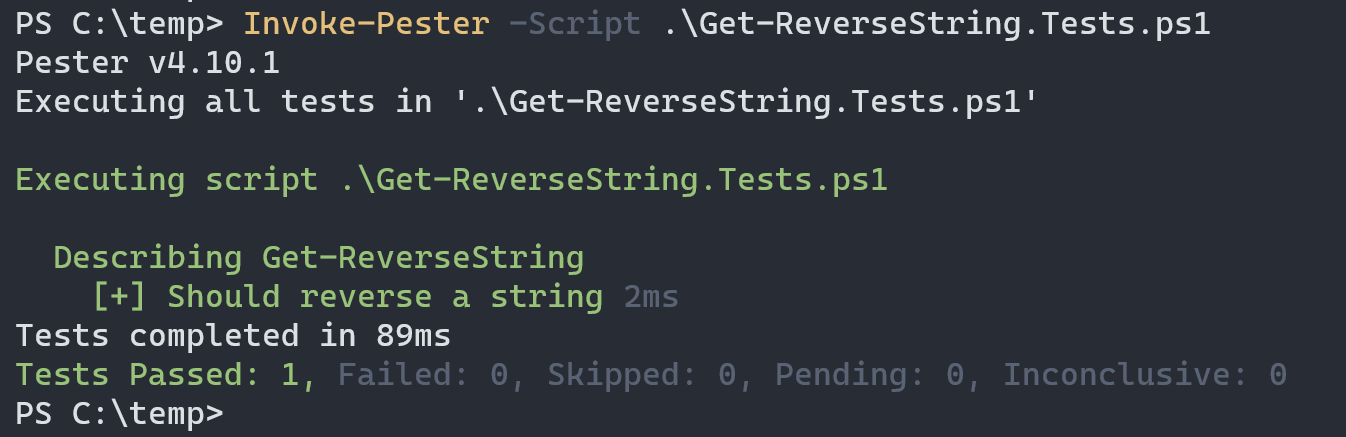
Introduction In this blog post, I’ll do an introduction to the PowerShell module dbachecks. dbachecks uses Pester and dbatools to validate your SQL Server infrastructure. With very minimal configuration you can check that your infrastructure is configured following standard best practices or your own policy. We will see the following topics – Prerequisites for dbachecks Installation – Introduction to Pester… 

SQL Server: Generating SQL script using PowerShell and Template file

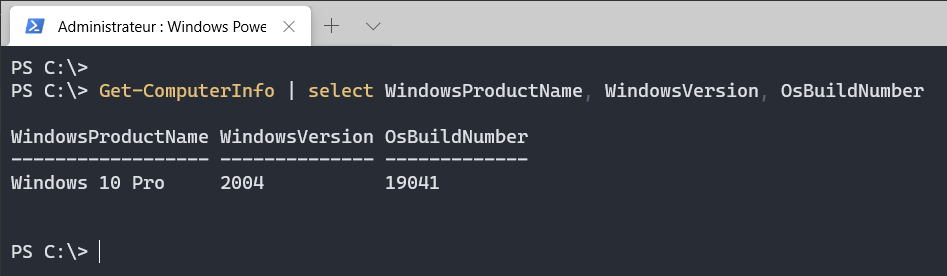
In this blog post, I will share with you a small PowerShell script I did recently. I have noticed that my customer performs a very repetitive and time-consuming task almost every day. New columns are added to tables on their business-critical database and they need to maintain SQL scripts file with all the ALTER TABLE statements for each new column.… 

SQL Server AlwaysOn node “Add all eligible storage to the cluster”

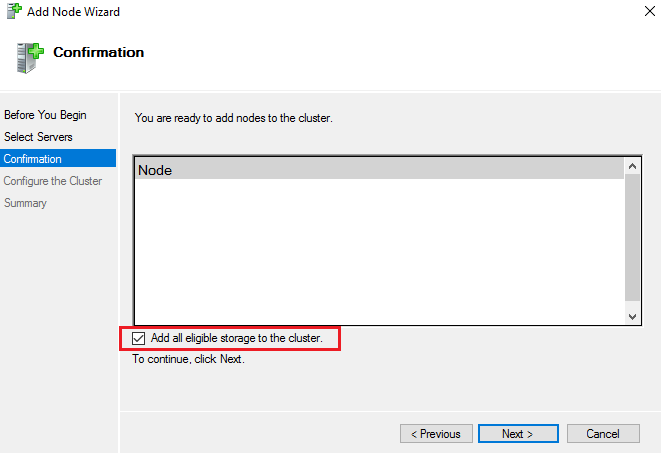
I made a mistake recently when adding a new node to an existing Windows Failover Cluster supporting AlwaysOn SQL Server instances. When adding a new node using the GUI there’s this option checked by default named “Add all eligible storage to the cluster”. Before performing the operation the disks on the 2 nodes of my cluster were used by the… 

SQL Server: High SQLCONNECTIONPOOL Memory Clerk consumption

In this blog post, I will show you what I did to troubleshoot an interesting problem with Memory on SQL Server. It all started with a job performing DBCC CHECKDB on all databases taking hours to complete instead of 10 minutes. So the Job ran outside of its maintenance window, still running in the morning when users come back to… 

SQL Server: Change Availability Group Endpoint Ownership

I’m doing some cleaning on my customer’s instances. I want to delete the login of a previous DBA for 2 reasons; this person does not work anymore in my customer’s company and all DBA are members of a group that is given permission on the instances. I don’t want to see any DBA’s personal login on SQL Server instances. When… 

Azure Active Directory

Microsoft Teams, Power Automate and Planner

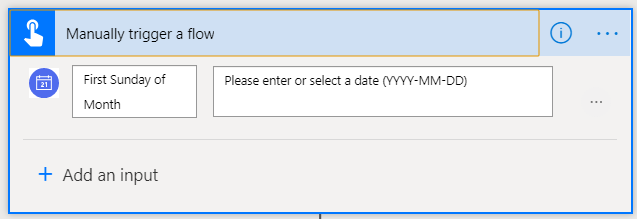
As we moved to Teams at dbi and one of our customers, automating tasks was a strong need. One of the tasks that could be automated is the creation of tasks in Microsoft Planner which does not support recurring tasks. Every 4 weeks, we are patching the environment. For everyone awareness and follow up, we need to publish these dates… 

Introduction to Azure SQL Database Auto-failover groups

SQL Azure Database by default offers a 99.99% availability SLA across all its service tiers. This means that for any database, the downtime should not exceed 52 minutes per year. Using Zone redundancy increases availability to 99.995% which is about 26 minutes per year. These impressive numbers can be achieved through in-region redundancy of the compute and storage resources and… 

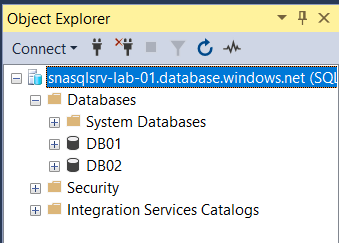
SSMS_Azure_Database