

Working as a control-M administrator, we are often requested to hold jobs or stop jobs during a period of time. Holding jobs and updating the job configuration might not be the most efficient way to do this. Workload policies is making your life really easier, giving you the possibility to configure such modification in advance and to let the system act independently whether the NDP (New Day Processing) is in the middle of the period range or not.
Job configuration and execution
In my lab, I have got a cyclic job called OS_Job#test4. Every 2 Minutes, from its End, this job is executing the following command hostname && cd $HOME && ls && cat installed-versions.txt && sleep 30.
The output of the job would be the following.
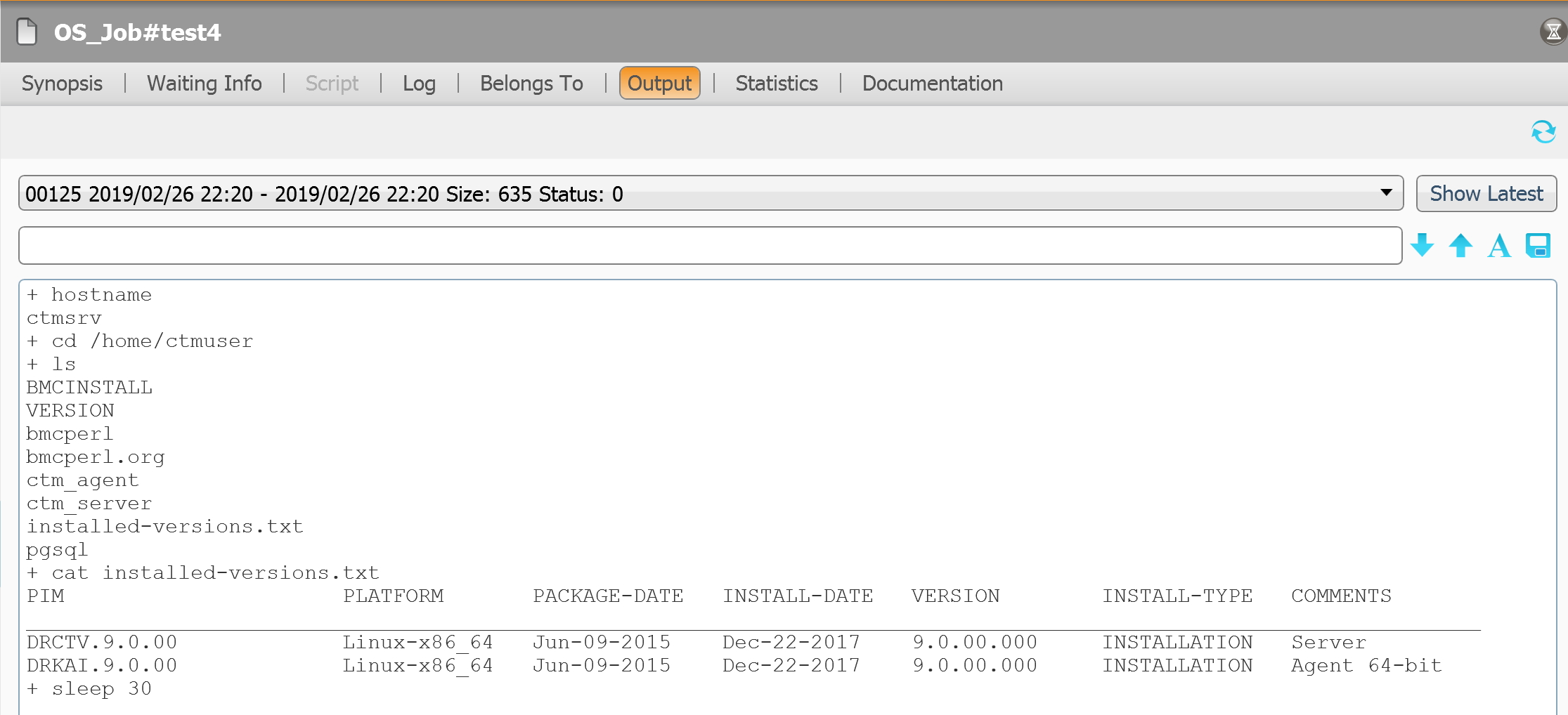
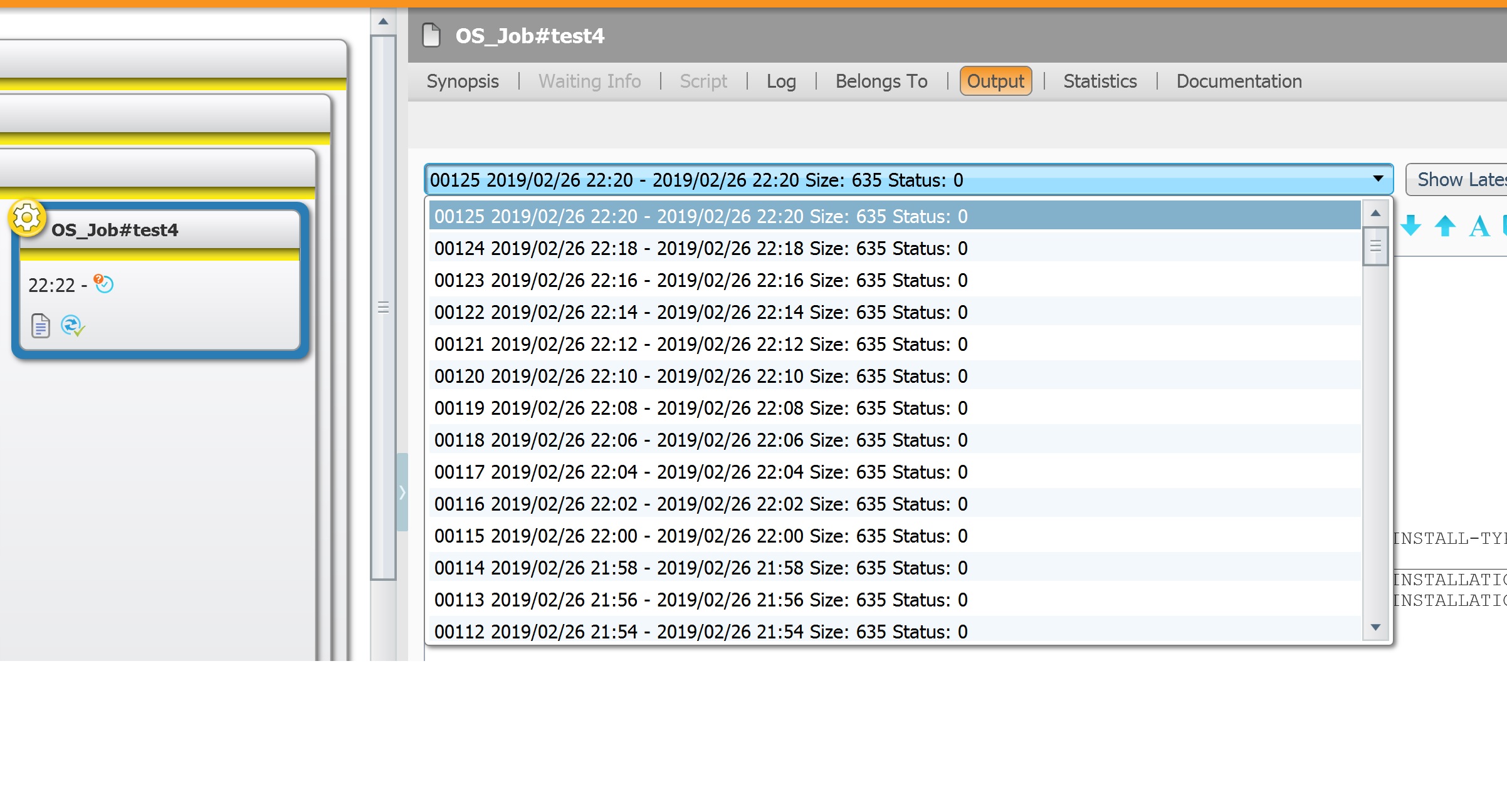
The job is executing every 2 minutes.
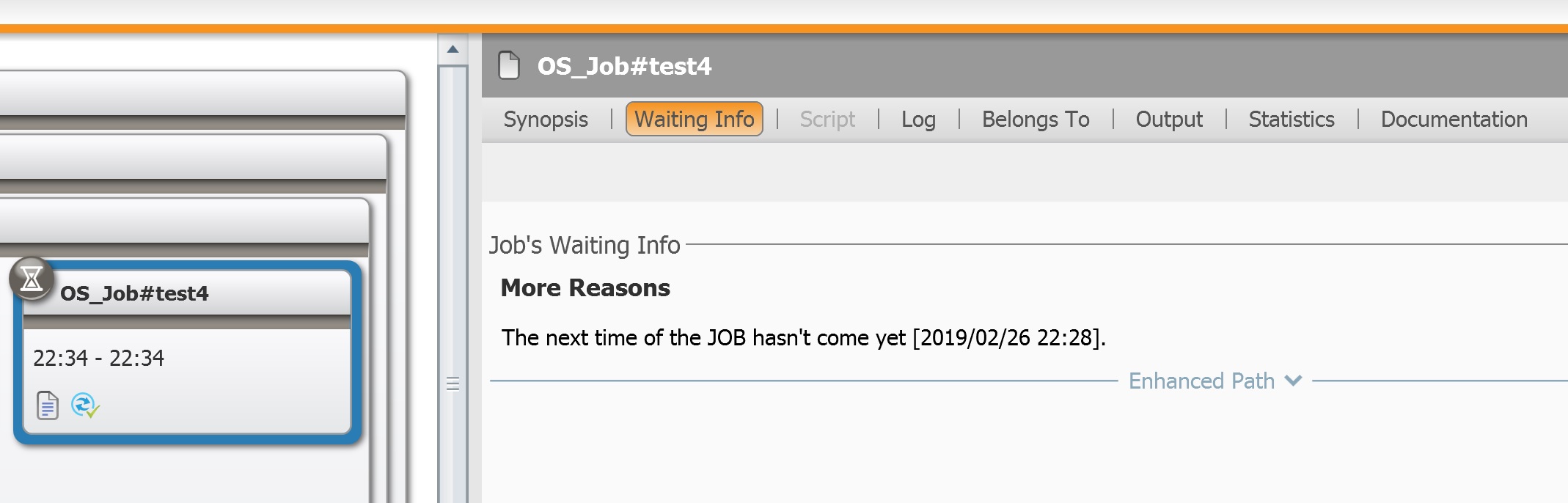
The job is waiting for the next execution time window.
Workload policies Manager
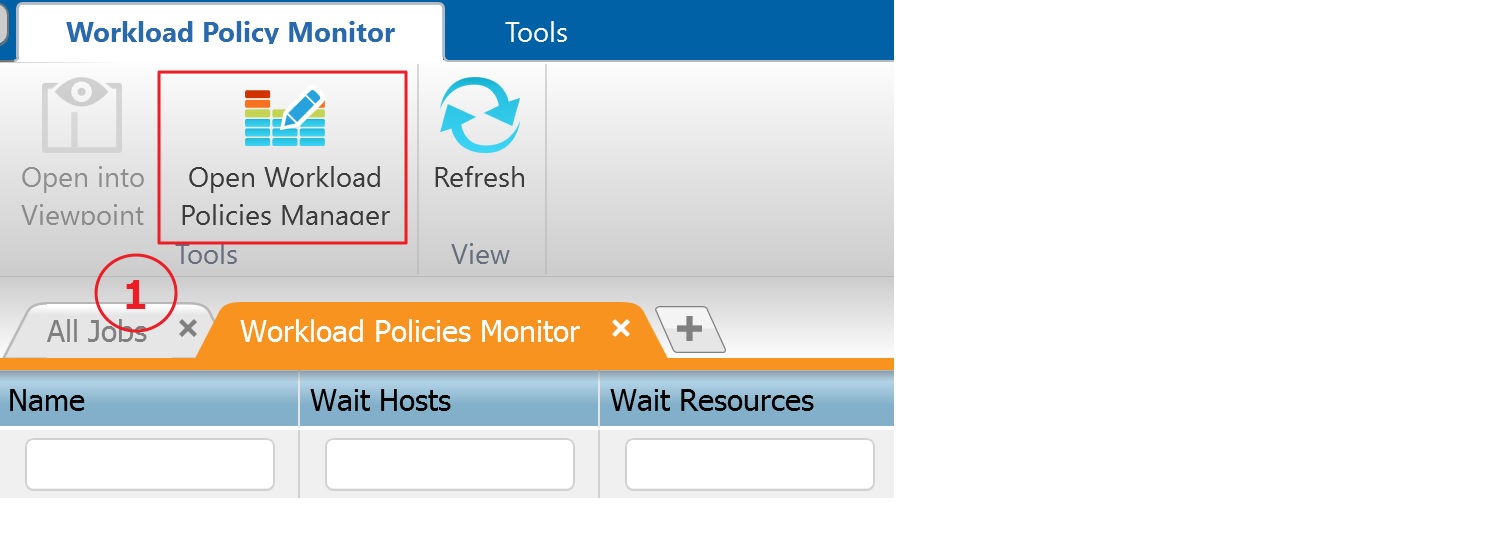
Let’s configure a workload policy. In monitoring, tools, click on Workload Policy Monitor button.
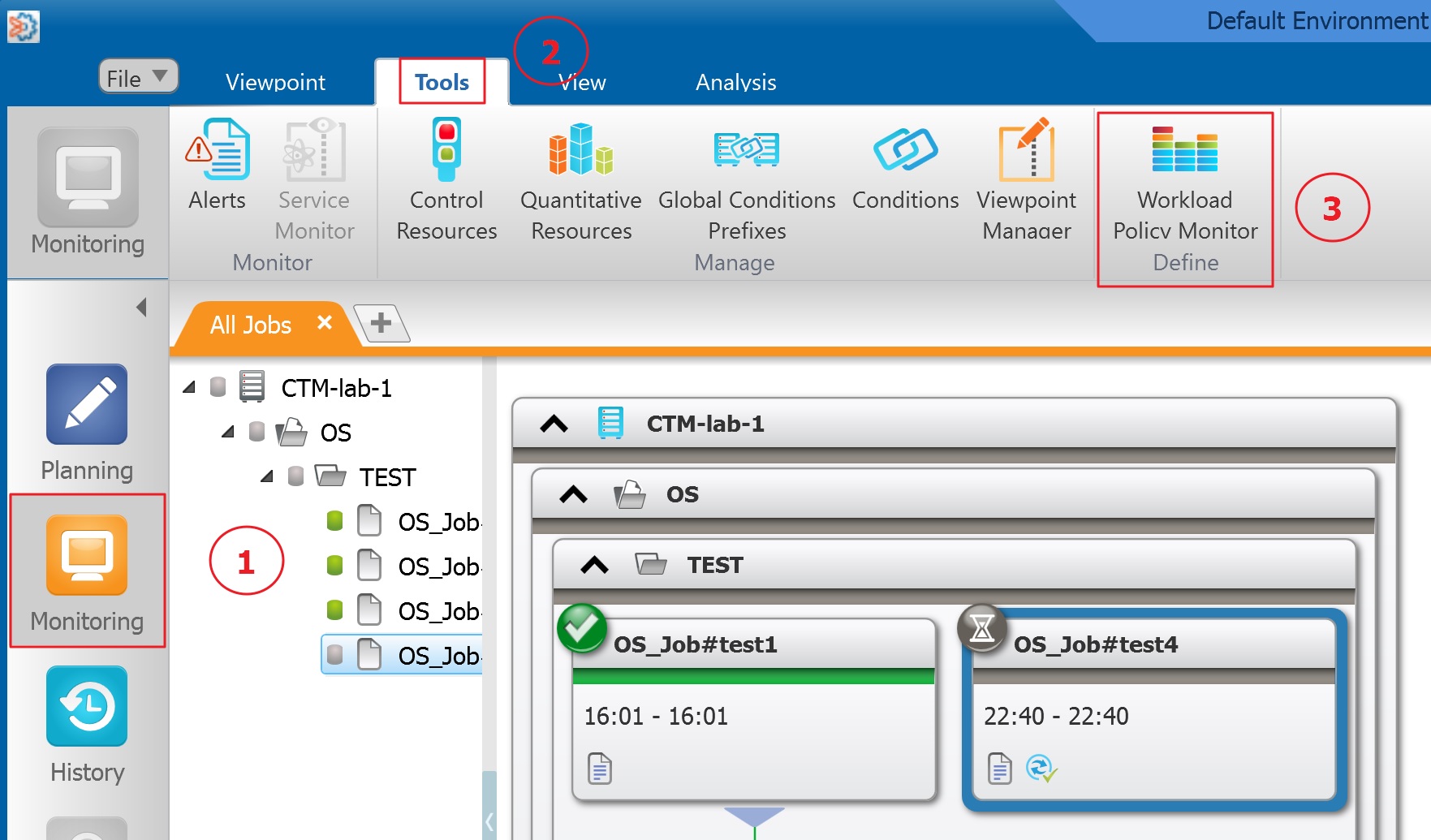
Open Workload Policies Manager in order to create a policy.
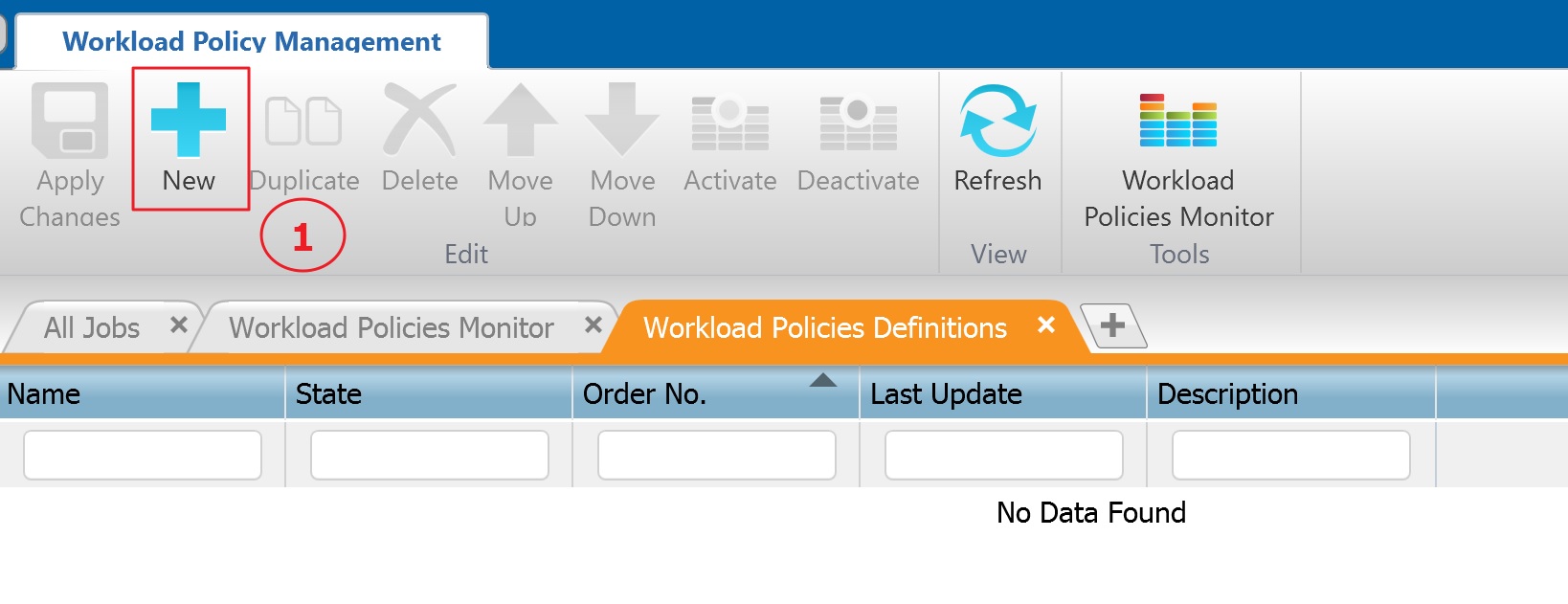
Let’s configure the policy not to have that specific job running from 23:15 to 23:30.
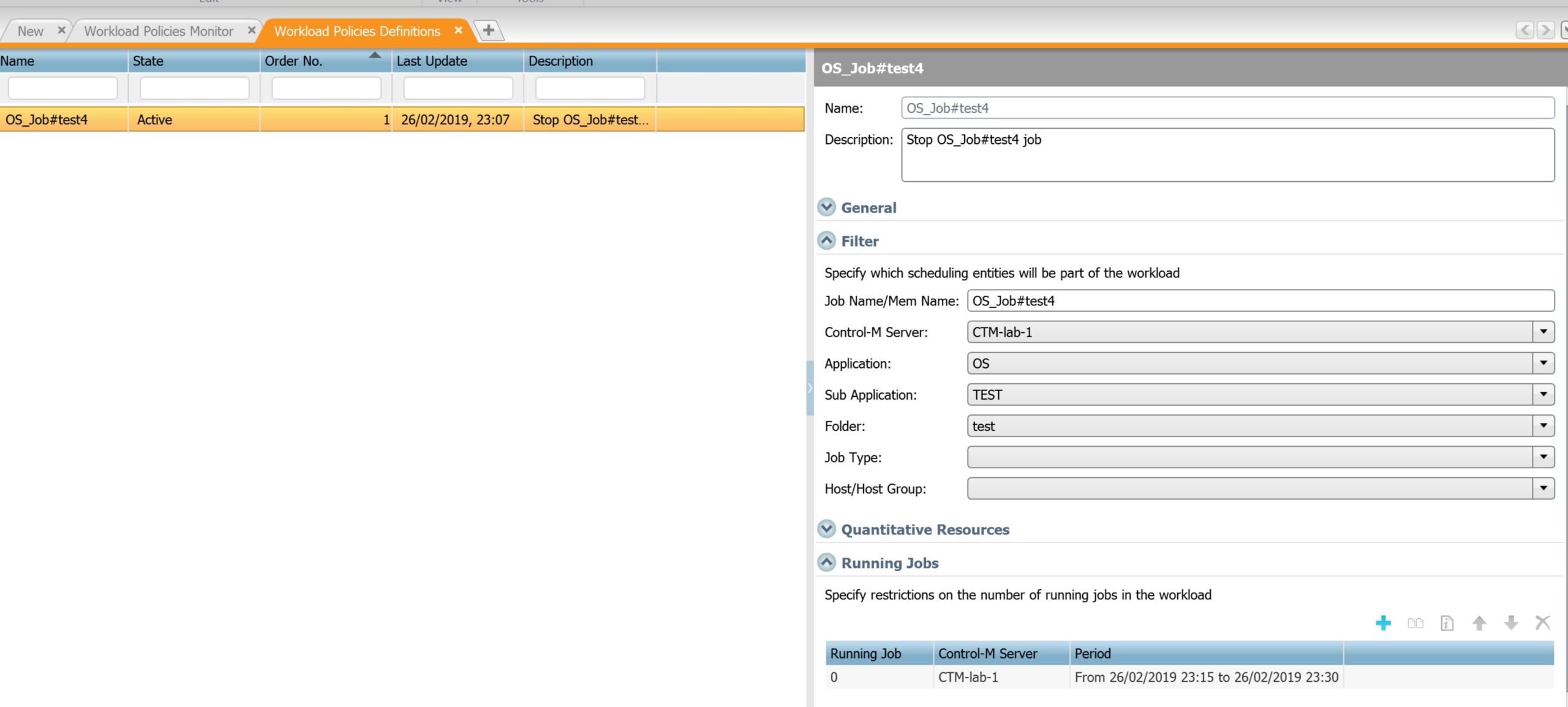
Recommendation is to specify the application, sub-application and folder, in order to limit impact if there is 2 same job name.
Using * character as job name would include all jobs from specified folder.
Set running job to value 0 to have no expected job running.
When setting the period time, you need to take in account when the NDP is happening. For example, if the NDP is happening every day at 12pm, this would mean that you would setup :
- Time from 08.02.2019 9am to 10.02.2019 9am to stop job as calendar date/time from 09.02.2019 9am until 11.02.2019 9am
- Time from 08.02.2019 9am to 09.02.2019 5pm to stop job as calendar date/time from 09.02.2019 9am until 09.02.2019 5pm
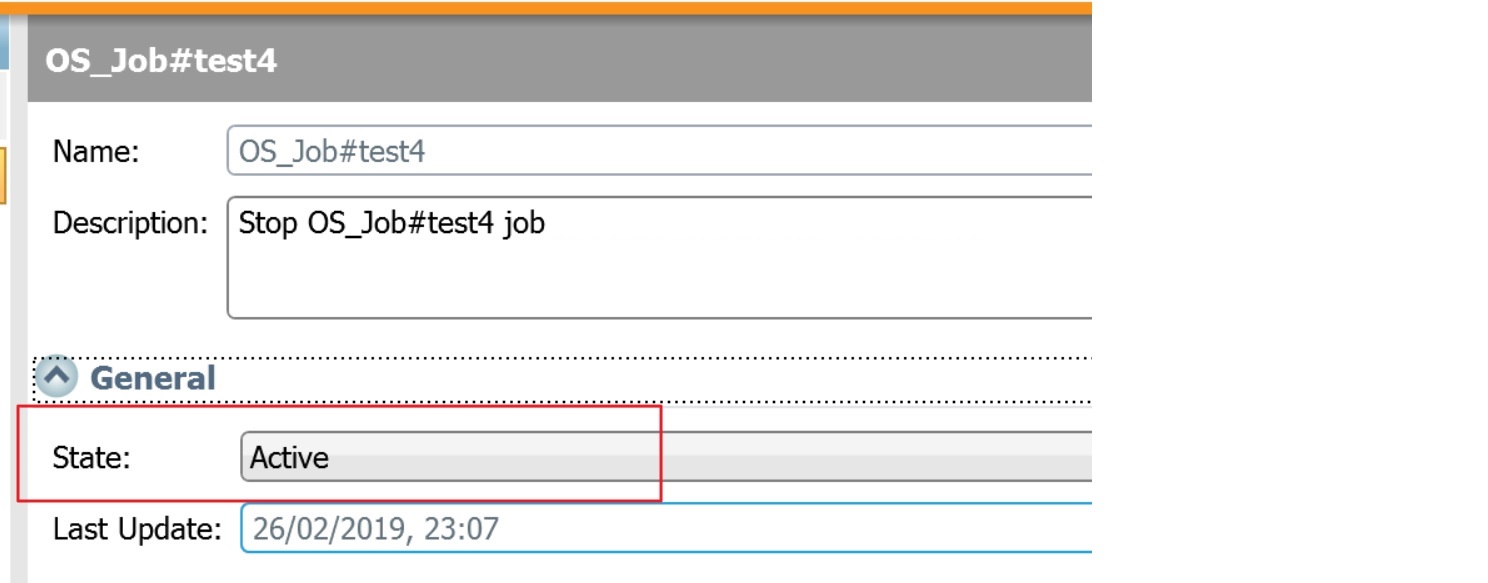
The workload policy needs to be activated.
Monitor Workload Policy
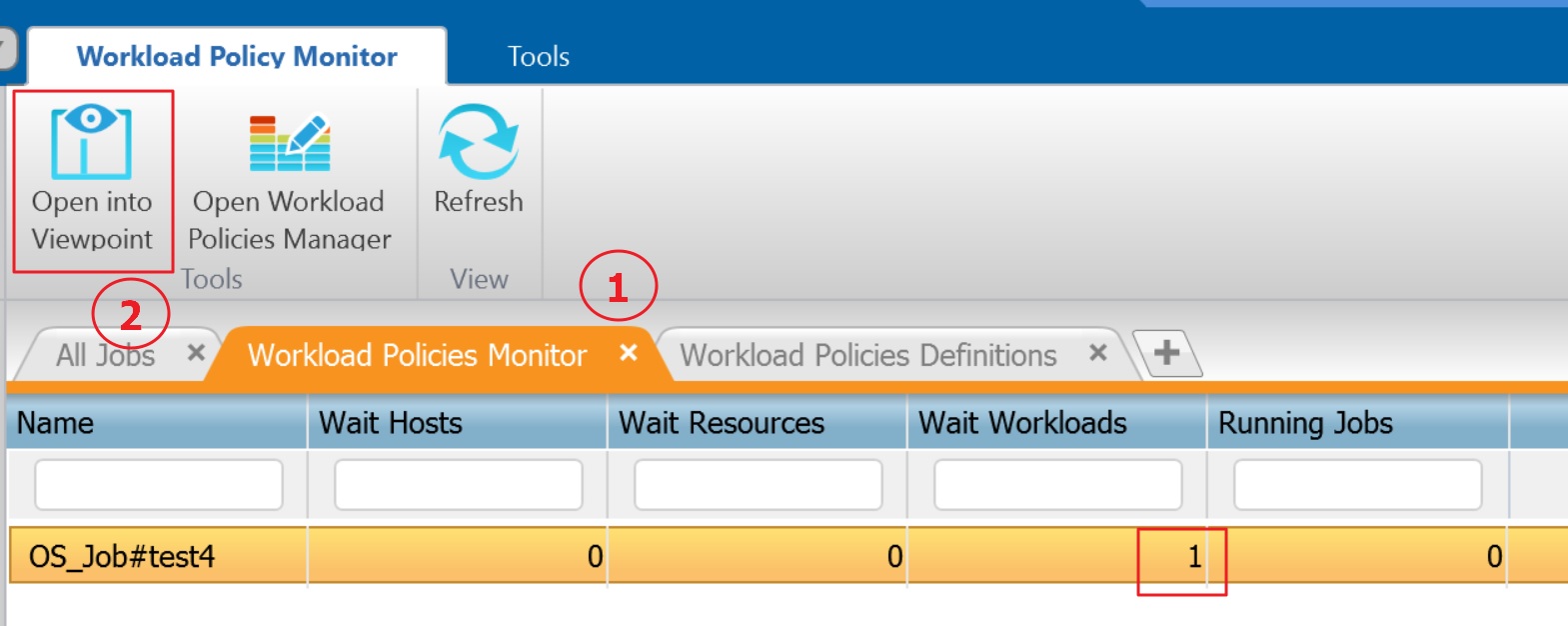
Workload Policies monitor dashboard will show one job in wait status. Using viewpoint, we can monitor the jobs concerned by the newly created policy.
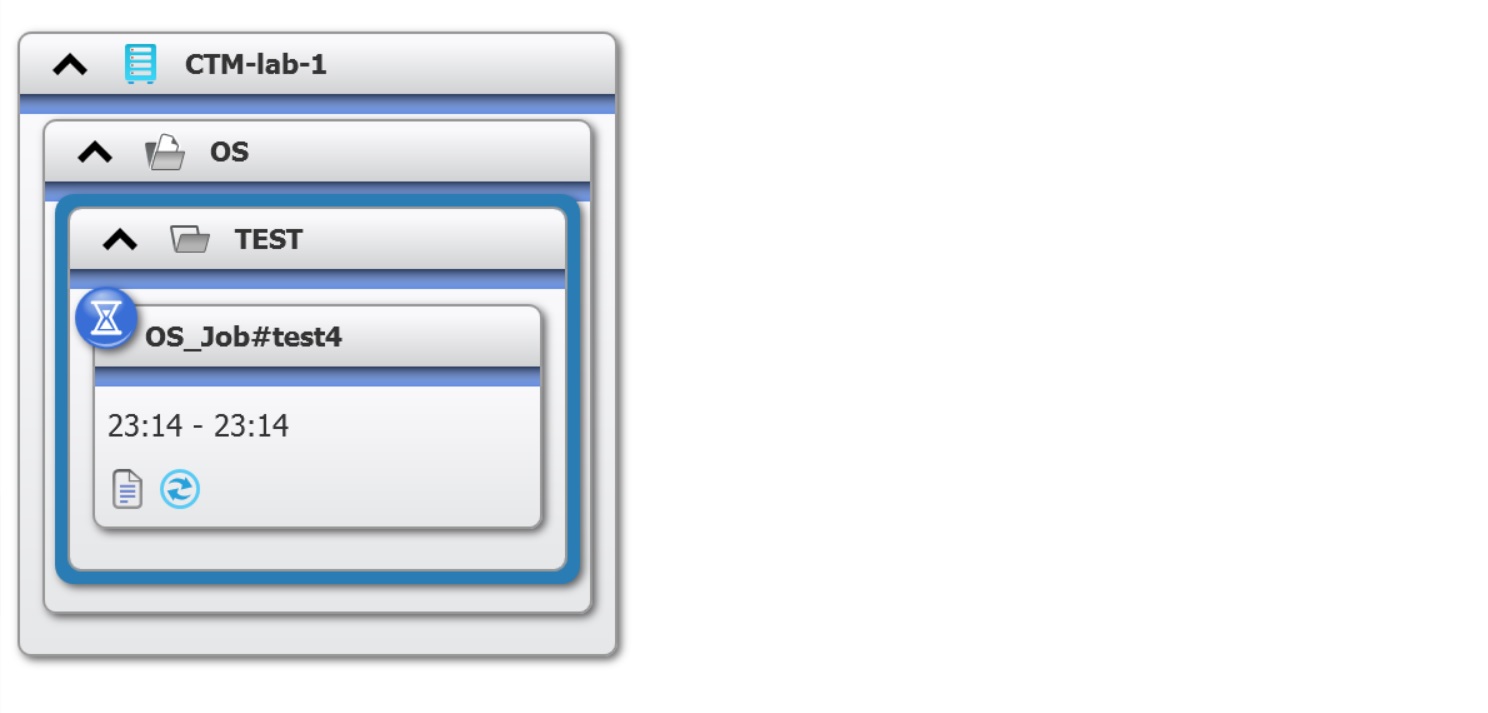
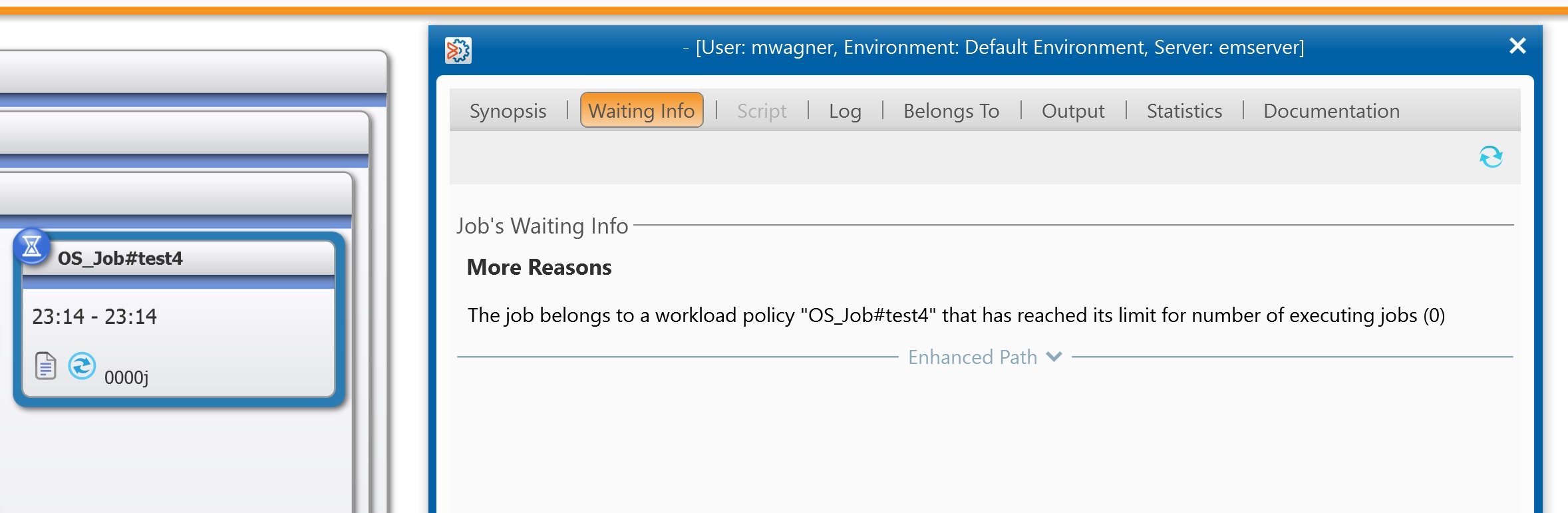
For the run between 23:15 and 23:30, the job will not be executed as belonging to an active workload policy.
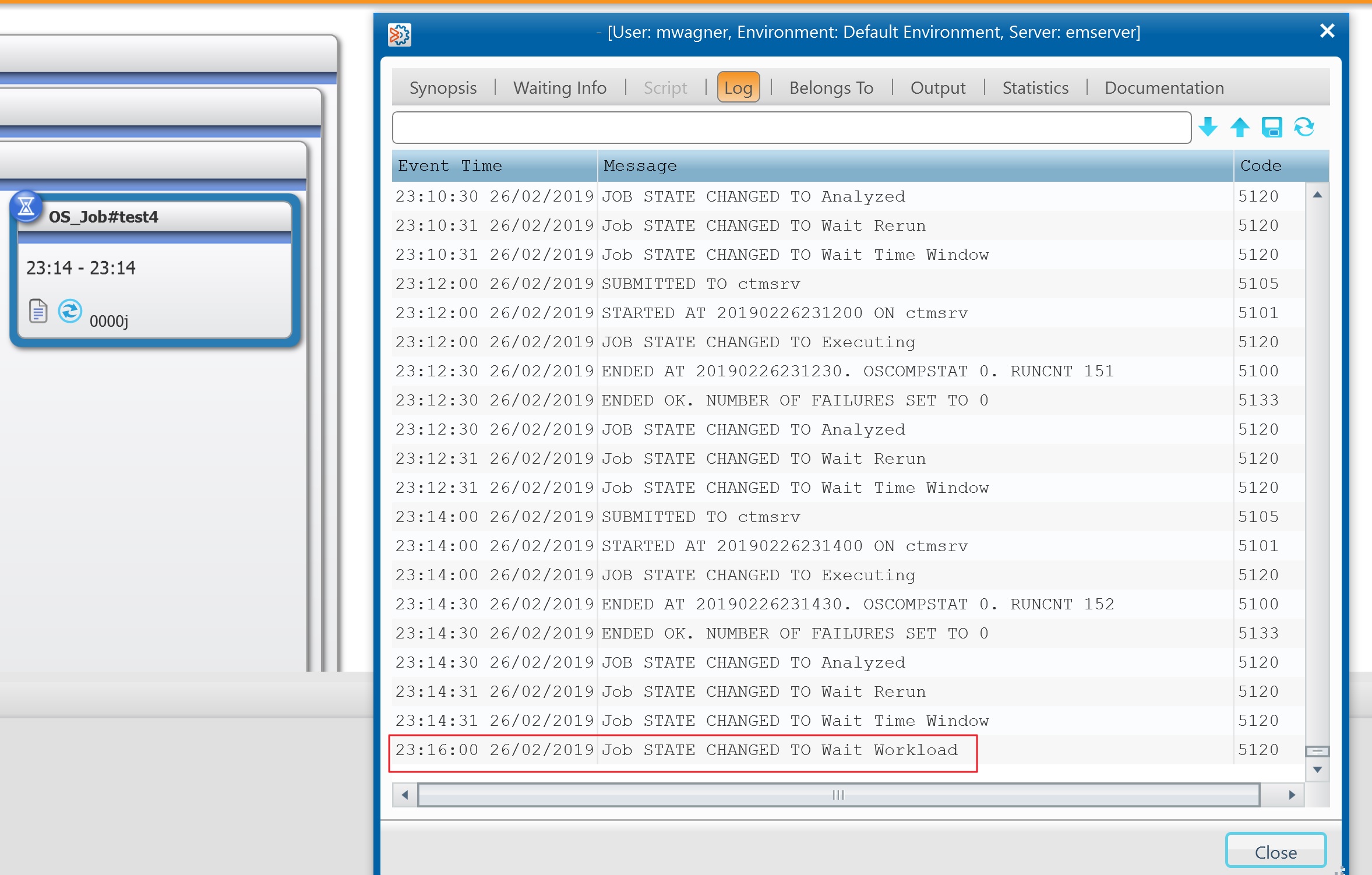
Logs are showing the same.
You would need to be aware that :
- The workload will only act on the jobs once the current execution status is over.
- You don’t have to take care of the NDP. In case the NDP is included in the range period, the current job will be removed and a new one will be ordered and will only start once the workload policy time range is over.
This Workload Policy function is quite interesting and helpful. Before implementing it and using it for a first time on production, I still recommend you to test it in a lab and get used to it.