Skip to content

SQL Server 2012

Contained Availability Group and login failed

A contained availability group is a special availability group which manages its owns logins, users, permissions, jobs… with a dedicated master and msdb system databases, more information here.At a customer place we found some unexpected “login failed” for the group managed service account in the SQL Server logs. The source of the issue is coming from a PowerShell script executing… 

SQL Server Tips: Path of the default trace file is null

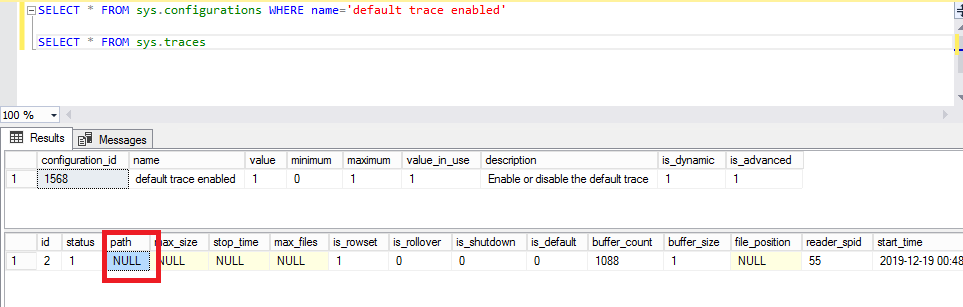
In addition of my precedent blog about this subject “SQL Server Tips: Default trace enabled but no file is active…”, I add a new case where the default path of the trace file was empty. The first step was to verify if the default trace is enabled with the command: SELECT * FROM sys.configurations WHERE name=’default trace enable’ It is… 

SQL Server Tips: Deactivate the Customer Experience Improvement Program (CEIP)

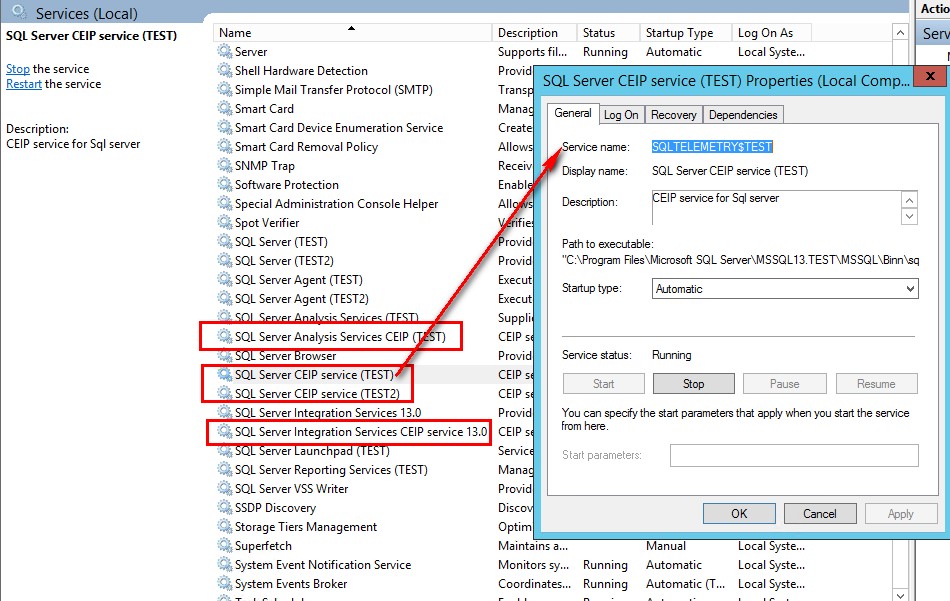
Before SQL Server 2016, you had the possibility to check the case “Send Windows and SQL Server Error Reports….” during the installation if you want to be a part of the Customer Experience Improvement Program (CEIP). In SQL Server 2016, after the installation, all of the CEIP are automatically turned on. Why? SQL Server and SQL Azure share the same… 

SQL Server AlwaysOn availability groups and statistic issues on secondaries

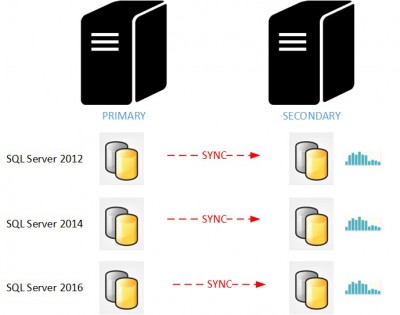
I would like to share with you an interesting issue you may face while using SQL Server AlwaysOn availability groups and secondary read-only replicas. For those who use secondary read-only replicas as reporting servers, keep reading this blog post because it is about update statistics behavior on the secondary replicas and as you may know cardinality estimation accuracy is an… 

Columnstore index rebuild cannot start

A couple of weeks ago, I was charged to migrate an SQL Server datawarehouse environment to a more recent version of SQL Server (from 2005 to 2012 in my case). After discussing with my customer we decided to benefit from the nonclustered columnstore index feature to improve reporting queries performance directly executed against the concerned database. So the implementation was… 

syspolicy_purge_history job and PowerShell ExecutionPolicy

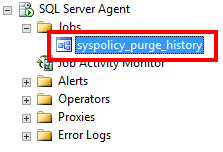
Since SQL Server 2008, Microsoft has introduced a system job called “syspolicy_purge_history”. This job is installed and enabled by default, and it contains three steps scheduled at 02:00 AM:   What is this job? And what is it for? Since SQL Server 2008, a new feature called Policy Based Management has been added. When your policies are run, the results… 

Journées SQL Server 2015: Retrouvez nos sessions sur SlideShare et Youtube!

Avant de partir pour des vacances bien méritées et une année pleine d’aventures sur SQL Server, je fais un dernier petit article pour vous informer que nos sessions des Journées SQL Server 2015 sont disponible sur SlideShare et Youtube. Un grand merci à l’équipe du GUSS pour l’organisation et leur confiance en nous. N’hésitez pas à aller également évaluer nos… 

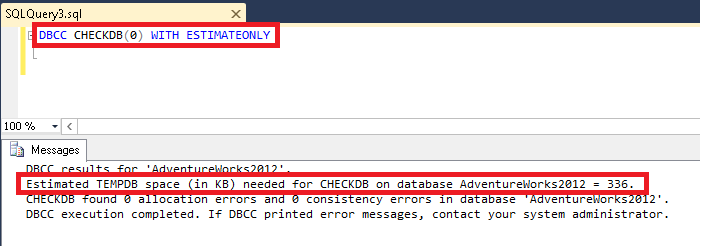
How to be sure that tempdb size is good to run a DBCC CHECKDB?

In many blogs or forums, you can read that the answer is to use the option: WITH ESTIMATEONLY. With this option, you can easily have the space estimation needed to check the database in tempdb. But be careful, only since SQL Server 2014, this estimation has been good! See the PS from Paul Randal’s blog for this information, here But… 

Security via policies

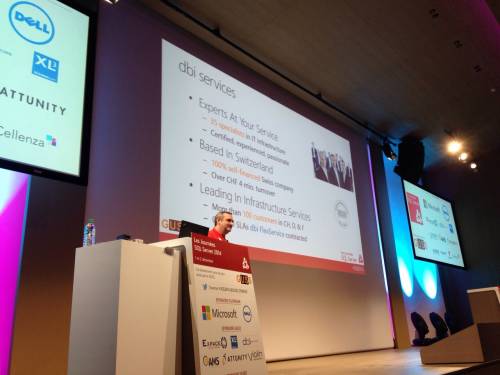
Few weeks ago, I presented the session on security via Policies for “Les journées SQL Server 2014”, organized by the French SQL Server User Group (GUSS) in Paris. I promised to post our policies script on a blog. Security Policies are split into 4 categories: Server Instance Database Data All policies follow this naming convention: dbi_”Level number”_”Level name”_”Policy name” I… 

SQL Server tips: Executing a query with the EXECUTE command

This short SQL Server blog post is meant to help people who have experienced the error messages 2812 and 203 with the EXECUTE command. The goal is to execute a simple query from a variable in a string format with the EXECUTE (exec) command. Very easy, isn’t it? Ok, let’s GO! If I execute “select * from sys.databases” in SSMS,… 

SQL Server & memory leak: Are you sure?

I have recently come across an issue with one of my customer that told me that their SQL Server 2008 R2 instance had a memory leak. These are strong words! The server has 64 GB of RAM and the concerned SQL Server instance is limited to 54 GB according to the max server memory (GB) server option. However, he noticed…