Stéphane Haby has more than 20 years of experience in Microsoft solutions, specializing in the installation, migration, best practices, and performance analysis of Microsoft SQL Server, as well as Microsoft Business Intelligence solutions (SharePoint, Office) and .NET development for the banking sector. A former Microsoft Most Valuable Professional (MVP) and early adopter of Microsoft Team System in France, he has authored several technical articles. He holds Microsoft Certified Solutions Associate (MCSA) and Expert (MCSE) for SQL Server, MCTS, MCITP for SQL Server 2008, and ITIL V3 Foundation certifications. His industry experience covers chemicals and pharma, banking, and financial services.
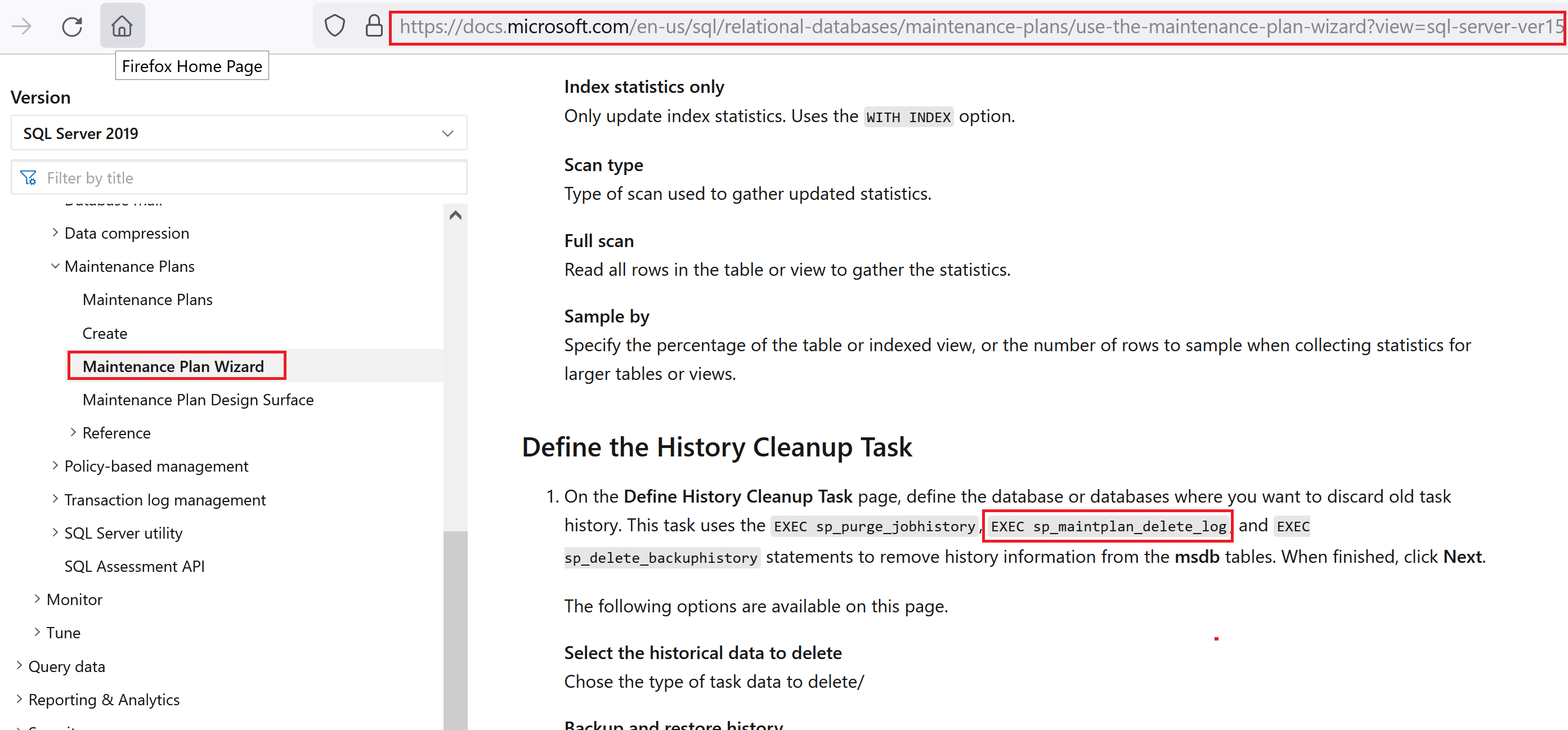
Today, I was by a new customer and the I see that the msdb data file was over 4GB. A little too big… To see which table are so big, in SSMS, I select the msdb database, right-click, go in Reports>Standards Reports> Disk usage by Top Tables As you can see, the table dbo.sysmainplan_logdetail is the big one with a…
By a customer this month, I see a very big big ErrorLog file (more than 1,5GB). When I open the file, every 5 seconds, the following message is added: The activated proc ‘[dbo].[IdentityServerNotificationCleanup]’ running on queue ‘<database>.dbo.IdentityServerNotificationsQueue’ output the following: ‘Cannot execute as the database principal because the principal “dbo” does not exist, this type of principal cannot be impersonated,…
This week, a customer asks me to find out how many SQL Server Standard licenses are used in their environment. The licensing is core based and to not be used for Sserver + Cals licenses. To have an idea, I create a script following the Microsoft document about the licensing here. This script is valid for the SQL Server 2016,…
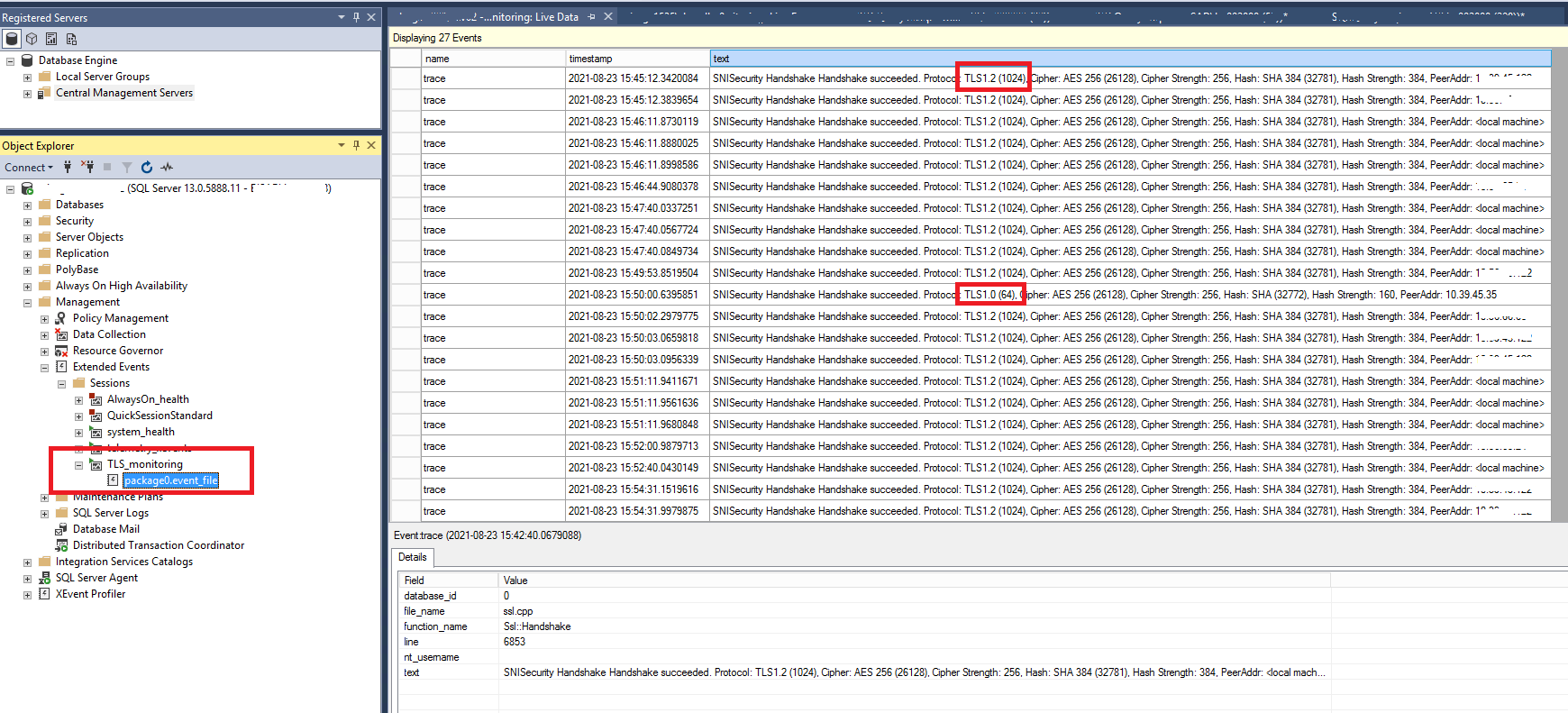
For a customer, I do some research to find which TLS is used on the SQL Server environment. The only way is to create an Extended Event. A big limitation is that the event used is only available on SQL Server 2016 and +. Before use the Built-In Diagnostics (BID) traces. After I implanted the first TLS Monitoring on a…
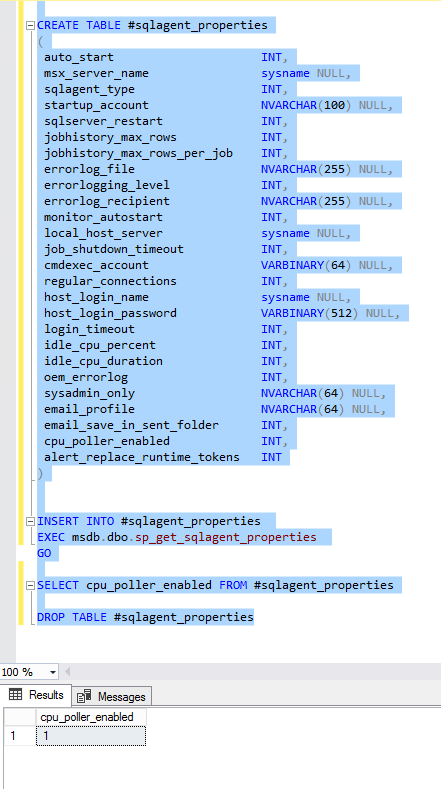
Few days ago, after a reboot, we had this warning on the Agent Error Logs on many servers: Warning [396] An idle CPU condition has not been defined – OnIdle job schedules will have no effect “The CPU idle definition influences how Microsoft SQL Server Agent responds to events. For example, suppose that you define the CPU idle condition as…
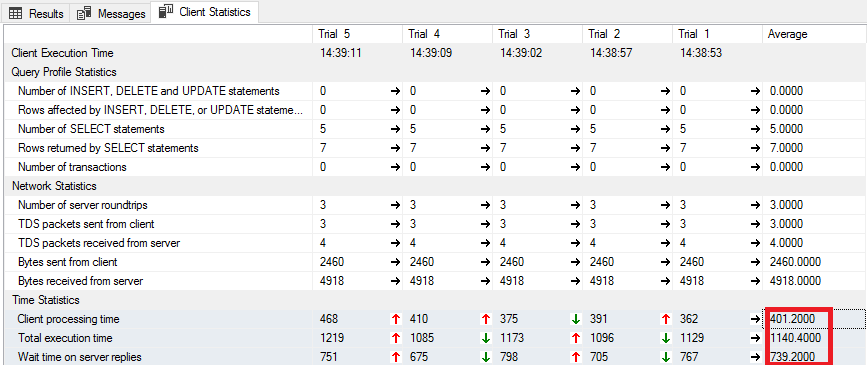
Few days ago, I have very poor performance on a database that I migrate from SQL 2012 to SQL 2019. The developer Team asks me to upgrade the number of CPU and the Memory to have better performance. First, I ask the Team to give me some queries sample to test the performance between the old environment in SQL server…
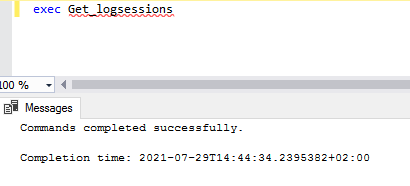
This week I have a new little challenge by a customer. By executing a “standard” stored procedure, I have the error: Msg 468, Level 16, State 9, Procedure Get_logsessions, Line 56 [Batch Start Line 119] Cannot resolve the collation conflict between “Latin1_General_CI_AS” and “Latin1_General_CI_AS_KS_WS” in the equal to operation. The Stored Procedure named Get_Logsessions is to log all sessions running…
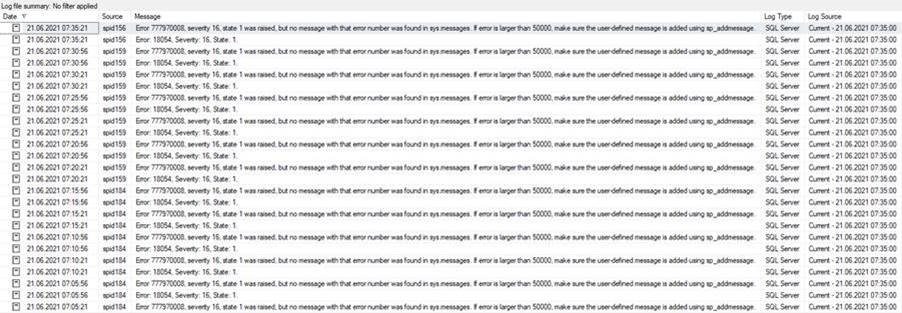
Few weeks ago, during a audit, I have a lot of error 777970008 in the errorlog file from the SCOM instance. All 5 minutes, we had 4 lines more in the ErrorLog and the file growth a lot. After using google to find a cause of this message and resolve it, I finally find a good blog from Kevin Holman.…
SQL Server 2019 added three new options in sp_configure and sys.configurations. First, how can we find the difference between these SQL Server Versions. This simple query will give us the number of options and the SQL Server Version: select count(*) as number_of_configurations, @@version FROM sys.database_scoped_configurations In SQL server 2016, we have 4 parameters for the database configuration: In SQL server…
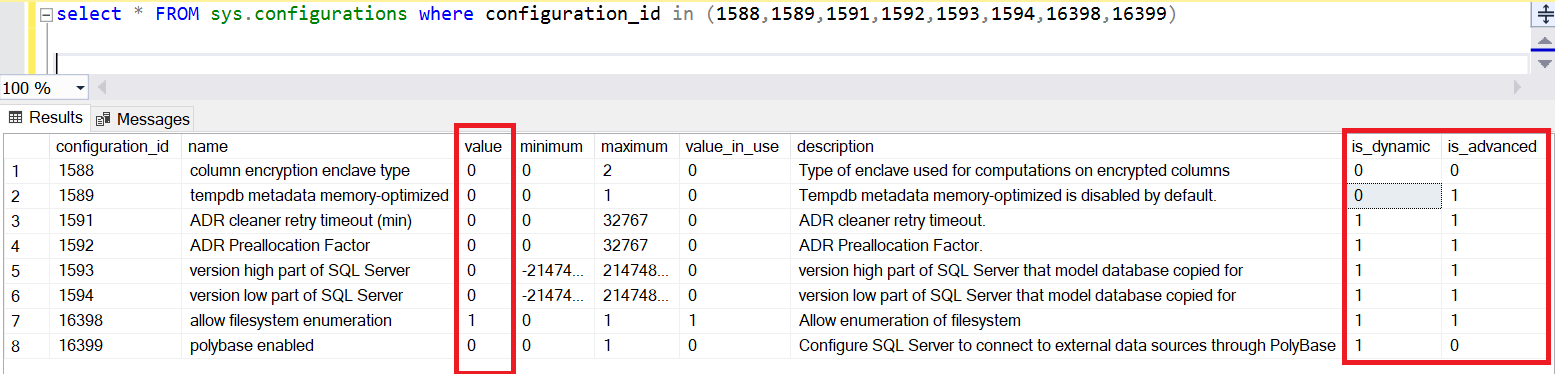
SQL Server 2019 added new options in sp_configure and sys.configurations. First, how can we find the difference between these SQL Server Versions. This simple query will give us the number of options and the SQL Server Version: select count(*),@@version FROM sys.configurations In SQL server 2016, we have 74 parameters for the instance configuration: In SQL server 2017, we have 77…
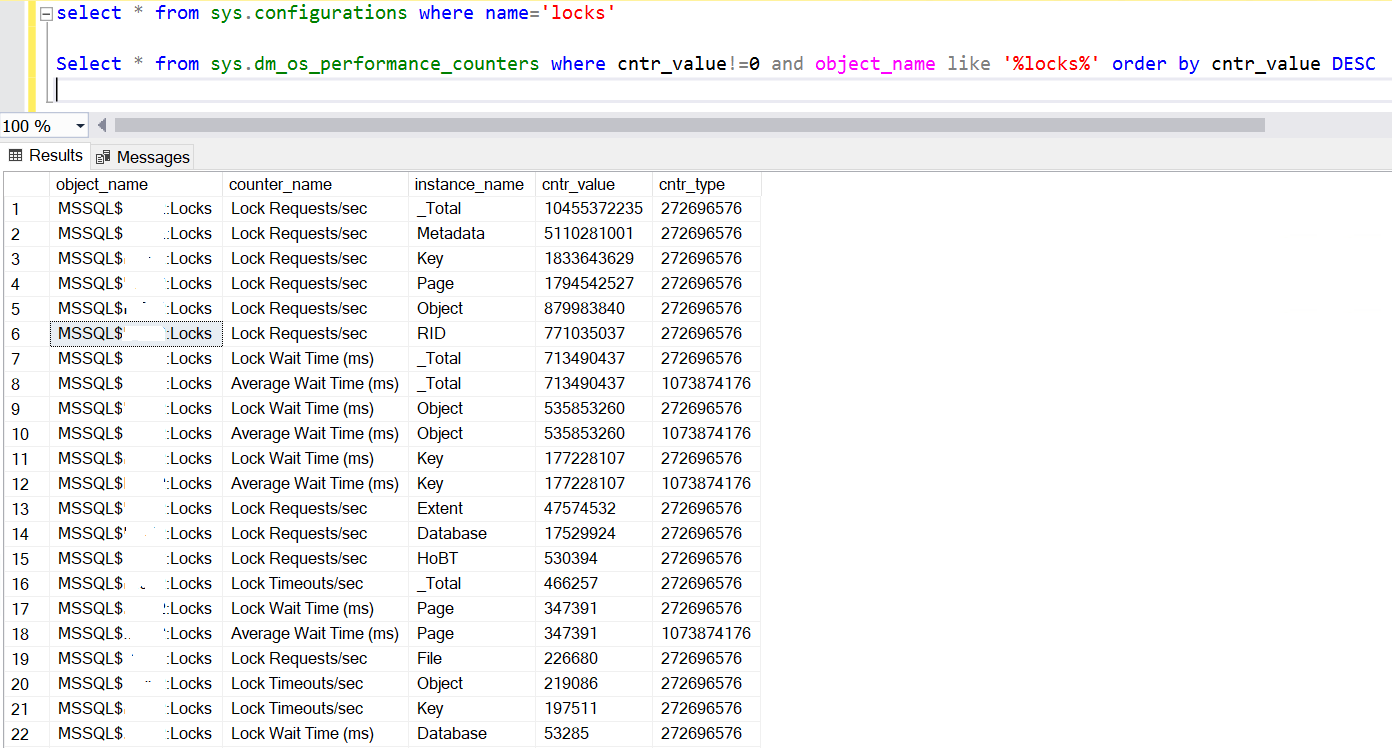
I have an interested alert on SCOM for SQL Server by a customer two weeks ago. In the SCOM interface, the warning on the server is MSSQL2016: The Average Wait Time of SQL instance “xxx” on computer “xxx” is too high. After right-click on the properties, go to the tab Alert Context. On this part, you can see that the…
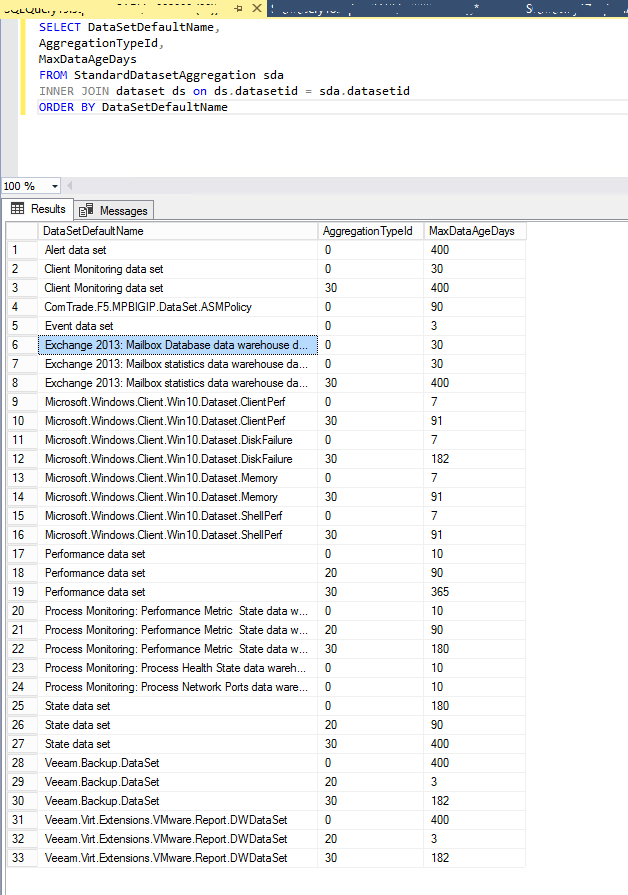
By a customer, the SCOM’s Database OperationManagerDW growth fast and becomes very big. To see what’s happens, in SSMS (SQL Server Management Studio), I right-click on the database open Reports>Standard Report> Disk Usage by Top Tables: You have many interesting reports with SSMS and I advise you to use it. In my case the “Disk Usage by Top Tables” report…