Skip to content

Middleware Team

Posts published under the Middleware Team account are collective contributions by the dbi services middleware and enterprise content management consultants. The practice covers ECM platforms such as OpenText Documentum, Alfresco, and M-Files, as well as application servers and integration technologies including WebLogic, JBoss, Tomcat, and the Elastic Stack, from architecture and deployment to operations under service level agreements.

322 posts since February 2013

Control-M/EM Mass update,some examples on how to use it

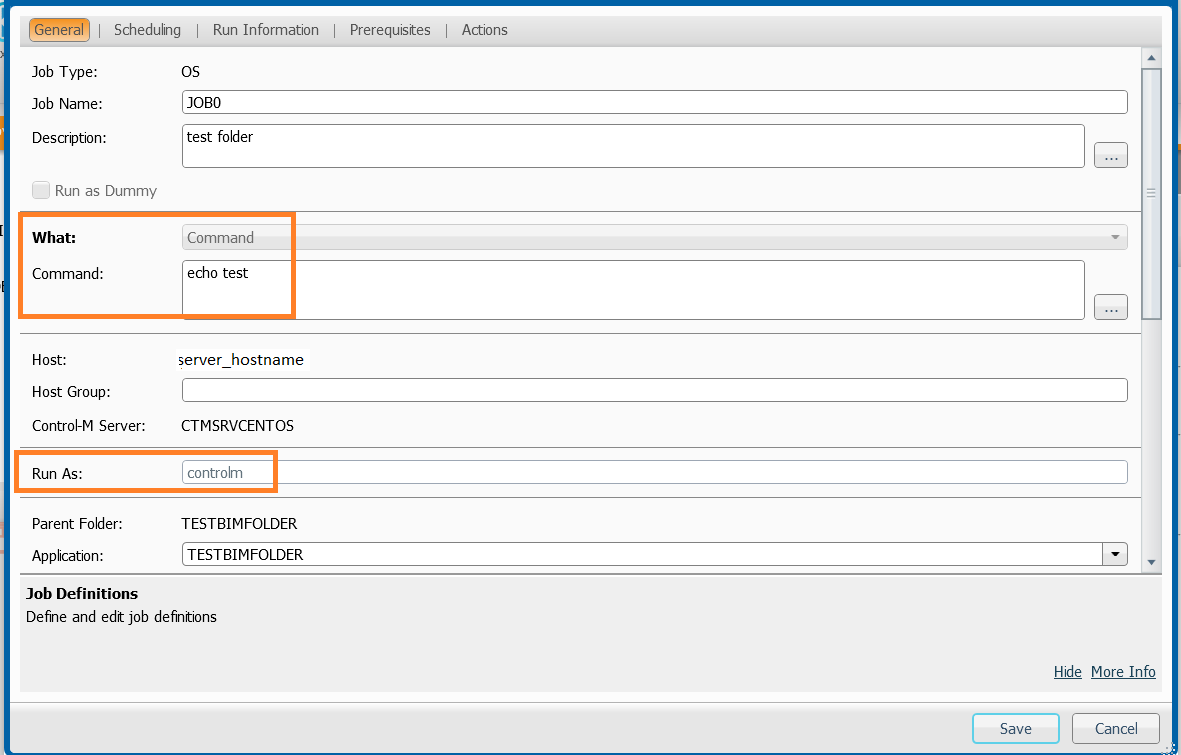
Introduction We are back today to write about a powerful tool that we can use to update our folders Question Suppose you have to update two jobs of your folder; the task should be easy But what happens when you must update 50 jobs in a restricted delay? Solution To get this easier and smarter we will use the find… 

Control-M/EM Shout destination tables graphic and cmd mode

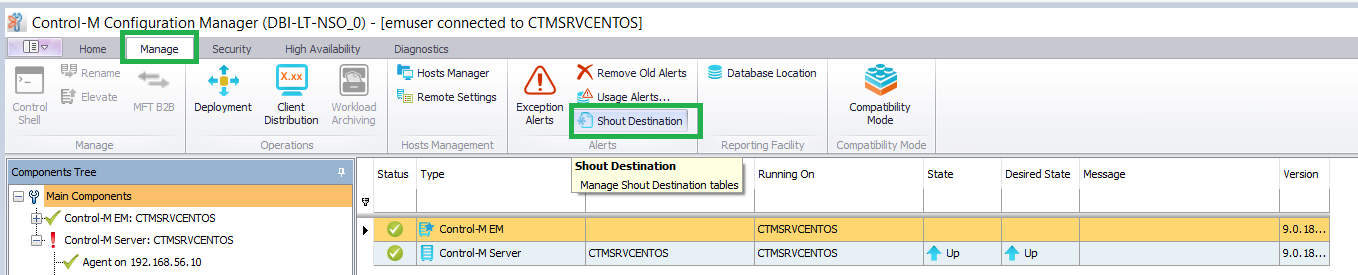
Introduction Today we will check how to use notification by using shout destination table, indeed sometime it could be useful to be notified about our jobs status ( long execution, late submission failure etc..). For that kind of need we can use job notifications through shout method. We will explain it below: We will use shout destination table to manage… 

WebLogic 12.2.1.4 software installation or upgrade, installs and configure Coherence cache in the domains

We are using silent installation to install WebLogic Server software based on a response file with “INSTALL_TYPE=WebLogic Server” but it looks like the coherence server is installed becuase when we start the WebLogic Server, the following can be seen in the WebLogic log files: Oracle Coherence Version 12.2.1.4.0 Build 74888 Grid Edition: Development mode Copyright (c) 2000, 2019, Oracle and/or… 

Java 1.8 Utility classes: XML, ZIP, BufferedImage and Download

When I write code, I usually need some utility classes to ease the development. So here I will share my most used classes. Hope this will help you as well! XML store and load I strongly use XML for storing configurations or even data, so I made an helper which can store and load any classes (with annotations) as XML,… 

Control-M/EM Unlock and Take ownership of a folder

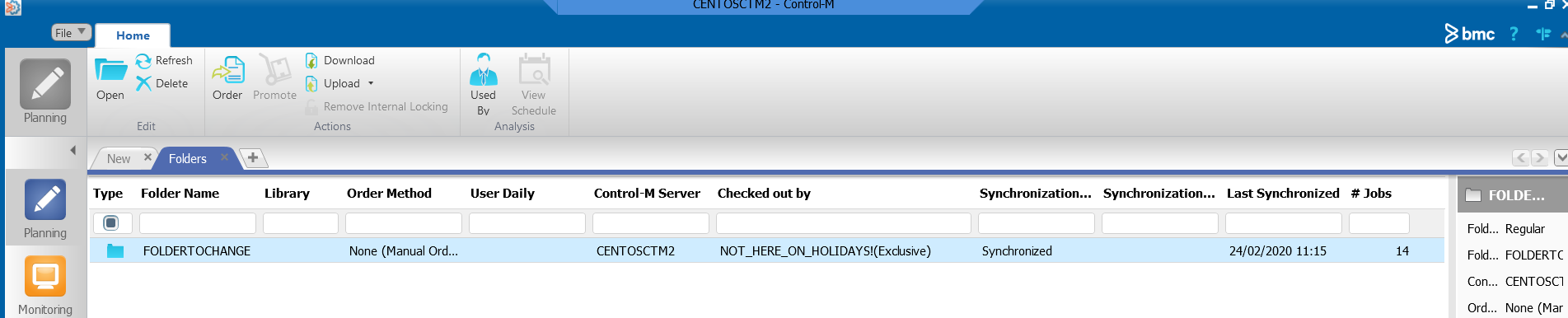
Introduction Definition of a workspace It is a board letting you create and update folders and jobs, once you work ended and saved into the base the workspace can be deleted. Sometimes when you want to work on a folder and edit it (Check in) you can be stuck by someone else “working” on it: But how can you proceed… 

Control-M/EM Update ctmuser & emuser DBO password

Introduction For security purposes we sometimes must update the password of our Control M architecture. This task seems to be easy, but you must be careful to update the passwords wherever they are used. Today we will check how to update the password of our Control M infrastructure including application user and database owner for each of our databases. Prerequisites… 

Control-M/EM Import/Export Calendar

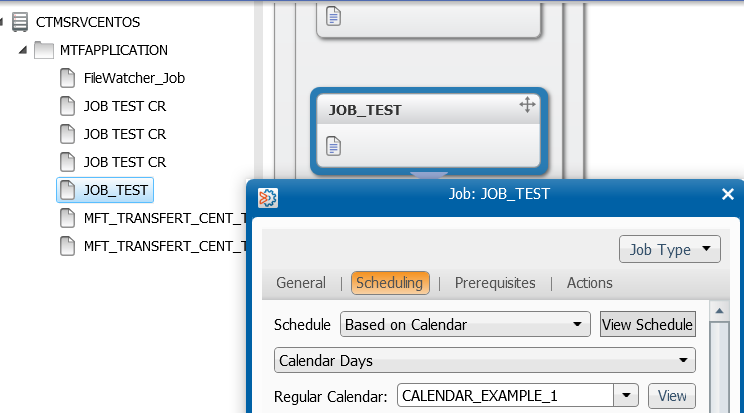
Control-M: Export/Import Calendars Introduction: What is a Control M Calendar? A Control M calendar is used to schedule Control M jobs that are assigned to him: For example the job named JOB_TEST will be executed depending of the days and rules defined in the calendar named CALENDAR_EXAMPLE_1 : You can see that the job is scheduled following the calendars rules… 

Tracking Logs Inside a Documentum Container (part II)

Testing the log watcher This is part II of the article. Part I is here. All the above code has to be included in the entrypoint script so it gets executed at container start up time but it can also be tested more simply in a traditional repository installation. First, we’ll move the code into a excutable script, e.g. entrypoint.sh,… 

Tracking Logs Inside a Documentum Container (part I)

Containers running under docker can have their stdout observed from the outside through the “docker logs”command; here is an excerpt of its usage: docker logs –help Usage: docker logs [OPTIONS] CONTAINER Fetch the logs of a container Options: –details Show extra details provided to logs -f, –follow Follow log output –since string Show logs since timestamp (e.g. 2013-01-02T13:23:37) or relative…