Investigative look into cloud-native hyper-converged infrastructure with Harvester (2)
In this second blog, we will see how we can deploy a Microsoft Windows Server 2022 virtual machine on Harvester, and play a little bit with scheduling.
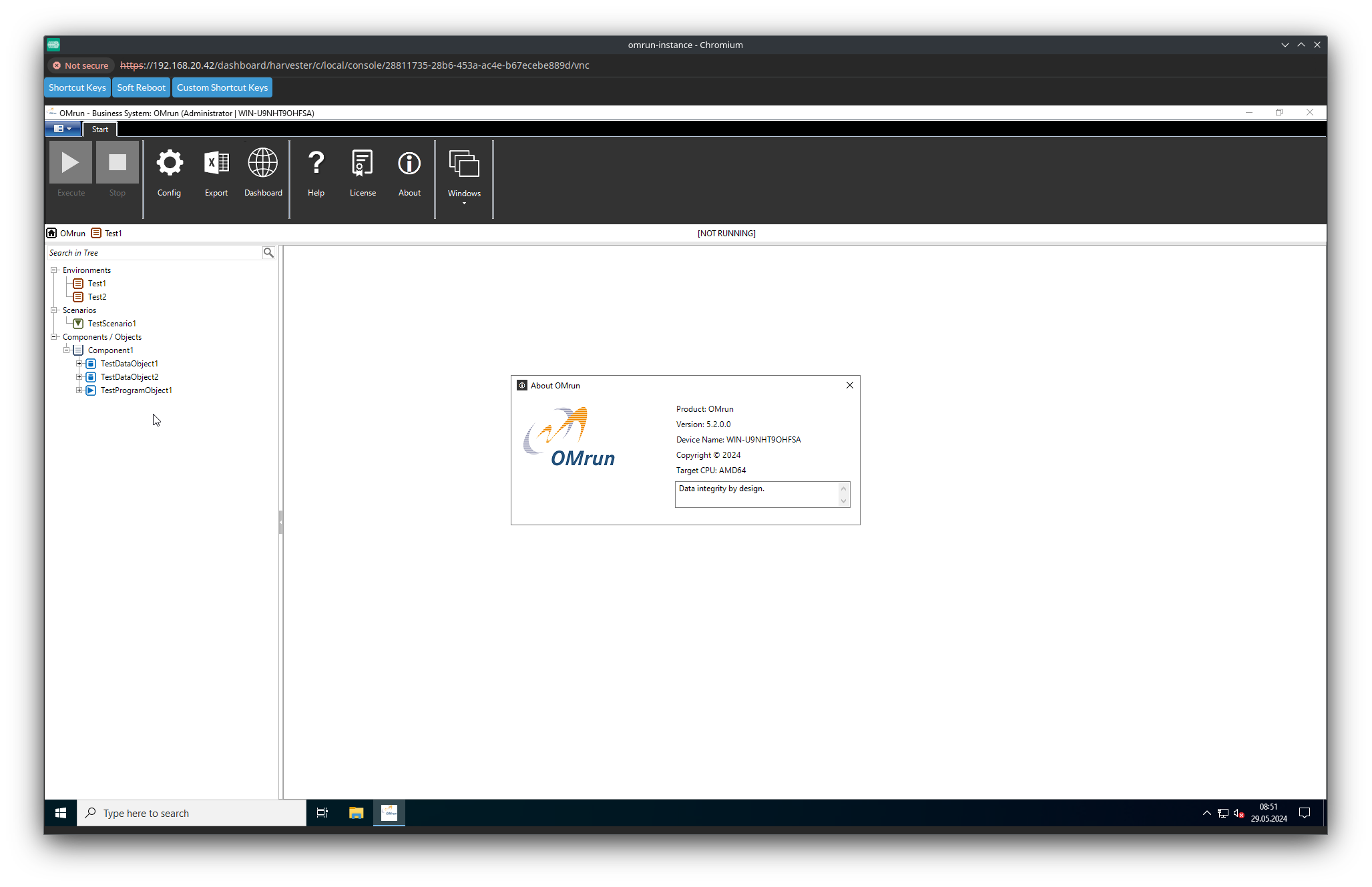

In this second blog, we will see how we can deploy a Microsoft Windows Server 2022 virtual machine on Harvester, and play a little bit with scheduling.
In this first blog, we will have a look on what is Harvester, cloud native hyper-converged infrastructure, it’s concepts and the installation.
The cluster autoscaler brings horizontal scaling into your cluster by deploying it into the cluster to autoscale. This is described in the following blog article https://www.dbi-services.com/blog/rancher-autoscaler-enable-rke2-node-autoscaling/. It didn’t emphasize much about the user and role configuration. With Rancher, the cluster autoscaler uses a user’s API key. We will see how to configure minimal permissions by creating Rancher roles for cluster…
When testing RKE2 templates, I faced an issue with member assignments. When creating the cluster, a management cluster name is generated with the format c-m-xxxxxxxx, but the ClusterRoleTemplateBinding requires the cluster name to work. After digging into Rancher source code, I found out how to set the management cluster name. So let’s start! Force the cluster name with RKE2 templates…
In Rancher, you can preconfigure your clusters and node configuration. Then your team can start provisioning clusters, with consistency and no misconfiguration. For RKE, templates are easily comprehensible and seamlessly integrated into the Rancher UI, making it user-friendly. For RKE2, we need to make use of the RKE2 cluster template. Get started with RKE2 cluster template RKE2 cluster template For…
Introduction I came across a situation where there were no more Administrator users in Rancher. Therefore there was no access to the local (Rancher) cluster and administration of Rancher through the UI. No user could configure and reassign the Administrator role. I will show you how to retrieve the Administrator role for your Rancher users. Solution The current default admin…
In Rancher, if you make use of node drivers to provision your RKE2 nodes, you can also make use of the cluster autoscaler. In this article, I will show you how simply you can configure the autoscaler for your cluster. Rancher official documentation: RancherRKE2 official documentation: RKE2 Cluster autoscaler Cluster autoscaler is a tool that automatically adjusts the size of…
Kubernetes is the de facto standard when you think about container orchestration and scheduling, automation in software deployment, and maybe even more a whole ecosystem of tools and components orbiting around it. Since its origin in 2015, Kubernetes has been designed to manage hundreds of thousands of containers. Organized as a cluster, Kubernetes is also able to handle thousands of…

By Mouhamadou Diaw Dealing these last days to database migration with a customer, I write this blog to describe the main tasks The context is to migrate databases to a new infrastructure. Below the configuration Source : Linux Suse in a non-multitenant architecture Target : Oracle Enterprise Linux 8 with multitenant The database version is Oracle 19c Installing Oracle Binaries…

Most of you probably heard of Red Hat Satellite, a product which is used to manage Linux infrastructures. Maybe you also heard about SUSE Manager, which does more or less the same thing. Both solutions traditionally used Spacewalk as the underlying system management solution, but Spacewalk discontinued on May 31 2020. While Red Hat went for Foreman as a replacement…
Once Rancher is up and running, it makes the deployment and management of Kubernetes clusters quite easy. In this post we’ll deploy a brand new cluster on top of EC2. If you want to have a simple and quick Rancher playground you can follow this post, which will give you a Rancher setup on SLES 15. If you want to…
The is the next post in this little Rancher series. After we installed a single node RKE cluster and extended this configurtation to three nodes we will finally install Rancher in this post. As Rancher is installed with Helm we need to install that first: rancher@rancher1:~$ wget https://get.helm.sh/helm-v3.5.2-linux-amd64.tar.gz rancher@rancher1:~$ tar axf helm-v3.5.2-linux-amd64.tar.gz rancher@rancher1:~$ sudo mv linux-amd64/helm /usr/local/bin/ rancher@rancher1:~$ sudo chown…