Skip to content

SCOM

SQL Server: Replace the old SCOM login by the new one

It’s every time hard to replace a login who as role and permissions in every database like the service account for SCOM. In the previous version of Scom, you create a service account (dbiscom) to access the SQL Server and check the health of the databases. Now it’s possible to use the System Center Operations Manager Health Service (NT SERVICEHealthService).… 

SCOM: schedule group maintenance task with PowerShell

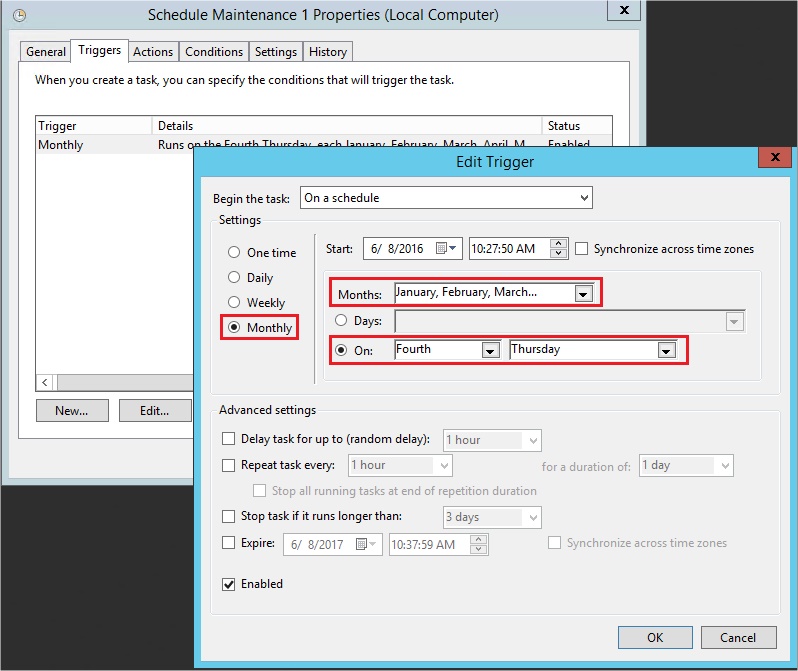
In my last blog post, here, I spoke about how to place SCOM group in maintenance mode. This script is really interesting with an integration in Windows Task Scheduler. At the end, the main purpose is to plan a maintenance window of our different servers. Let’s see how we can do that with PowerShell script. First, I try to use… 

SCOM: change group state to maintenance mode with PowerShell

Some weeks ago, I wrote a blog post about the creation of SCOM groups in order to subscribe to alerts. Subscribe to alert is mandatory, of course, to be able to receive alerts concerning our group. But during operations like an update, a patching, …, we don’t want to be spoiled by lots of alerts. To avoid those unexpected Emails,… 

SCOM: Creation of a group in order to subscribe to alerts

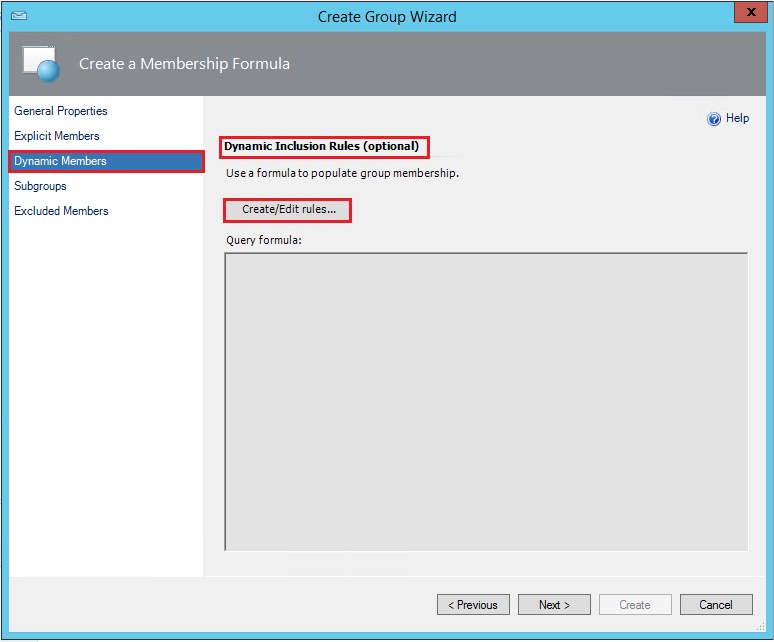
I am currently managing at one of my customer a monitoring project that concerns SQL Server instances and SCOM (System Center Operation Manager). The project includes many instances, more or less 50, divided in two environment (Production and Test) and different versions of SQL Server as 2008, 2012 and 2014. The defined target was to create two groups of instances,… 

SCOM: don’t forget to set the license key!

During some client testing operations I installed some months ago a version of System Center Operation Manager 2012 on a Virtual Machine. Today I try to open this version of SCOM to perform some new tests and I had the surprise to receive a beautiful error message: In fact, I never thought to verify that my version was licensed or… 

How to find the SQL Server Management Pack in the SCOM database

While working on a customer project, I needed to retrieve the SQL Server SCOM Management Pack version. Unfortunately, the SCOM team took a while to answer and as I am the DBA, I have access to the SCOM databases. So let’s have a look at how we can get this the “hard” way. On 30/06/2014, a new Management Pack was published…