Skip to content

Microsoft

Sharepoint and Nintex Workflow: automate your Business Processes

  What is a WORKFLOW? A workflow is the representation of an operation sequence, declared as work of a person or group, an organization of staff, or one or more simple or complex mechanisms. These mechanisms could be automated using specific tools. In other words, we could compare a “workflow” to a “recipe”. Imagine you have to cook something sweet,… 

Microsoft Project Management Tools: SharePoint 2013 and Project Server 2013

Project Management? Project management is the process and activity of planning, organizing, motivating, and controlling resources, procedures and protocols to achieve specific goals in scientific or daily problems. Why using Project Management? Using Project Management methods and strategies decrease risks, reduce costs and improve success rates of your projects! What are the Business Needs? Rationalize investment Align work with strategic… 

Azure DocumentD8: Microsoft goes to NoSQL

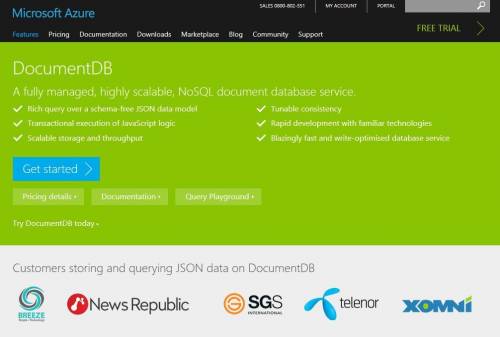
Azure DocumentDB is a documentary database service and as like its name suggests, it is aMicrosoft Azure Cloud service. Since the last summer, developers have access to this new service, and now it is available for all. The Redmond Company offers for the first time a “NoSQL” database. This is not the only service that has come; it is associated… 

SQL Server – Change Management: list all updates

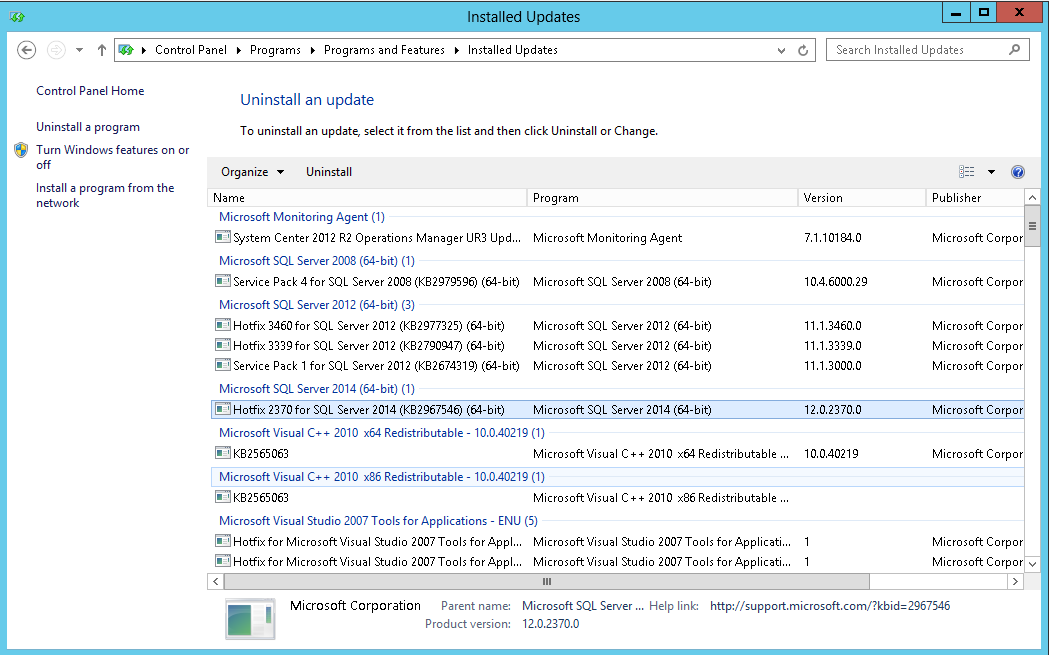
I am looking to have all SQL Server updates on a server including Service Packs, Cumulative Updates and other fixes like we can see in the uninstall panel from Windows. I take the opportunity of this blog to remind you in a little introduction the different types of patches for SQL Server: Service Pack Service Pack, known as SP is… 

Security via policies

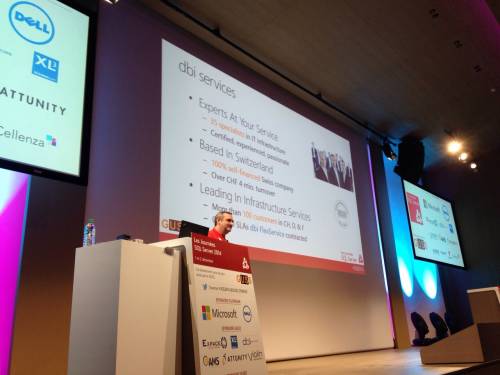
Few weeks ago, I presented the session on security via Policies for “Les journées SQL Server 2014”, organized by the French SQL Server User Group (GUSS) in Paris. I promised to post our policies script on a blog. Security Policies are split into 4 categories: Server Instance Database Data All policies follow this naming convention: dbi_”Level number”_”Level name”_”Policy name” I… 

Don’t forget to configure Power Management settings on Hyper-V

Recently I had the opportunity to audit a SQL Server database hosted on a Hyper-V 2012 cluster. I noticed that the guest operating system had the Power Plan configured to High performance. This is great thing but when I talked to the system administrator to verify if the same option is turned on on the Hyper-V operating system, this was unfortunately… 

Managed Backup with SQL Server 2014

In a previous blog post called Backup a SQL Server database from On-Premise to Azure, I presented the different tools to backup your on-premise databases on Azure Storage. SQL Server Managed Backup to Windows Azure was one of these tools. In my opinion, Managed Backup is a great tool. That is why I decided to dedicate an entire blog to… 

How to store SQL Server data files in Azure Storage

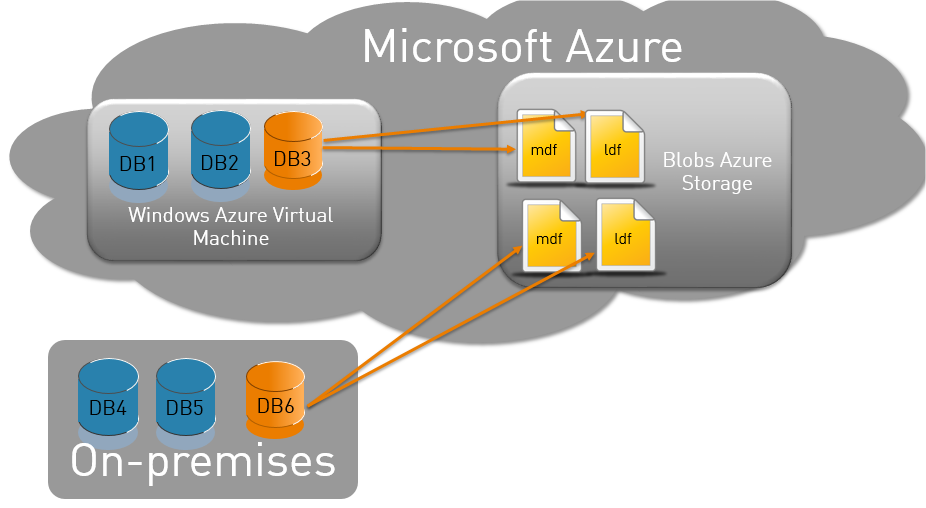
A new functionality, introduced with SQL Server 2014, enables to store data files from a SQL Server database in Windows Azure Storage. In this posting, I will show how it works.   Accessing Azure Storage The Azure Storage account is named “dbiservices”, and is composed of the “datafiles” container. This container does not contain blobs yet. If you are not… 

SQL Server tips: how to list orphaned logins

I read a lot of about orphaned database users in SQL Server, but I have almost never read about orphaned logins. Many of my customers migrate or remove databases in SQL Server. They forget – not every time but often – to remove the logins and jobs associated with these databases. I have created a script – without any cursors,… 

SQL Server tips: Executing a query with the EXECUTE command

This short SQL Server blog post is meant to help people who have experienced the error messages 2812 and 203 with the EXECUTE command. The goal is to execute a simple query from a variable in a string format with the EXECUTE (exec) command. Very easy, isn’t it? Ok, let’s GO! If I execute “select * from sys.databases” in SSMS,… 

Journées SQL Server 2014: il n’est pas trop tard pour vous inscrire

Le plus grand événement français va bientôt avoir lieu (1 et 2 décembre) à Paris et il vous reste  encore une semaine pour vous y inscrire! Pensez également à commander votre lunch box, ce qui peut être pratique si vous voulez manger 🙂     Pour ma part j’aurai l’occasion d’ouvrir le bal et de vous retrouver au cours d’une session…