

After my article SQL Server 2017: first steps with Python Service, I write this article about my first test with the Python Server feature in SQL Server 2017.
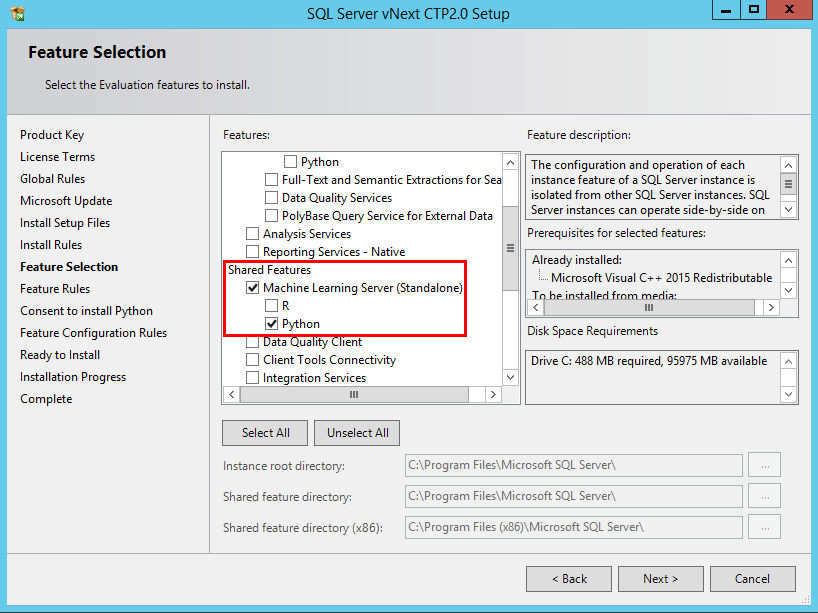
The installation is very simple, in the features Selection window, you have in the Shared Features, you have a Machine Learning Server (Standalone) with R and Python.
I check Python to install the Python Server and here we go.
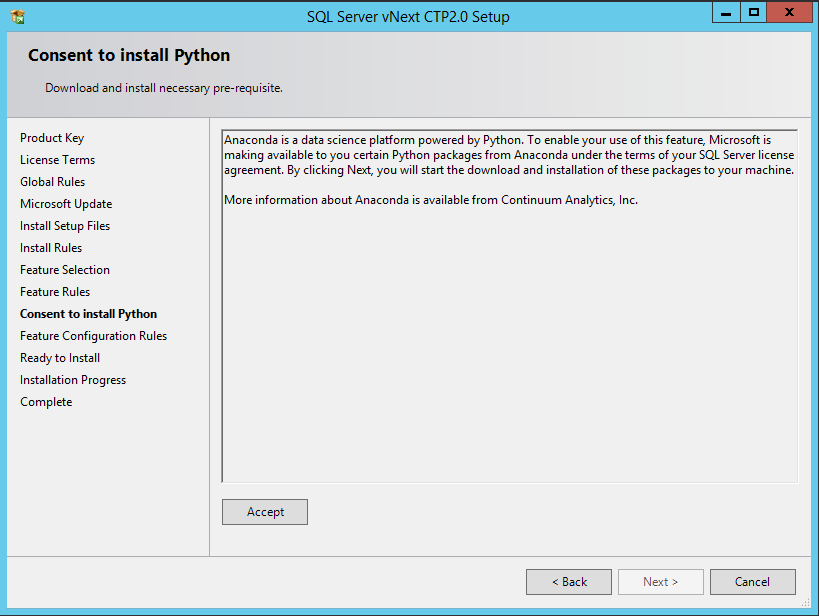
Like for the Python services, you need to accept “Consent to install Python”
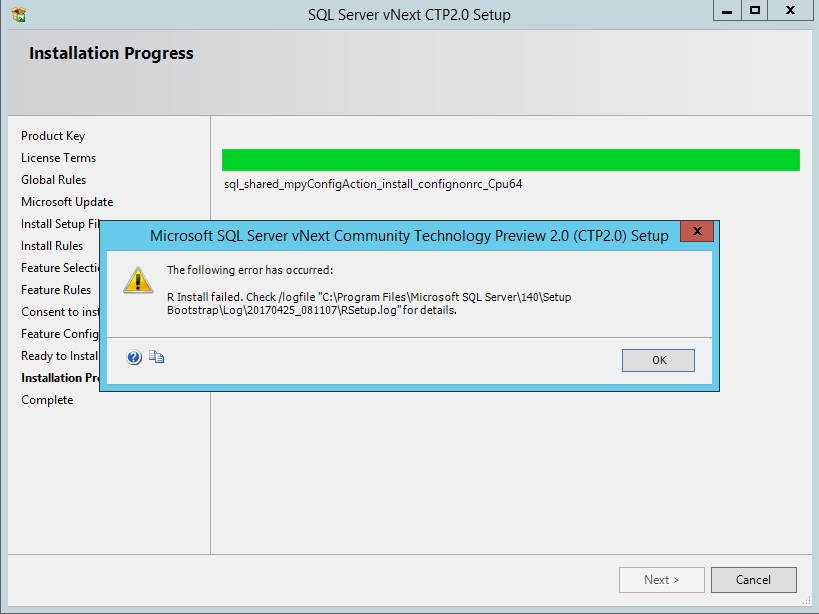
Don’t forget to give access to Internet to your server. If not, the installation failed and you have this message:
With Internet, the installation is successful.
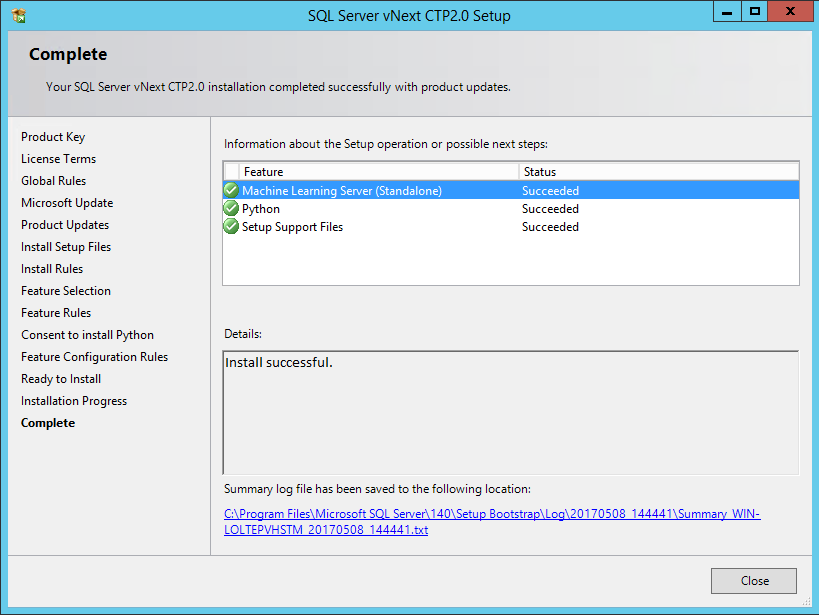
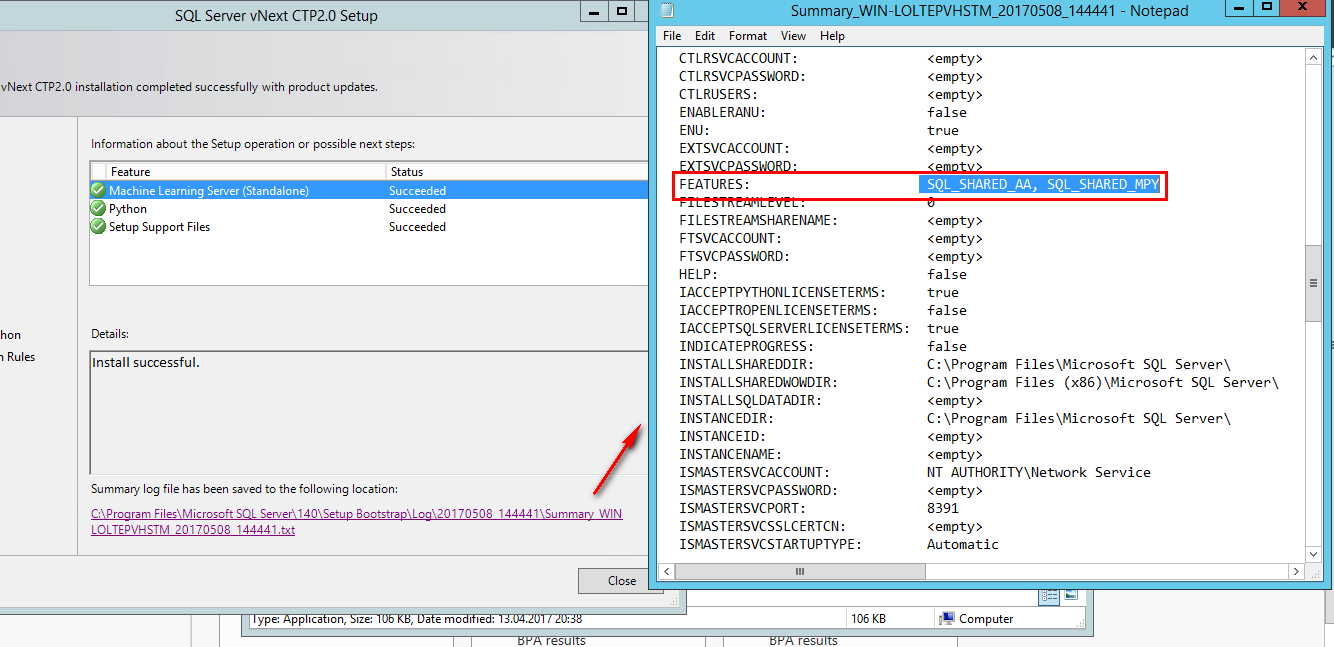
At the end of the installation, I open the summary file to analyze what is installed.
I find feature parameters for the script installation for the Python Server:
- SQL_SHARED_AA for the Machine Learning Server (Standalone) – AA is for ADVANCED ANALYTICS
- SQL_SHARED_MPY for Python
At this point, I have a Python Server but, now, what is a Python Server?
On my server, I open the search and tape Python as keyword…
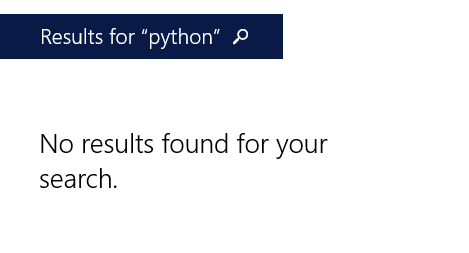
No result found… Ok. Old method, go to the folder and search manually.
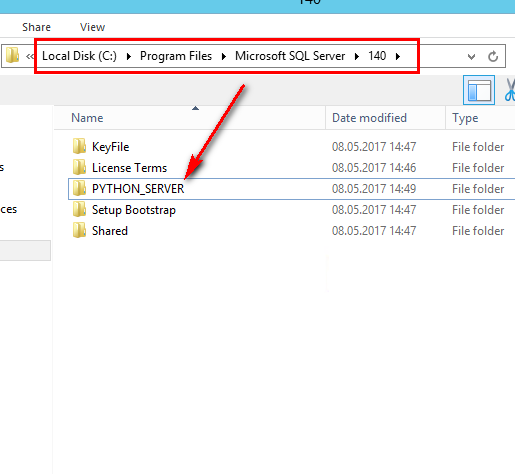
I go directly in the folder “C:\Program Files\Microsoft SQL Server\140” and I see a folder “PYTHON_SERVER”:
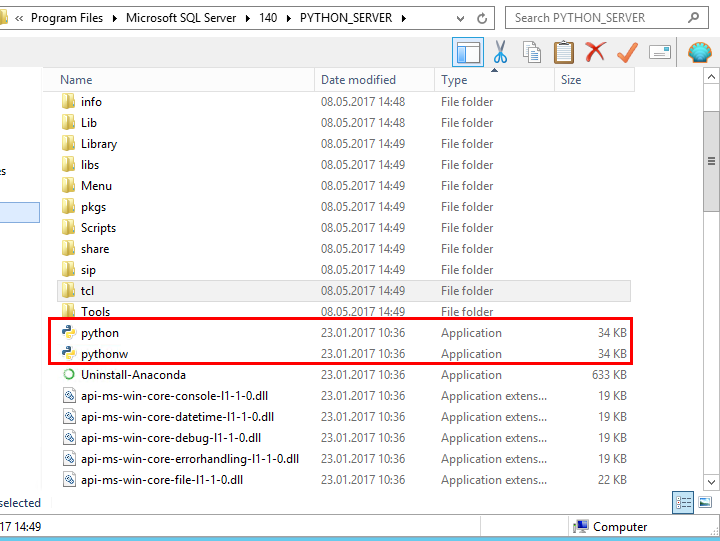
I open the folder “PYTHON_SERVER” and see three executables:
- Uninstall-Anaconda: to uninstall the python server
- Python: Command Console to execute Python code
- Pythonw: Command Console to execute Python code without Window
To Test the Python server, I run the executable python (to have a cmd window) and use the same example as my article for the Python service.
The Python query is:
Import pip
Installed_packages = pip.get_installed_distributions()
Installed_packages_list = sorted([“%s %s” % (i.key, i.version) for I in Installed_packages])
Print(Installed_packages_list)
Len(Installed_packages_list)
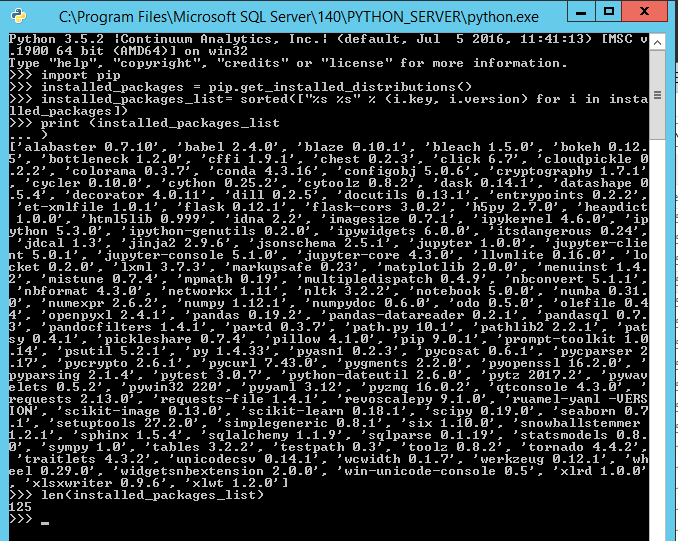
As you can see in the picture, the same 125 packages as for the Python Service are installed on the Python Server.
💡 Let yourself be tempted