

By Franck Pachot
.
-
At dbi services, we really like Lighty for Oracle, a tool which helps exploring performance statistics whether they originate from AWR (available only in Enterprise Edition with Diagnostic Pack option) or from Statspack (available via Standard Edition). As a matter of fact, we like it so much that we have became Orachrome Partner.
If you want to try it out for yourselves, there is a free trial here. If you have Statspack installed (see spdoc.txt in ORACLE_HOME/rdbms/admin to install it), you can immediately use Lighty.
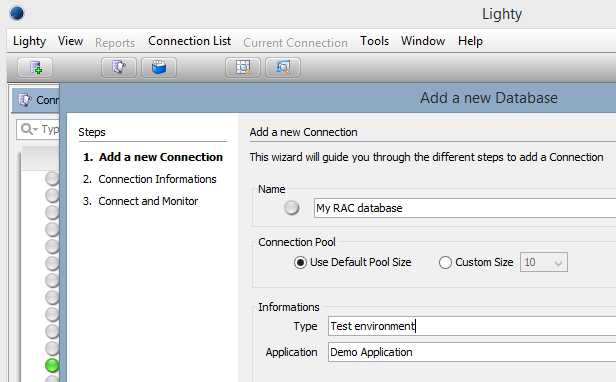
Let me show you how to install it. First, you have to define a connection (shortcut: Ctrl-A):
It is a jdbc connection without the need to install anything else. You just need the listener host, port, and service:
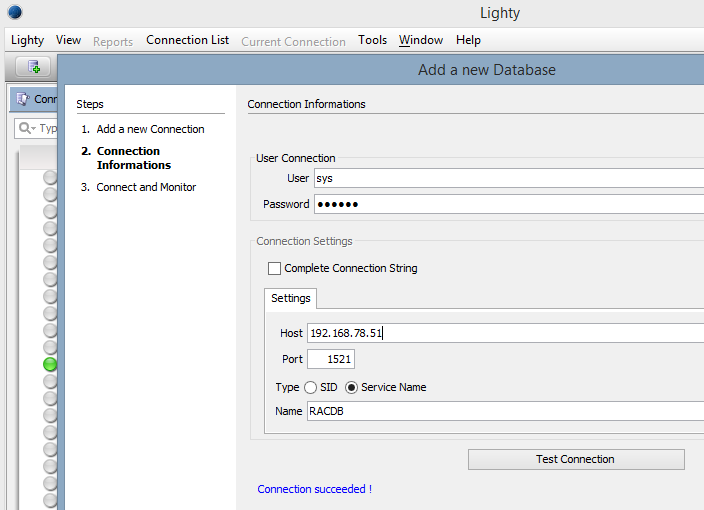
As you are on Oracel Standard Edition, you don’t have Diagnostic Pack nor tuning Pack.
But you have installed Statspack, and you will install L-ASH very soon:
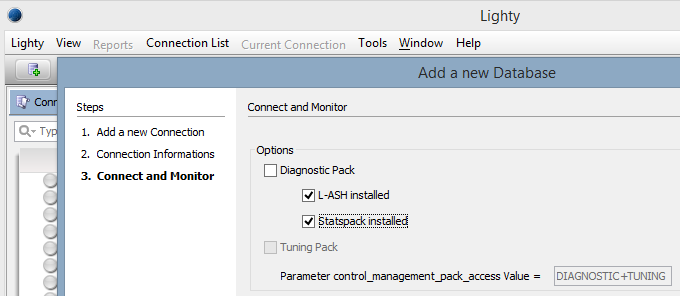
Now, you can install L-ASH as documented. But the goal of this post is to show what you can get it immediately. Go to the menu: Reports > DB Statistics > Past Activity (Statspack)
You can select a day and see the snapshots. The color bar immediately shows when the activity was high:
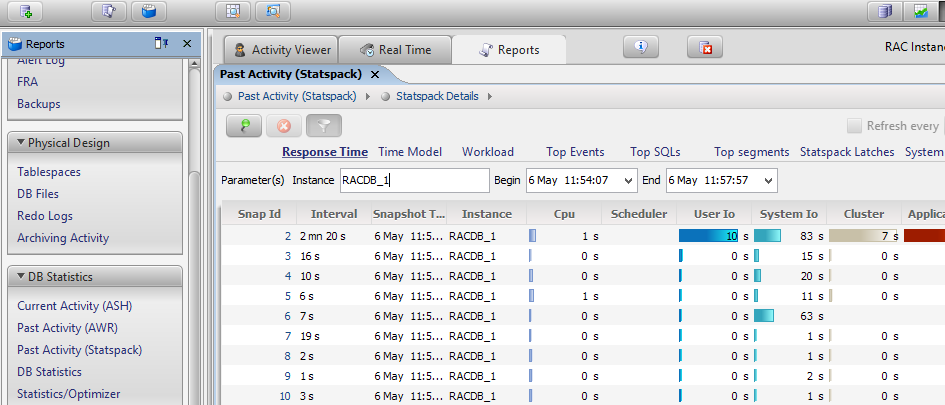
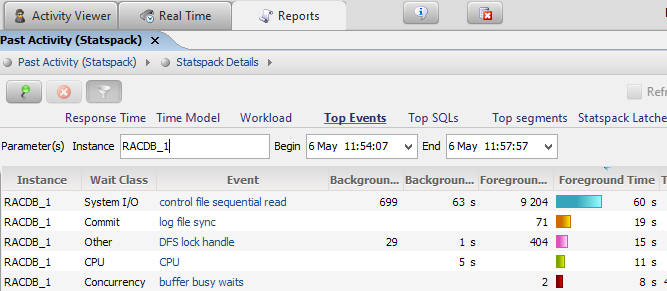
Then you can choose the graphical equivalent for my preferred Statspack sections:
Top Events:
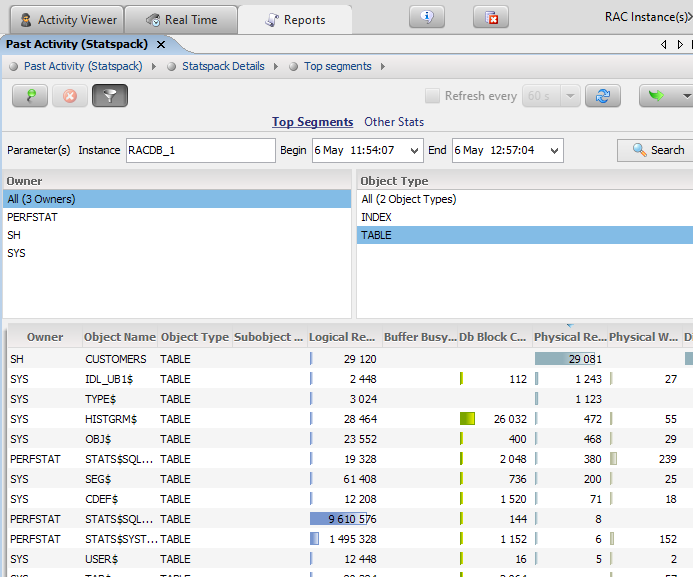
Top Segments (change the Statspack level to 7 for that):
And of course Top SQL Statements:
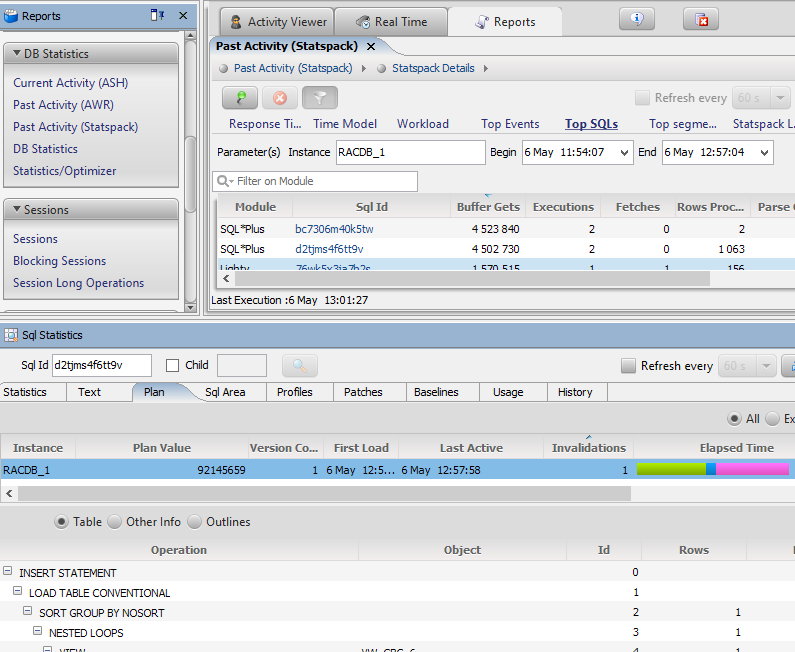
For each statement (click on its sql_id) you will have everything: SQL text, execution plan, statistics.
If you like the tool, it’s time to go further and install L-ASH so that you can mine from the Activity Viewer tab, which is the most valuable feature of Lighty for Oracle.