

Introduction
Even if upgrading your Power BI Report Server is straight forward, I have been asked many times where to find the installation files and how to run it that I thought a blog is worth it.
Before you start
Before upgrading your Power BI Report Server it is recommended to perform some backup steps.
- Back up the encryption keys
- Back up the report server databases
Back up the configuration files (in the default installation location folders)
C:\Program Files\Microsoft Power BI Report Server\PBIRS\ReportServer
- Rsreportserver.config
- Rssvrpolicy.config
- Web.config
C:\Program Files\Microsoft Power BI Report Server\PBIRS\ReportServer\bin
- Reportingservicesservice.exe.config
C:\Program Files\Microsoft Power BI Report Server\PBIRS\RSHostingService
- config.json
- RSHostingService.exe.config
Download the latest version
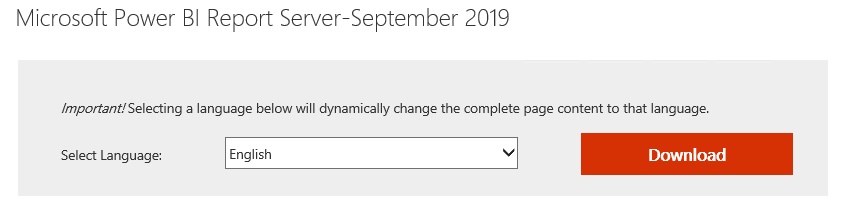
Most of the time searching for download the latest Power BI Report Server version you will land to this site: https://powerbi.microsoft.com/en-us/report-server/ As I was asked several times, I found useful to mention to select “Advanced download option” to find the download site.

Notice the Power BI Version available, then click download
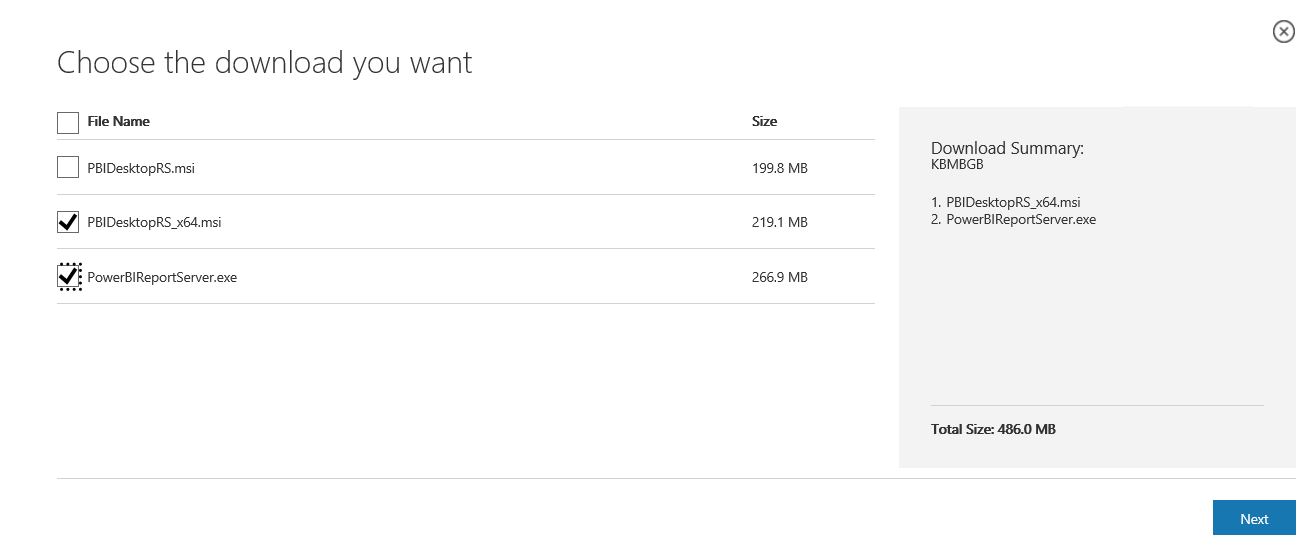
Select the install files you want. I always advice to select both the server and the desktop version at the same time and to distribute the desktop version to your report developers to avoid surprises later when publishing the report on the portal
Upgrade the report server
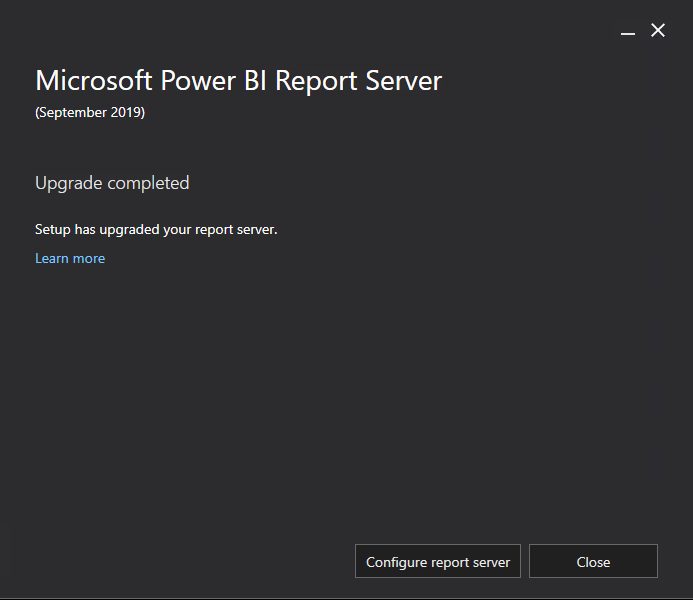
Execute PowerBIReportServer.exe you downloaded Click on “Upgrade Power BI Report Server Accept the license terms and click Upgrade 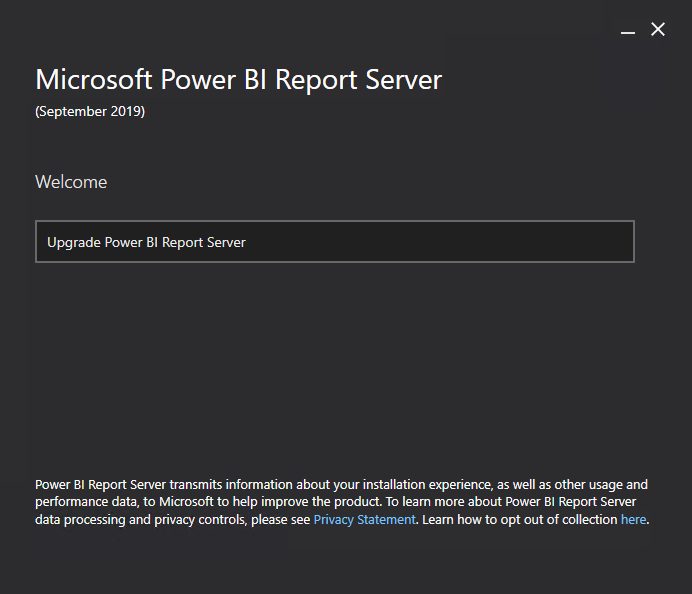
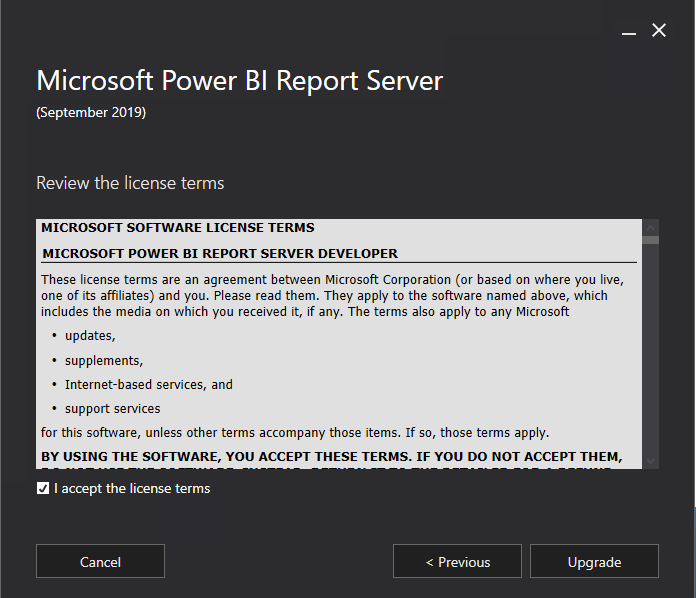
When the upgrade is competed, you can close the application
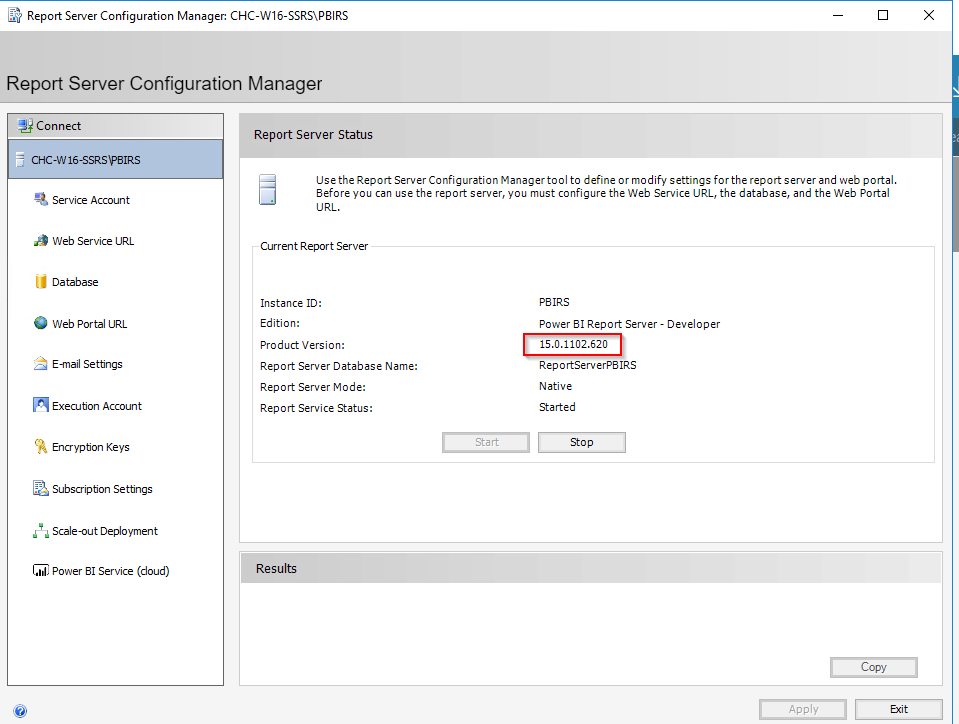
Check if the version has been installed correctly either using the Power BI Report Server configuration manager…
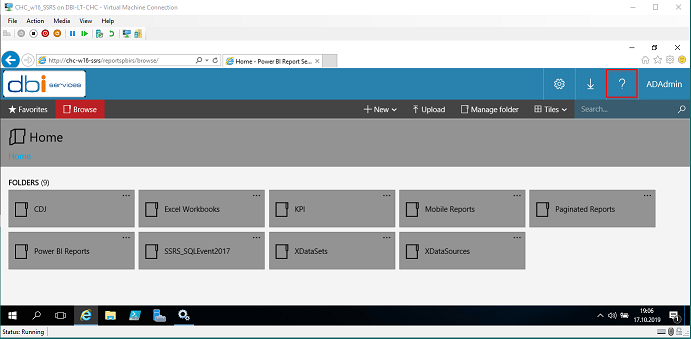
…or directly within the web portal.
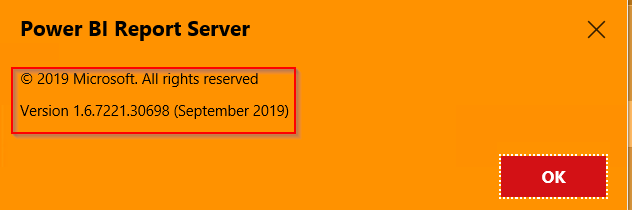
Be aware that if you do not see the new version installed, restart the upgrade process, you will be probably requested to restart your computer before.