Skip to content

SQL

Monitoring tools for PostgreSQL – POWA

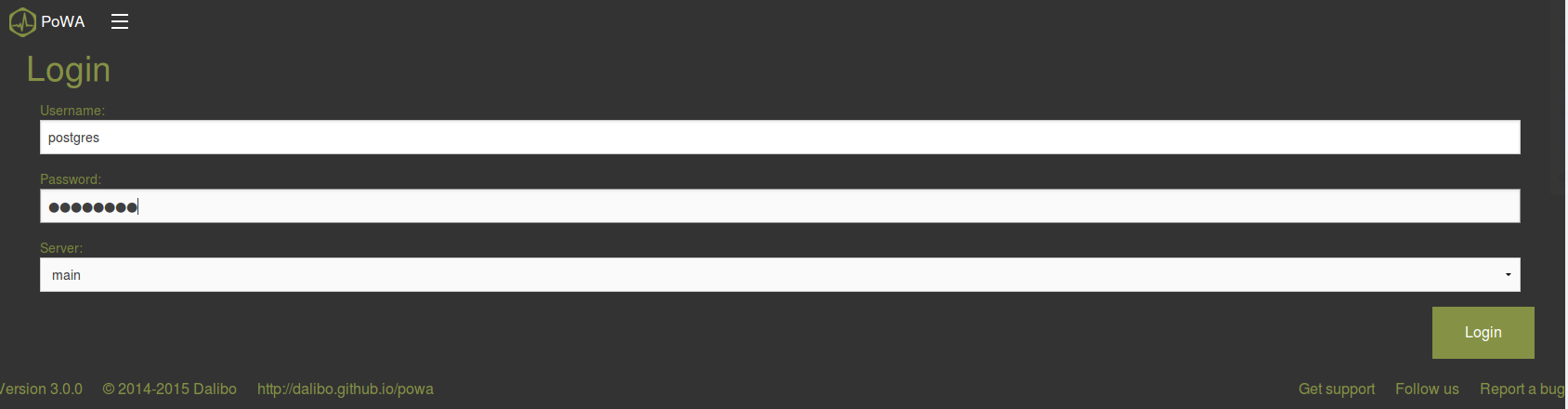
The last posts introduced the logging system, pg_stat_statements, pg_activity and pgcluu. This post will look at POWA: PostgreSQL Workload Analyzer. For getting the most out of POWA the following extension should be installed in the PostgreSQL instance you want to monitor: pg_stat_statements (see last post) pg_stat_kcache: gathers statistics about reads and writes done by the file system layer pg_qualstats: gathers… 
Monitoring tools for PostgreSQL – pgcluu

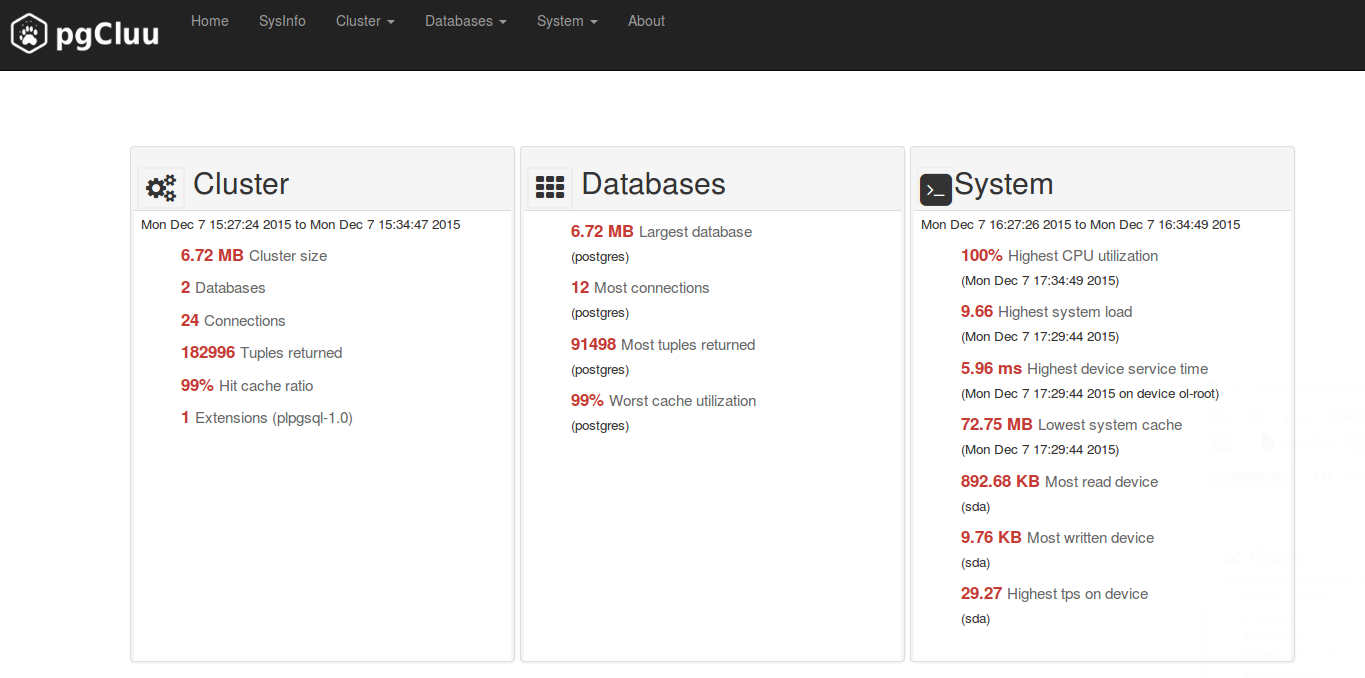
The last posts introduced the logging system, pg_stat_statements and pg_activity. All of these can be used to monitor sql statements the PostgreSQL server is executing. In this post I’ll look into pgcluu: PostgreSQL Cluster utilization! This is a more complete monitoring solution as it is not only focused on sql statements but gives you information about the database cluster itself… 

SQL Monitoring in PostgreSQL (3) – pg_activity

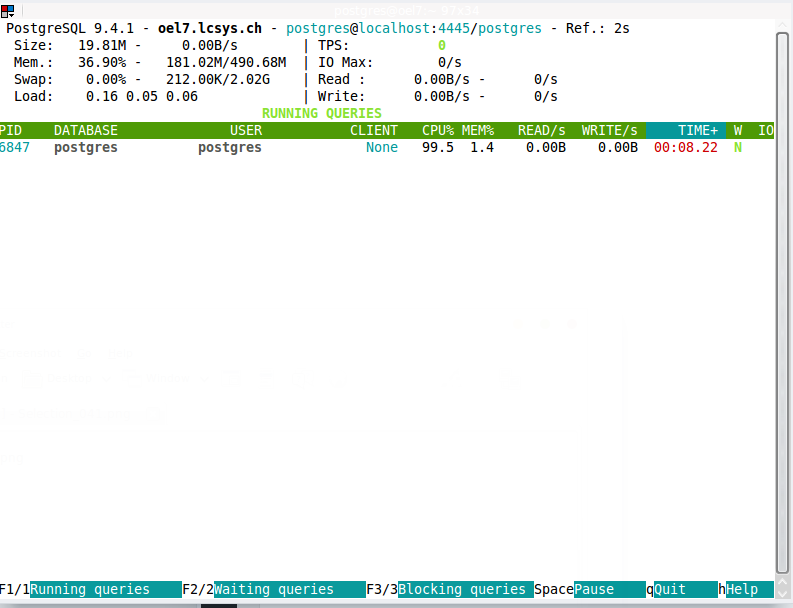
The last posts looked at how the logging system and the pg_stat_statements extension can be used to monitor sql statements in PostgreSQL. This post will introduce pg_activity which is very similar to htop. There are some dependencies which need to be installed before we can start installing pg_activity. The first one is python. As I am on a redhat based… 

SQL Monitoring in PostgreSQL (2) – pg_stat_statements

The last post looked into how you can monitor queries using the logging system. This post will introduce pg_stat_statements. pg_stat_statements is a module that needs to be loaded and is not available in the default configuration. Loading it is quite easy. Create the extension as usual: postgres@oel7:/home/postgres/ [PG6] sqh Null display is “NULL”. Timing is on. psql (9.5alpha2) Type “help”… 

SQL Monitoring in PostgreSQL (1) – the logging system

When developing an application as well as when the application is in production there is the need to identify long running queries. In Oracle one tool you might use for that is the SQL Monitor. In this post I’ll look into what PostgreSQL provides in this area. PostgreSQL has a very strong logging system. This system can be used to… 

SQL Server 2016: IF EXISTS is included in the DROP command

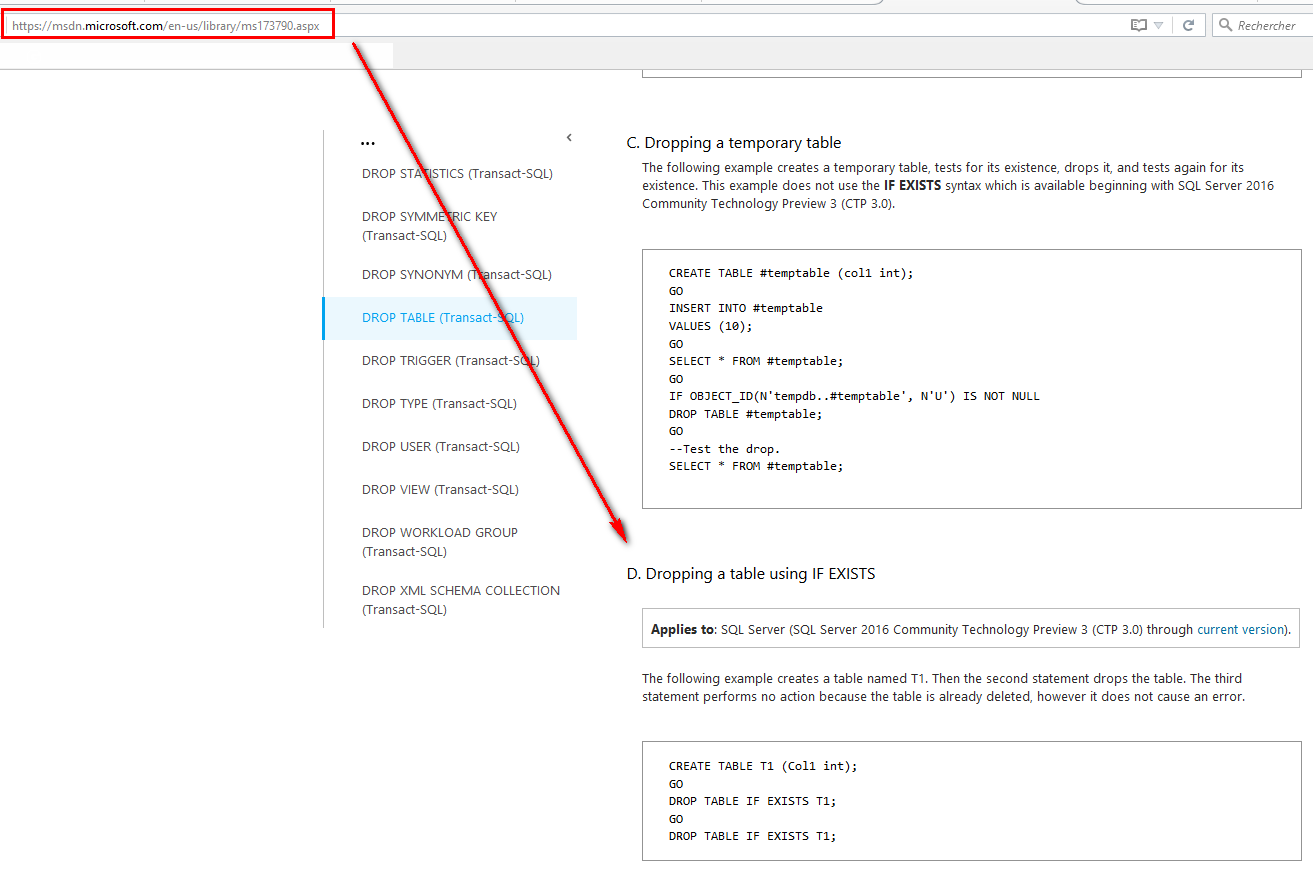
With SQL Server 2016, I’m nicely surprised by the addition of IF EXISTS directly in the T-SQL command DROP. Before this new option, all queries are written with IF EXISTS (SELECT * FROM sys….) DROP object. I have quickly tested just for 2 drop commands(See List of available objects below): one for a table one for a column in a… 

Alfresco: some useful database queries

In my previous post, I talked about the Lifecycle of Alfresco Nodes. You may have noticed that I tried to insert in my explanations some elements that are specific to databases (tables, fields, aso…). These elements are quite essential to prepare a post like this one: more database oriented. I already explained what exactly are the consequences on the database side when… 

Azure DocumentD8: Microsoft goes to NoSQL

Azure DocumentDB is a documentary database service and as like its name suggests, it is aMicrosoft Azure Cloud service. Since the last summer, developers have access to this new service, and now it is available for all. The Redmond Company offers for the first time a “NoSQL” database. This is not the only service that has come; it is associated… 

dbi services wishes you a Merry Christmas with this SQL Server script

The end of the year approachs and soon it will be time to celebrate Christmas with your family and friends. At dbi services, we wish you a merry christmas via SQL Server with the following script, to execute in your SQL Server Management Studio for example (supported only by SQL Server 2012 and SQL Server 2014). You will find a… 

Oracle lateral inline view, cursor expression and 12c implicit statement result

By Franck Pachot . I’ll present here 3 ways to run a query for each result of another query. Let’s take an exemple: get all executions plan (select from dbms_xplan.display_cursor) for each of my queries (identified from v$sql). The 90’s way was to run the first query, which generates the second queries into a spool file, and execute that file.… 

SQL Server tips: how to list orphaned logins

I read a lot of about orphaned database users in SQL Server, but I have almost never read about orphaned logins. Many of my customers migrate or remove databases in SQL Server. They forget – not every time but often – to remove the logins and jobs associated with these databases. I have created a script – without any cursors,… 

SQL Server tips: Executing a query with the EXECUTE command

This short SQL Server blog post is meant to help people who have experienced the error messages 2812 and 203 with the EXECUTE command. The goal is to execute a simple query from a variable in a string format with the EXECUTE (exec) command. Very easy, isn’t it? Ok, let’s GO! If I execute “select * from sys.databases” in SSMS,…