Skip to content

SQL Server 2016

SQL Server Tips: Path of the default trace file is null

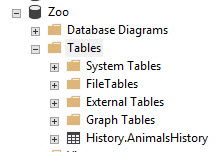
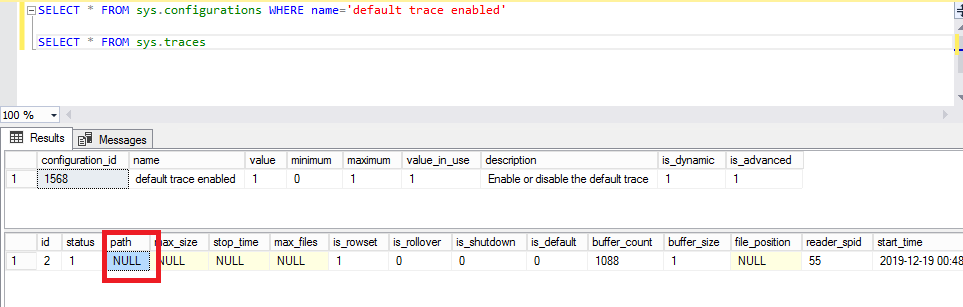
In addition of my precedent blog about this subject “SQL Server Tips: Default trace enabled but no file is active…”, I add a new case where the default path of the trace file was empty. The first step was to verify if the default trace is enabled with the command: SELECT * FROM sys.configurations WHERE name=’default trace enable’ It is… 
SQL Server Tips: Orphan database user but not so orphan…

Beginning of this year, it is good to clean up orphan users in SQL Server databases. Even if this practice must be done regularly throughout the year of course. 😉 During my cleaning day, a new case appears that I never had before and enjoy to share it with you. To find orphan database-users, I use this query: SELECT *FROM… 

SQL server security pre-conference @SQL Pass Summit 2018 in Seattle

After long hours of flights, Christophe Cosme and I finally arrived in Seattle at the SQL PASS Summit 2018. We picked up our badge and bag and now we are ready to begin… This first day for me started with the pre-conference about SQL Server Security with Denny Cherry. Many topics were discussed like: Network Designs (such as public IP… 

SP2 for SQL Server 2016 is available with new helpful DMVs

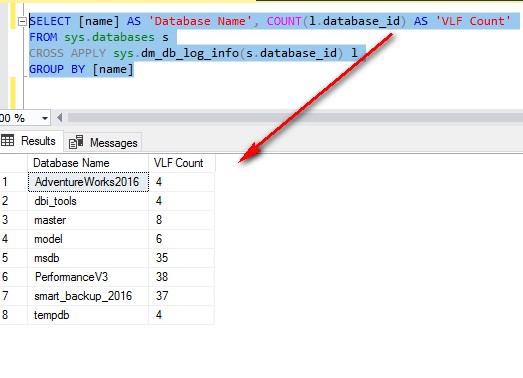
Last month (April 24, 2018), the Service Pack 2 for SQL Server 2016 was released and distributed. This Service Pack has new DMVs, already available in SQL Server 2017 RTM. In this article, I will just write few words about 2 DMVs (sys.dm_db_log_stats & sys.dm_db_log_info) and a new column (modified_extent_page_count) in the DMV sys.dm_db_file_space_usage that I presented during our last… 

SQL Server Tips: Deactivate the Customer Experience Improvement Program (CEIP)

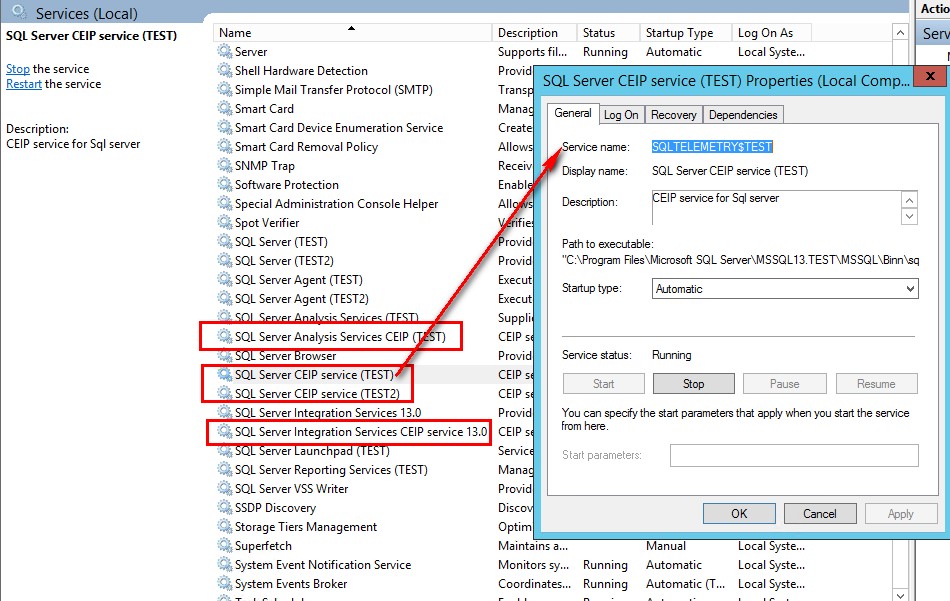
Before SQL Server 2016, you had the possibility to check the case “Send Windows and SQL Server Error Reports….” during the installation if you want to be a part of the Customer Experience Improvement Program (CEIP). In SQL Server 2016, after the installation, all of the CEIP are automatically turned on. Why? SQL Server and SQL Azure share the same… 

SQL Server 2016: New Dynamic Management Views (DMVs)

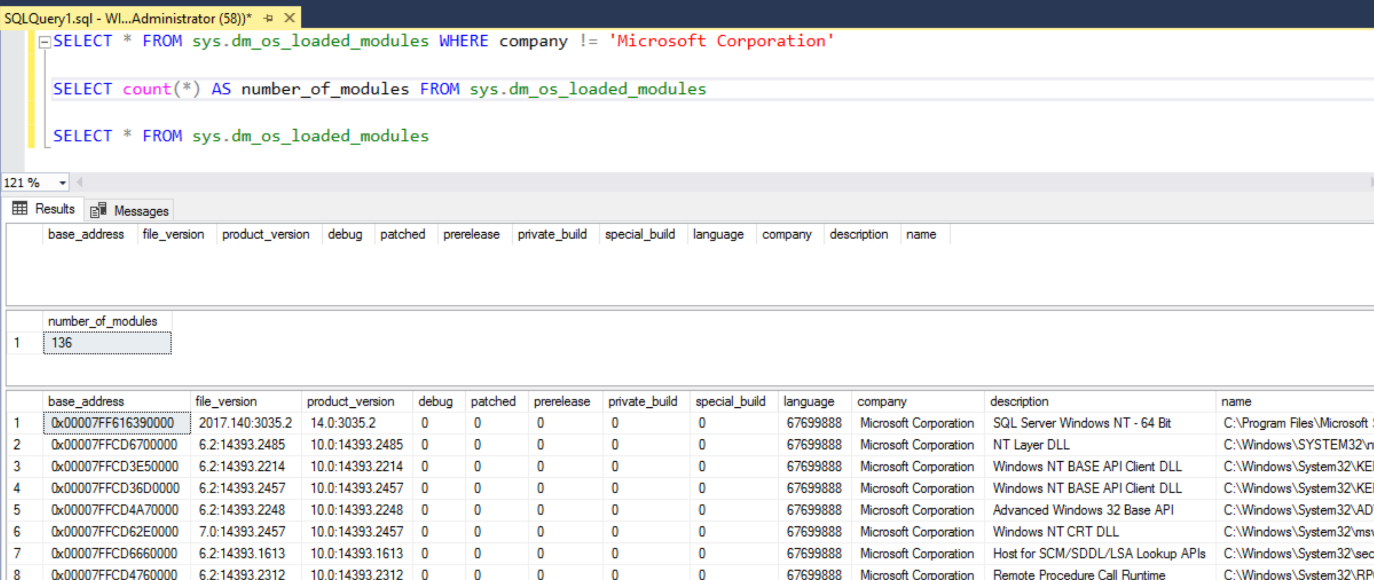
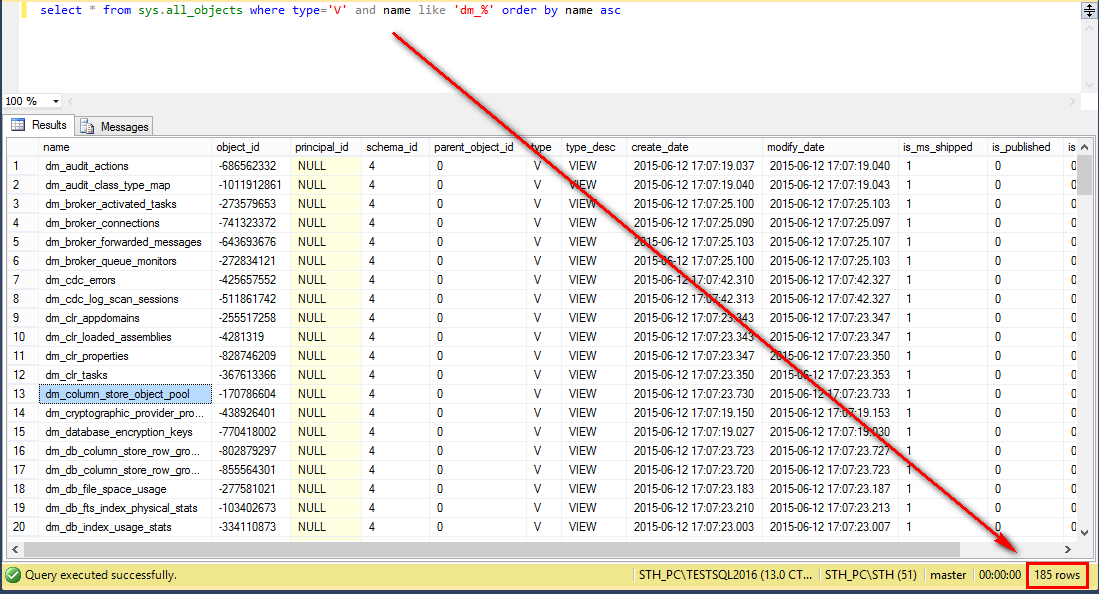
In SQL Server 2016, you will discover a lot of new Dynamic Management Views(DMVs). In this article, I will just give you a little overview of these useful views for us as DBA. SQL Server 2012 has 145 DMVs and SQL Server 2014 has 166 DMVs. Now, SQL Server 2016 has 185 DMVs. How to see it? It is very… 

One-day workshop with Slava Oks for SQL Server on Linux

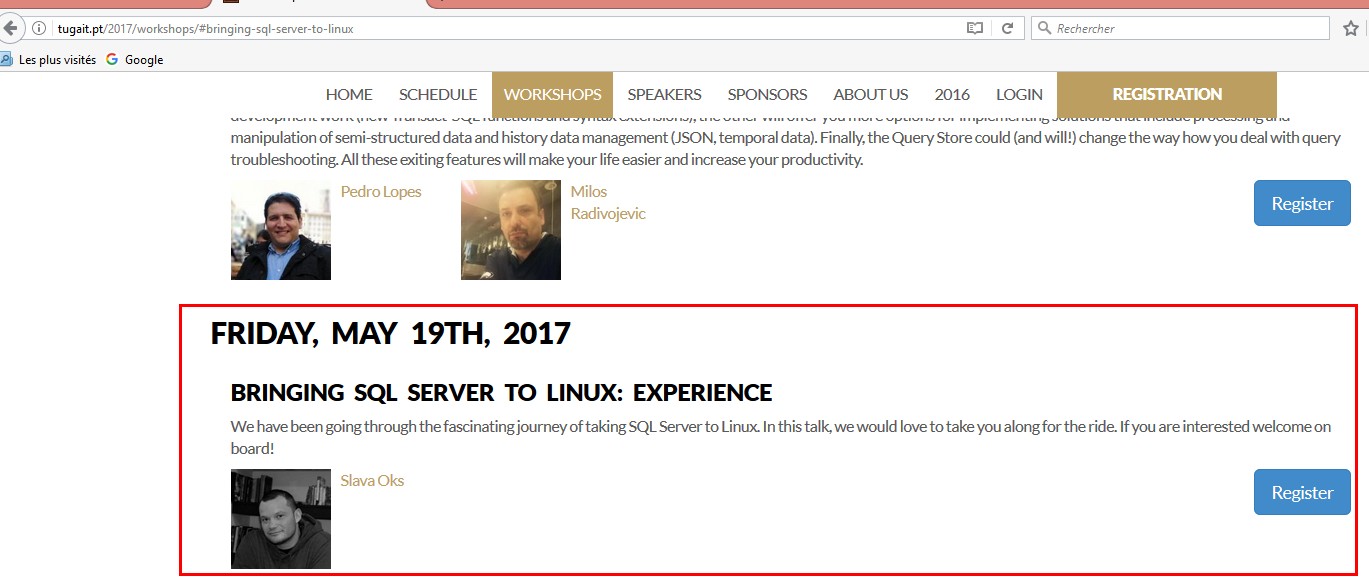
Few weeks ago, David Barbarin and I went to the Tugar IT  in Lisbon to follow the workshop from Slava Oks: Bringing SQL Server to Linux: Experience It was a deep dive into the code of SQL Server and Slava shows us how they achieve a universal platform regardless the operating system. On my mind, the challenge was how to… 

Migration to SQL Server 2016 with deprecated data types and Full-Text

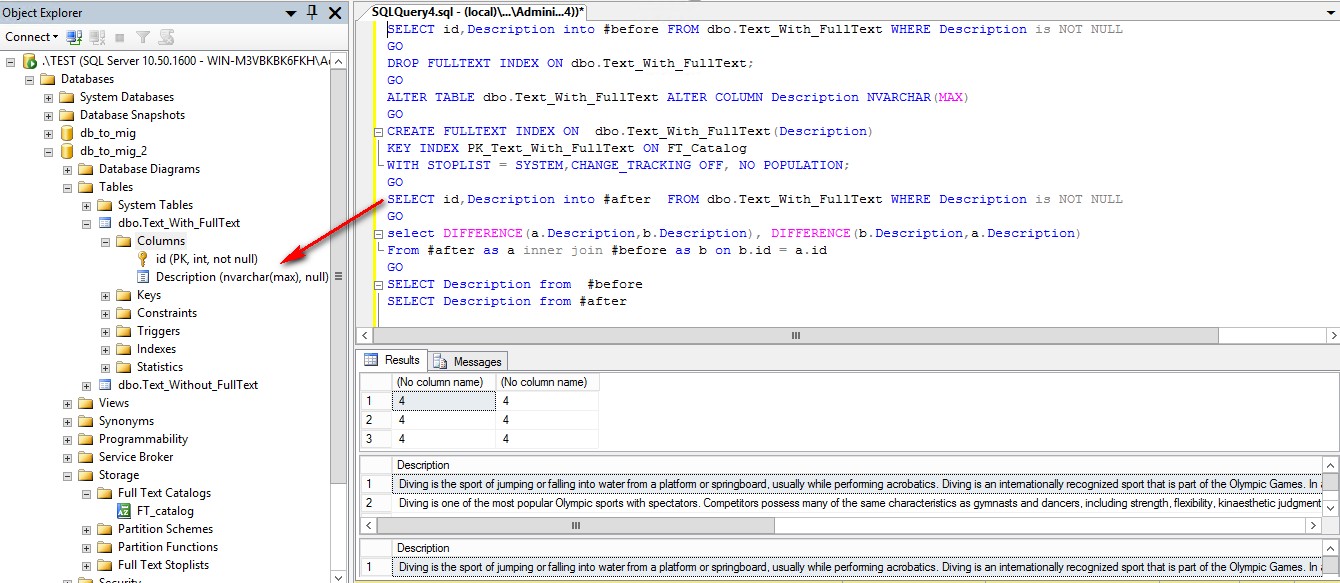
A few weeks ago, I prepared a migration from SQL Server 2008 to SQL server 2016, I came across a case with deprecated data types and a Full-Text activated on these columns. To simulate this scenario, I downloaded and installed the Data Migration Assistant(DMA). Make sure that the .Net Framework 4.5 is installed on your machine before starting the installation… 

SQL Server 2016: patching CU with R Services

As a good DBA, I begin to be up to date with all Cumulative Update (CU) by my customers. It is the first time that I run an update for SQL Server 2016 with the CU 3. I download the CU on Microsoft website and I begin my patching campaign on all SQL server 2016 instances. The first one is… 

SQL Server 2017: Python server

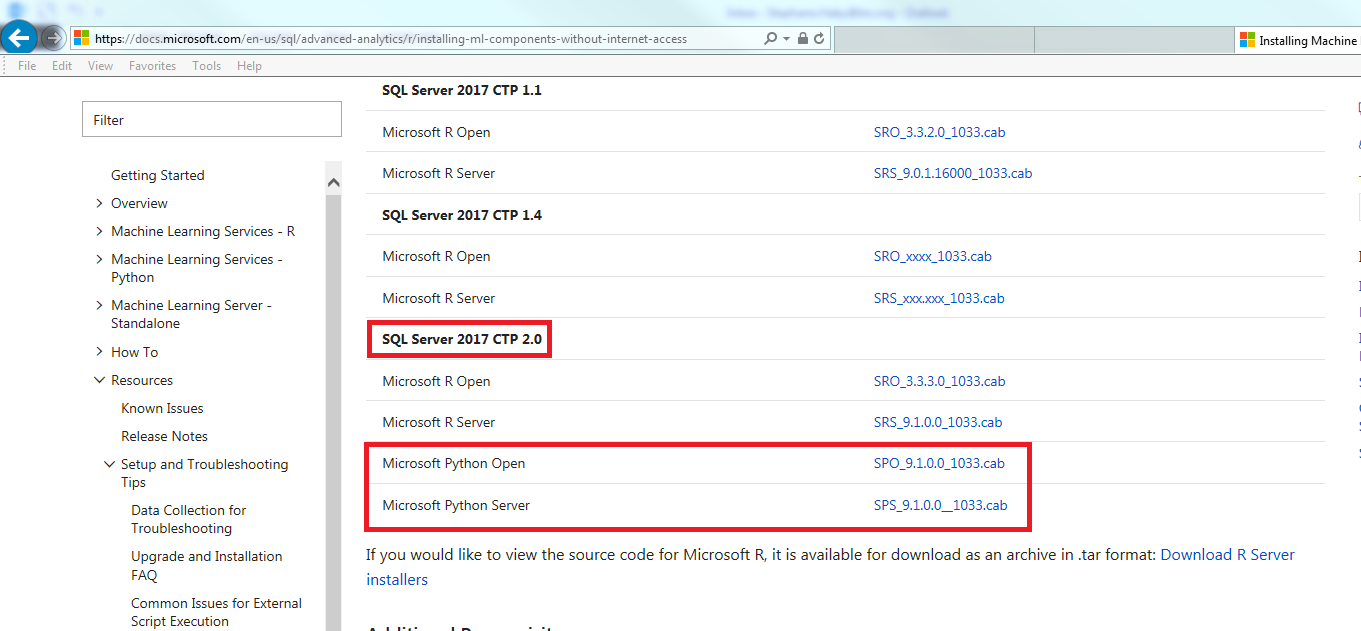
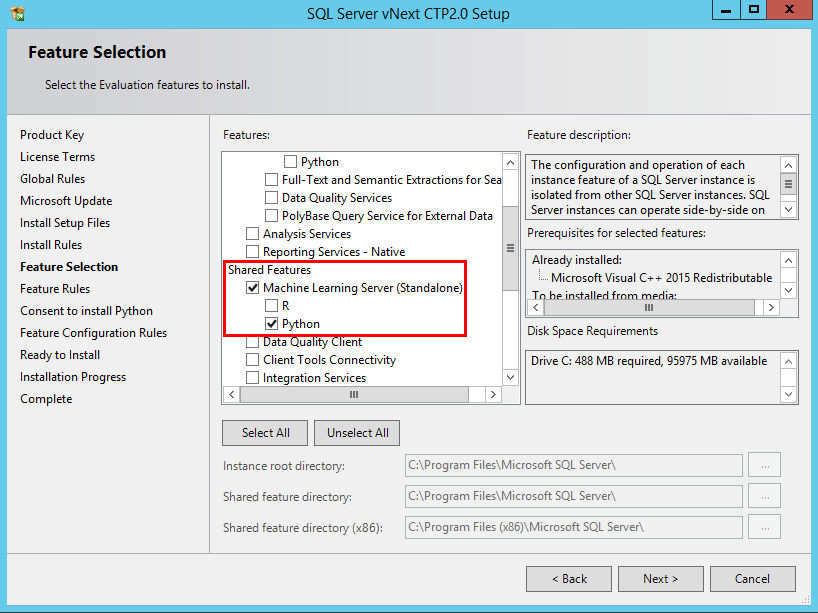
After my article SQL Server 2017: first steps with Python Service, I write this article about my first test with the Python Server feature in SQL Server 2017. The installation is very simple, in the features Selection window, you have in the Shared Features, you have a Machine Learning Server (Standalone) with R and Python. I check Python to install… 

SQL Server 2017: first steps with Python Service

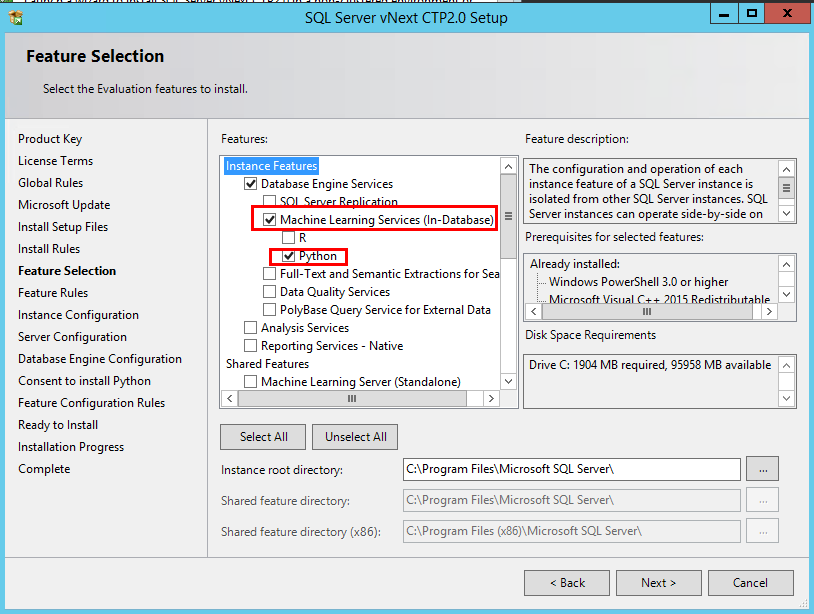
Last year, I written blogs about SQL Server 2016 and his integration from the R language. Just for information, you can find these blogs about SQL Server 2016 R Services here: SQL Server 2016: R Services SQL Server 2016 – R Services Tips: How to find installed packages using T-SQL? Now, the next version of SQL Server, named officially SQL…