Skip to content

PowerShell

Generate Azure VM with Resource Manager deployment in PowerShell

Recently, there is a new way to manage the Azure infrastructure with Resource Manager. It brings many advantages regarding the classic deployment. The differences between these two deployments will not be covered in this blog because it is not the initial goal, and it already exists a very good Microsoft topic on this subject. In this blog, we will generate… 

SQL Server 2016: New SQL PowerShell CMDLETs for ErrorLog

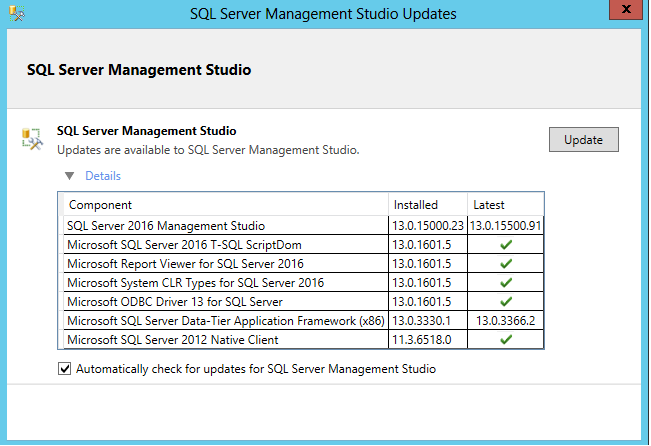
With the latest release of SQL Server Management Studio(SSMS) 2016 (13.0.15500.91), downloadable here, was introduced new CMDLETs for Always Encrypted, SQL Agent and the  ErrorLog. In this article, I will present you the 2 new CMDLETs for the Error Logs: Get-SqlErrorLog: Retrieves the SQL Server Logs. Set-SqlErrorLog: Sets or resets the maximum number of error log files before recycling. My… 

Set the SQL Native Client Default Port with PowerShell

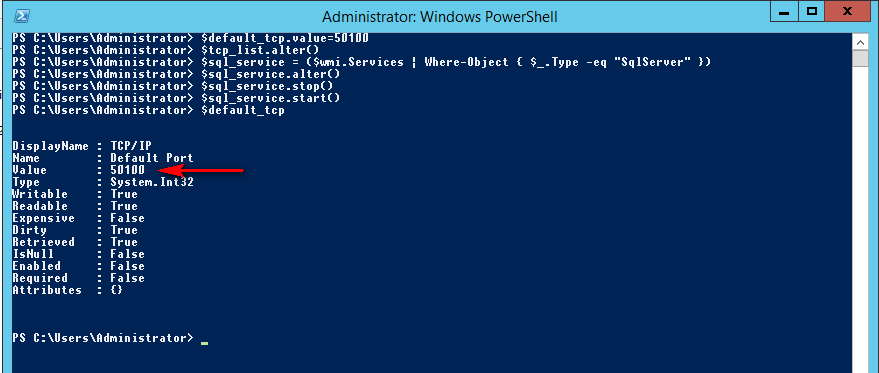
I written an article about “SQL Server 2012: Configuring your TCP Port via PowerShell” and I received a question from PaulJ: “How do you set the port for the SQL Native Client 11.0 Configuration (32bit) – as seen in the SQL Configuration Manager?” This is a very good question and I decide to write this blog as an answer to… 

SCOM: schedule group maintenance task with PowerShell

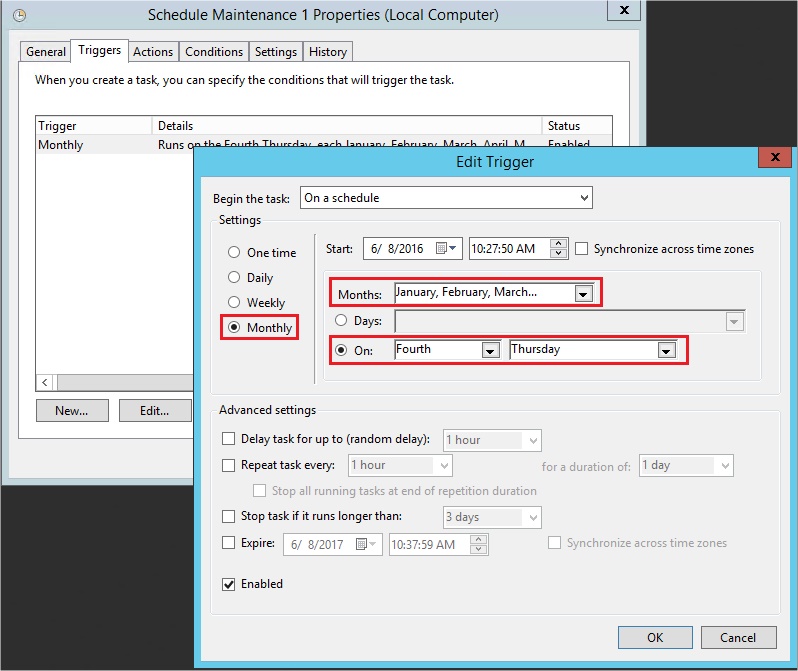
In my last blog post, here, I spoke about how to place SCOM group in maintenance mode. This script is really interesting with an integration in Windows Task Scheduler. At the end, the main purpose is to plan a maintenance window of our different servers. Let’s see how we can do that with PowerShell script. First, I try to use… 

SCOM: change group state to maintenance mode with PowerShell

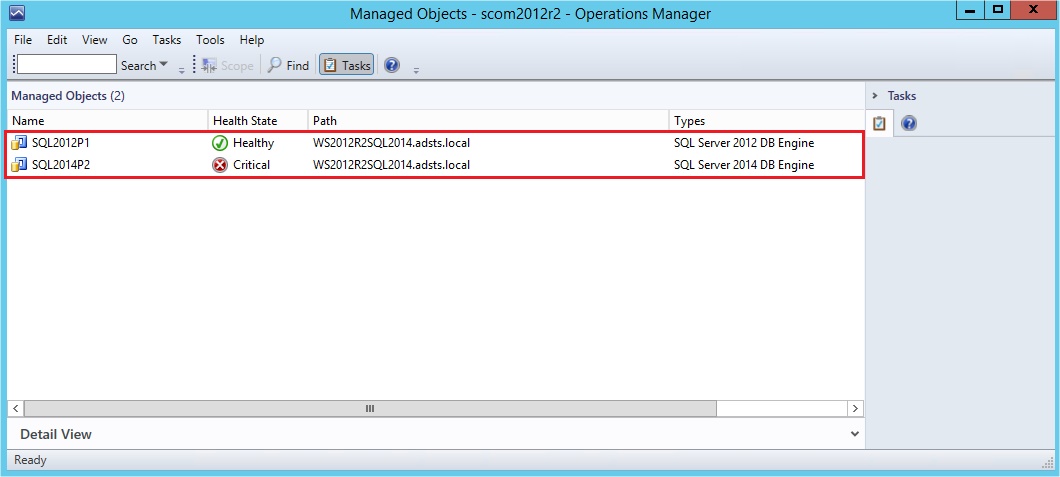
Some weeks ago, I wrote a blog post about the creation of SCOM groups in order to subscribe to alerts. Subscribe to alert is mandatory, of course, to be able to receive alerts concerning our group. But during operations like an update, a patching, …, we don’t want to be spoiled by lots of alerts. To avoid those unexpected Emails,… 

syspolicy_purge_history job and PowerShell ExecutionPolicy

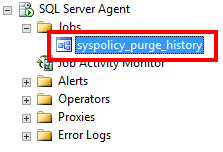
Since SQL Server 2008, Microsoft has introduced a system job called “syspolicy_purge_history”. This job is installed and enabled by default, and it contains three steps scheduled at 02:00 AM:   What is this job? And what is it for? Since SQL Server 2008, a new feature called Policy Based Management has been added. When your policies are run, the results… 

Configurer les “Bonnes Pratiques” de Windows Server avec PowerShell

PowerShell est un outil en ligne de commande dorénavant intégré à tous les environnements Windows. Cet outil est extrêmement puissant, et avec le vent en poupe, puisqu’il permet de simplifier l’exécution et l’automatisation des tâches de configuration et d’administration. Dans mon travail d’Administrateur de bases de données, j’effectue de nombreux Audits d’environnements afin de vérifier, par exemple, si les bonnes… 

Control-M Application Integrator verwaltet Microsoft PowerShell Code & Credentials

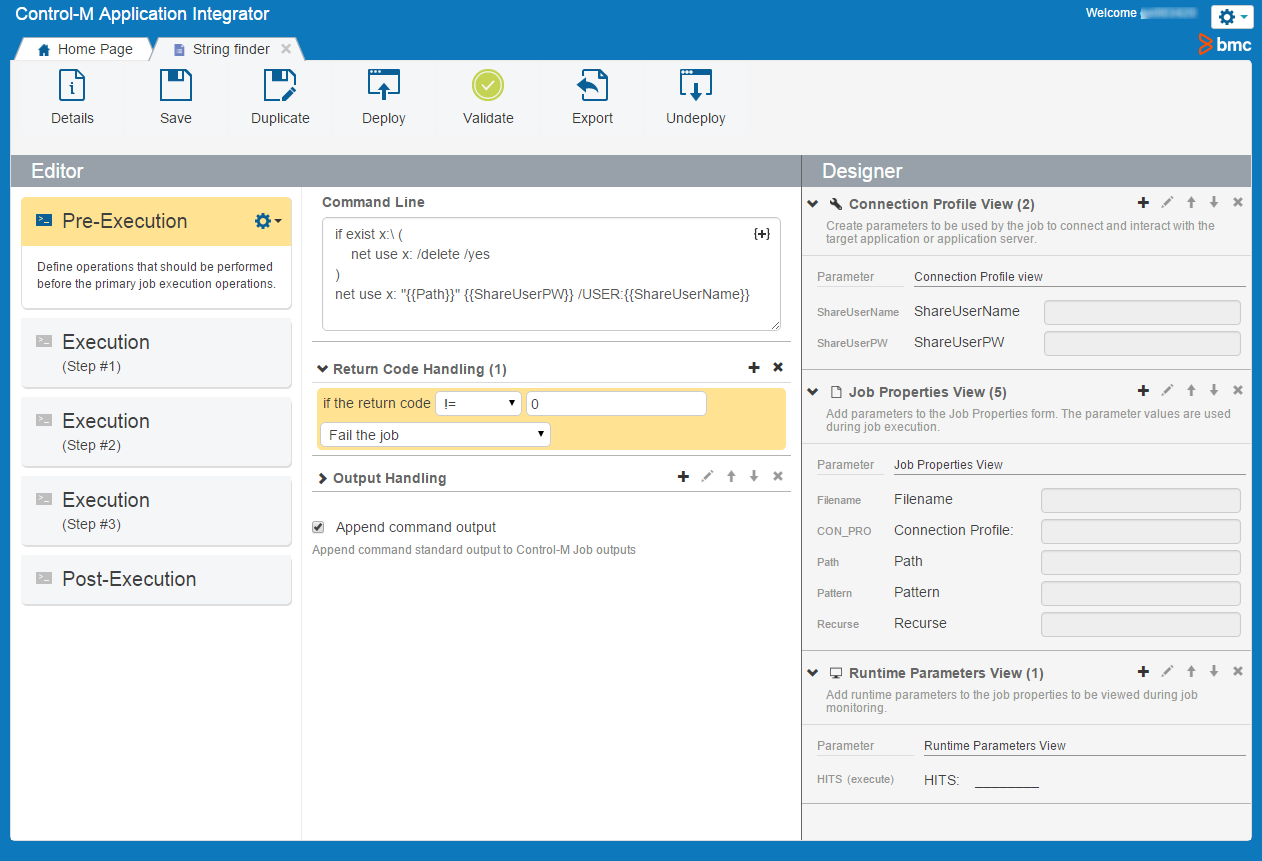
Welche Vorteile hat “Control-M Application Integrator”? Bei einem Kunden, der Control-M im Einsatz hat, habe ich auf einem Windows Server ganz viele Windows und PowerShell Scripts angetroffen. Unter diesen Scripts waren einige die nach einem bestimmten Keyword in einem Log-File suchten. Alle diese Scripts hatten einen festen CIFS Path im Script. Damit das klappt, wurde ein Share auf dem Windows… 

Get the main information from SQL Server databases with PowerShell

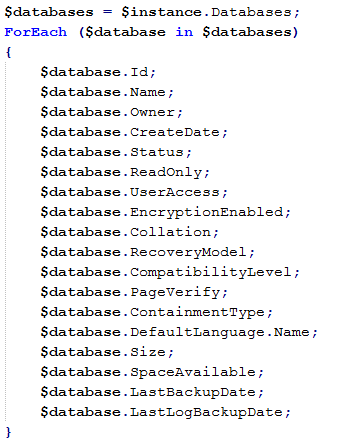
As I promised in my previous blog Get the main Administration Information from SQL Server with PowerShell, I will present you this time how to retrieve the SQL Server databases information with PowerShell. Disclaimer: I am not a developer but a SQL Server dba. If you find errors or some ways of improvement, I will be glad to read your… 

Get SQL Server Network Configuration with PowerShell

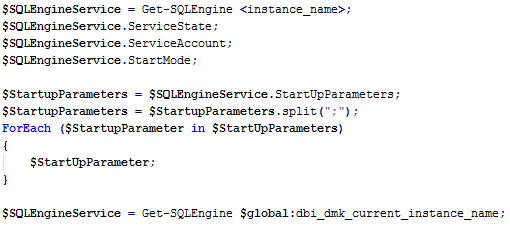
This blog is part of a set which try to automate the SQL Server administration with PowerShell. It explains how to retrieve the network configuration of a SQL Server instance with PowerShell. I will refer to my previous blog Get SQL Server services with PowerShell. I presented how to get the SQL Server Engine service. I will assume the service… 

Get the main Administration Information from SQL Server with PowerShell

In my previous blog Get SQL Server services with PowerShell, I presented you the first step of the SQL Server administration through an automated process. This blog is a follow-up of the previous one, and it will focus on retrieving information of a SQL Server instance with PowerShell Disclaimer: I am not a developer but a SQL Server dba. If… 

Get SQL Server services with PowerShell

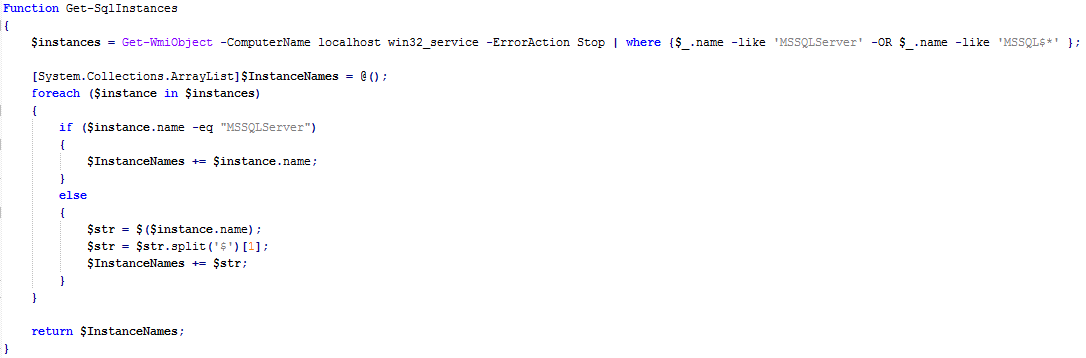
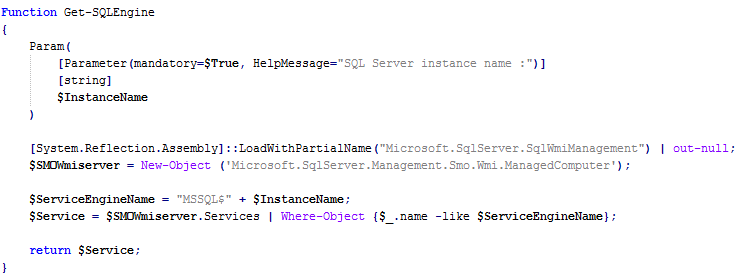
SQL Server Configuration Manager and SQL Server Management Studio are the main tools to administrate the components of SQL Server. They are very convenient to use and pretty complete. But as soon as you wish an automated process, these tools have their limitations. Nevertheless, there is still the solution: PowerShell! This blog introduces a first step towards an automation process…