Skip to content

Microsoft

Set the SQL Native Client Default Port with PowerShell

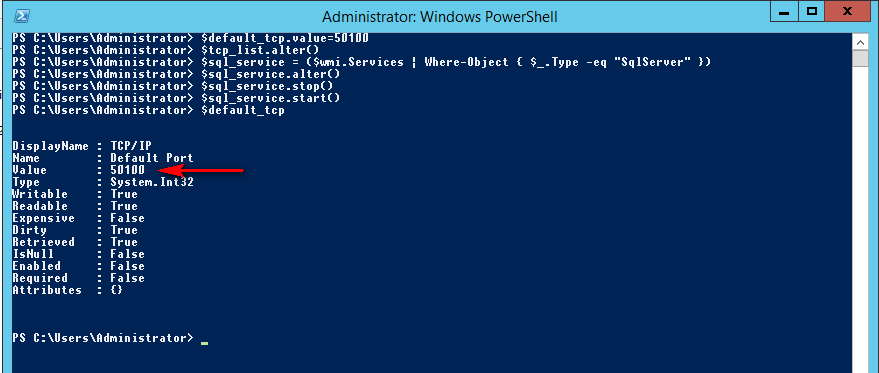
I written an article about “SQL Server 2012: Configuring your TCP Port via PowerShell” and I received a question from PaulJ: “How do you set the port for the SQL Native Client 11.0 Configuration (32bit) – as seen in the SQL Configuration Manager?” This is a very good question and I decide to write this blog as an answer to… 
SQL Server 2016 – Query Store: retrieve query that doesn’t appear!

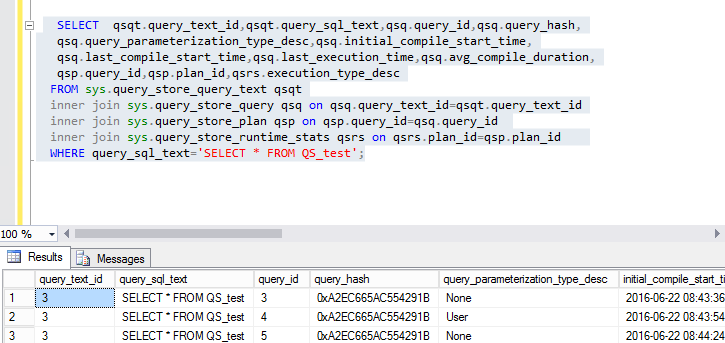
For our event SQL Server 2016 in September, I am studying the new functionality Query Store. My colleague David Barbarin have written few months ago about Query Store and how it’s working. Simple SELECT Query To begin, I execute a simple SELECT on a table with 3 different methods: SELECT * FROM QS_test; exec sp_executesql N’SELECT * FROM QS_test’ EXEC… 

Trace Flag 4199 or not in SQL Server 2016?

Some Trace Flag like T1117 and T1118 are no more needed as you can read on David’s blog. But that’s not all, you have also the T4199… What’ does the Trace Flag T4199? This Trace Flag enables all query optimizer fixes. A lot of DBAs have enabled this Trace Flag globally during the build of a new server. If you… 

SQL Server 2016: RTM first installation

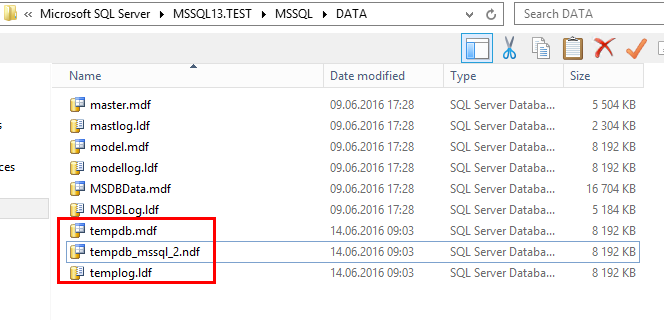
I was very surprise with this new version of SQL Server and his installation. The first point is that we don’t need any more to install the framework .Net 3.51 manually… The second main point is the configuration of TempDB directly in the Database Engine Configuration. In the installation wizard, the number of files is automatically based on the number… 

SQL Server 2005 decommissioning failed!

The support for SQL Server 2005 is no more available, so we are migrating all the latest databases running under SQL Server 2005 to SQL server 2012 or higher! Last time, I had to uninstall an old SQL Server 2005 clustered instance in a 64 bits architecture on Windows Server 2008R2. In fact, this clustered environment contains many other instances… 

SQL Server 2016: new tools management strategy

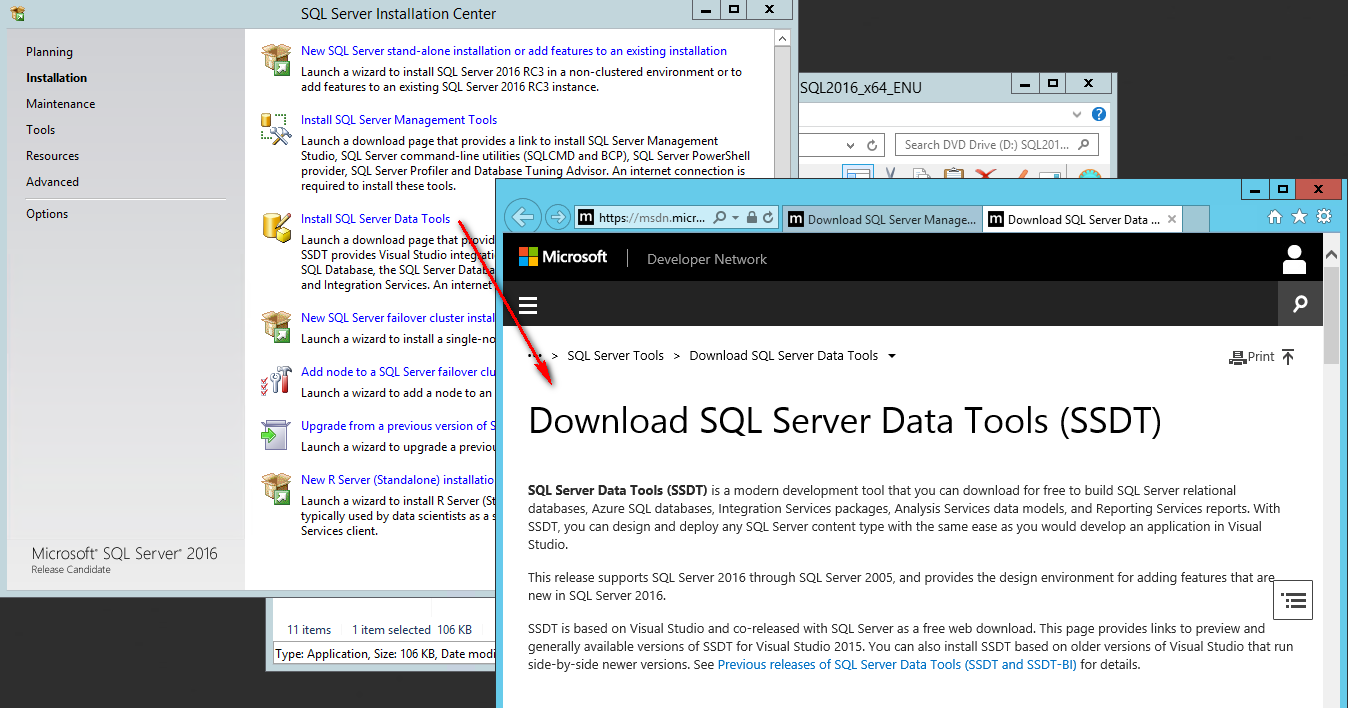
A lot of customer’s feedbacks are about difficulties to find easily SQL Server tools. Now, it is easier… 😉 A unified web page for SQL Server Tools The first good news is that Microsoft unified and gathered these tools for SQL Server on a single web page: https://msdn.microsoft.com/en-us/library/mt238365.aspx As DBA, this page is absolutely to be marked in your browser.… 

SQL Server 2016: Extended Events are more powerful as Trace Flag for Backups and Restores

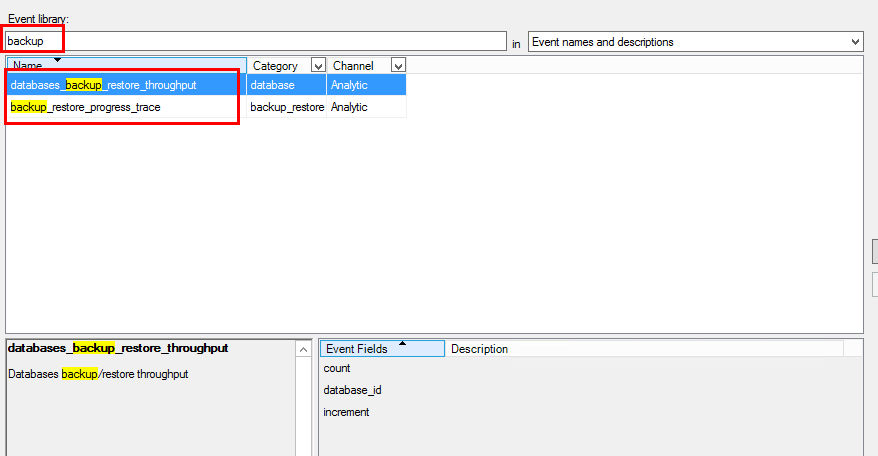
Before SQL Server 2016, we use Trace Flag to display information about backup and restore operations like the 3004, 3014, 3213 or 3604. Here a link to the MSDN with a great SQL Server trace flag list SQL Server 2016 provides 2 new Extended Events: backup_restore_progress_trace database_backup_restore_throughput backup_restore_progress_trace will give detailed information during the backup process and restore operation database_backup_restore_throughput… 

SQL Server: Now Cumulative Updates (CU) need to be install!

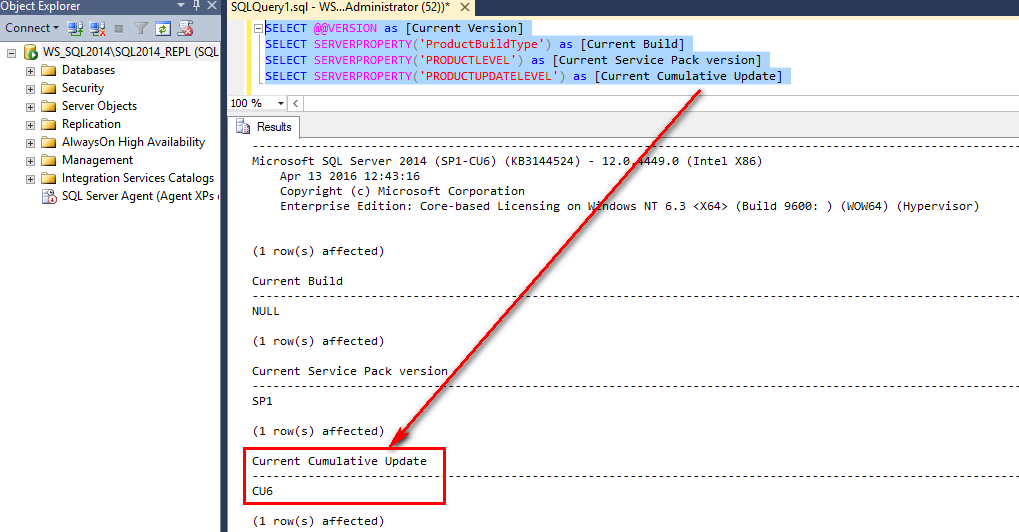
 Since this year, Microsoft recommends to install Cumulative Updates (CU) like Service Packs (SP) In the past, Microsoft always recommended to apply the Service Packs and security fixes for SQL Server. Cumulative Updates were applied only if you had a specific problem in order to resolve it. Now, we need to follow a new rule: “ Microsoft recommends ongoing, proactive… 

SQL Server 2016: Microsoft R Server

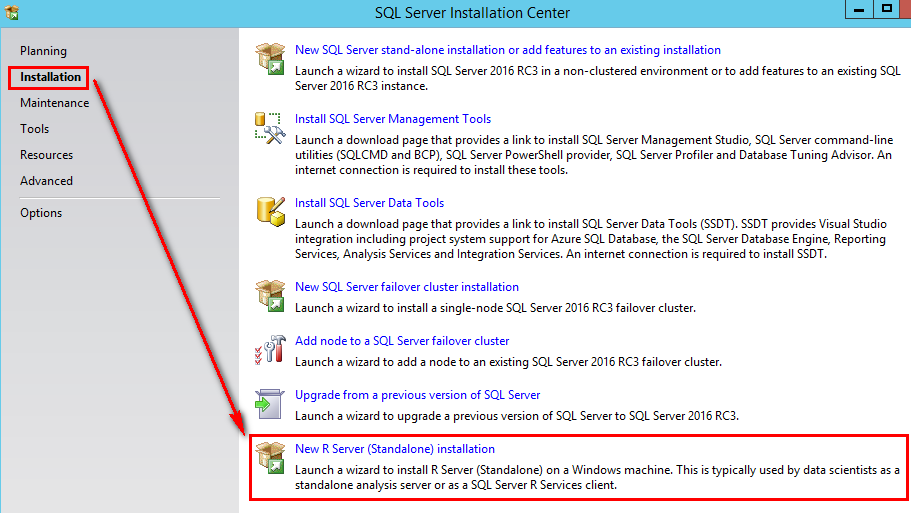
In my last article, I wrote about the R Services into SQL Server. Now, Microsoft provides an open source R platform to complete this new SQL Server integrated feature in 2016. On the Microsoft Website, you can download directly R Server 2016 for different operating systems: Windows of course SUSE Linux Red Hat Linux Version for Hadoop on Red Hat… 

SQL Server 2016: R Services

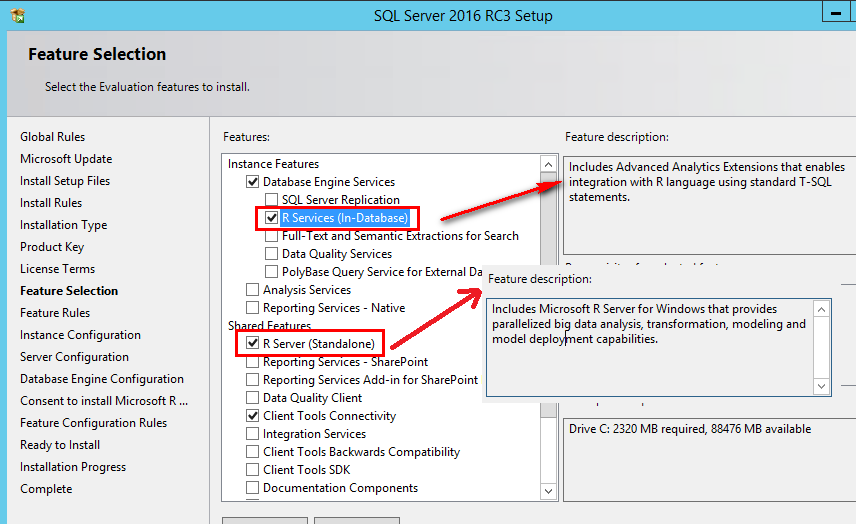
I was during a long time captivated by the R programming language. I’m happy to see that SQL Server 2016 provides now a SQL Server R Services. This service enables SQL Server to execute R scripts. The first step is to install the R Services during the installation of SQL Server. As you can see on the picture, you have… 

SQL Server 2016: CREATE TABLE for Stretch Database is available

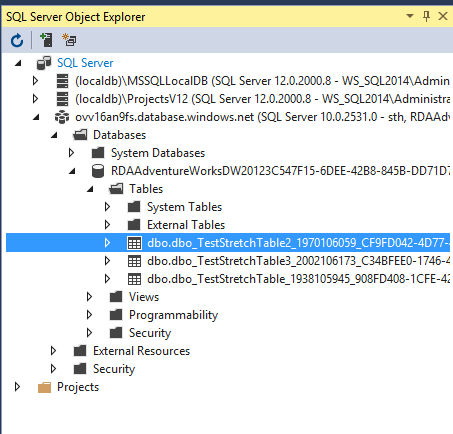
This month, the Release Candidate 1 (RC1) for SQL Server is available. With this new version, you can now use the “CREATE TABLE” command for Stretch Databases. If you read the msdn page from CREATE TABLE for SQL Server 2016, you can see these options: The first step is to enable the functionality for the database “AdventureWorksDW2012” To enable the…