Skip to content

SQL Server

Microsoft SQL Server in practice: installation, Always On availability groups, backup and restore, performance tuning, security, PowerShell automation, SQL Server on Linux and upgrades.

SQL Server 2019: What’s new in sp_configure and sys.configurations options?

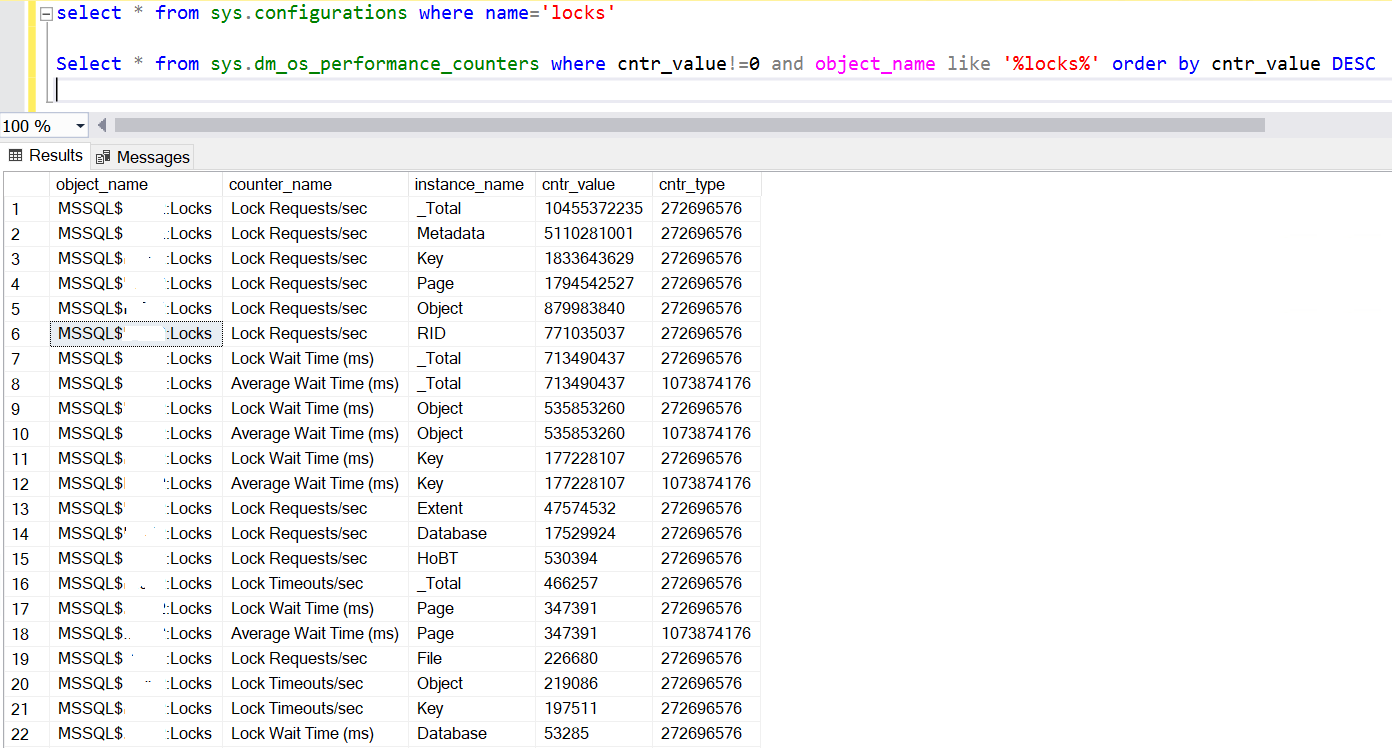
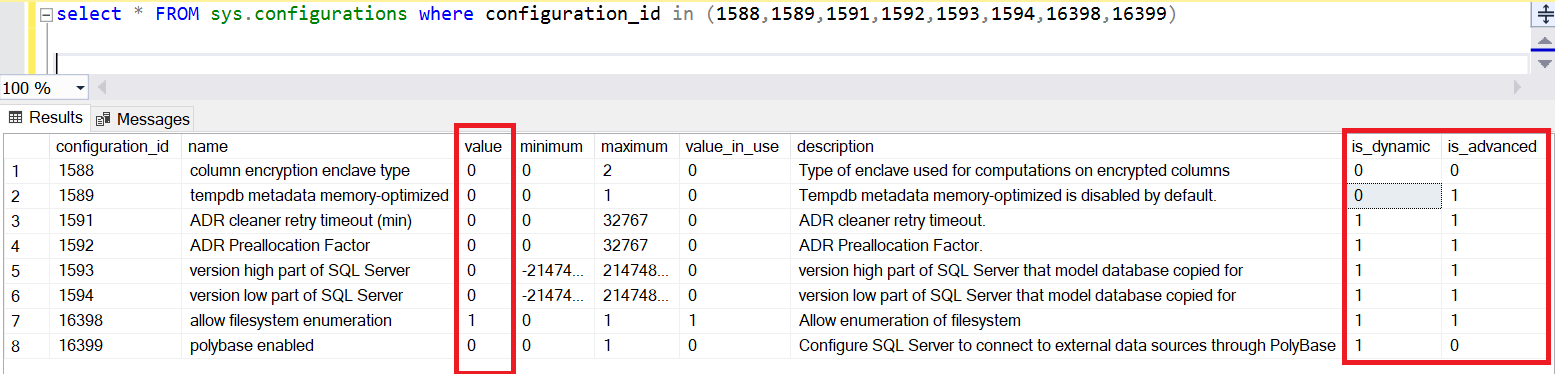
SQL Server 2019 added new options in sp_configure and sys.configurations. First, how can we find the difference between these SQL Server Versions. This simple query will give us the number of options and the SQL Server Version: select count(*),@@version FROM sys.configurations In SQL server 2016, we have 74 parameters for the instance configuration: In SQL server 2017, we have 77… 
SQL Server: How to compare Server and Database Collation

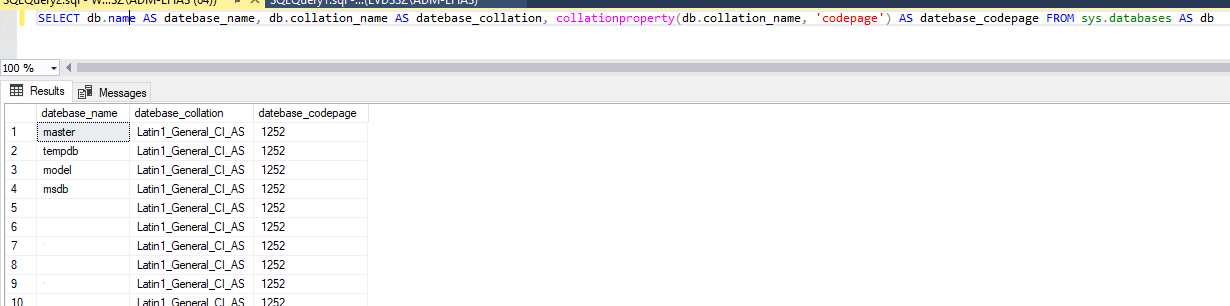
Sometimes during an SQL Server audit, I check the collation of the server and the databases but every time separately. The goal of this blog is to give you a script to have both and compare it. First step is to have the server collation and the code page. The code page will help to see if the character set… 

SQL Server: Analysis of SCOM Warning on the Health Check

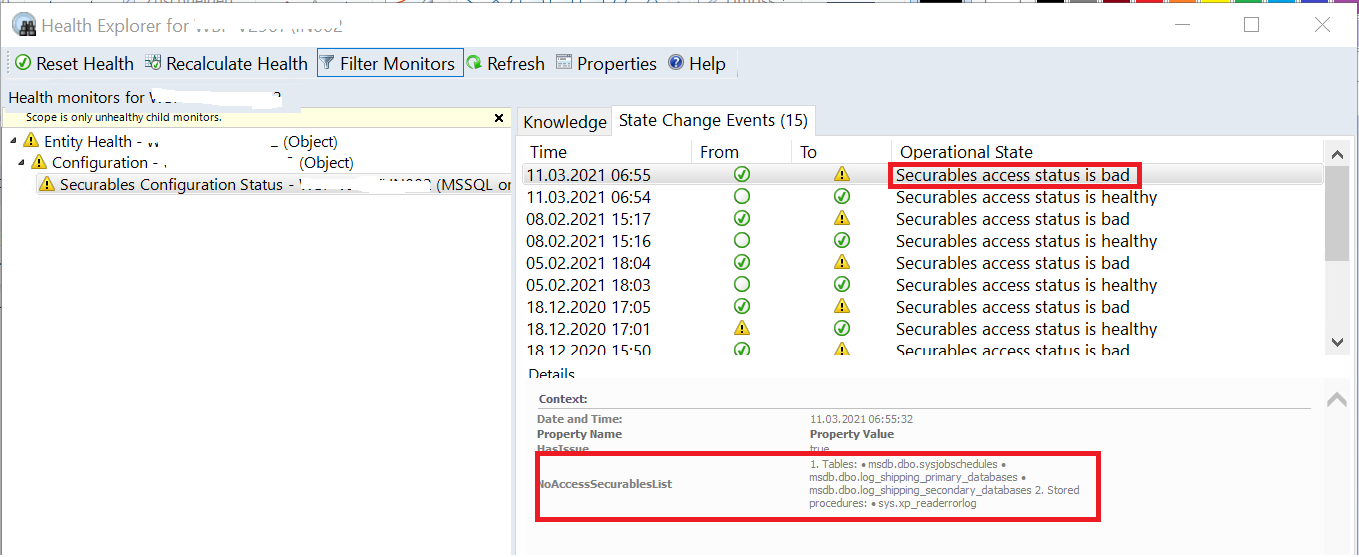
Sometimes, it’s hard to find how to analyze a Warning in the SCOM Interface and correct the problem. By a customer, we install new instances in SQL Server 2019 and change the version of SCOM. All new servers have a warning on the Health. The first step in the SCOM interface is to go to the SQL Server Roles: On… 

SQL Server Tips: Get back permissions lost for mount points!

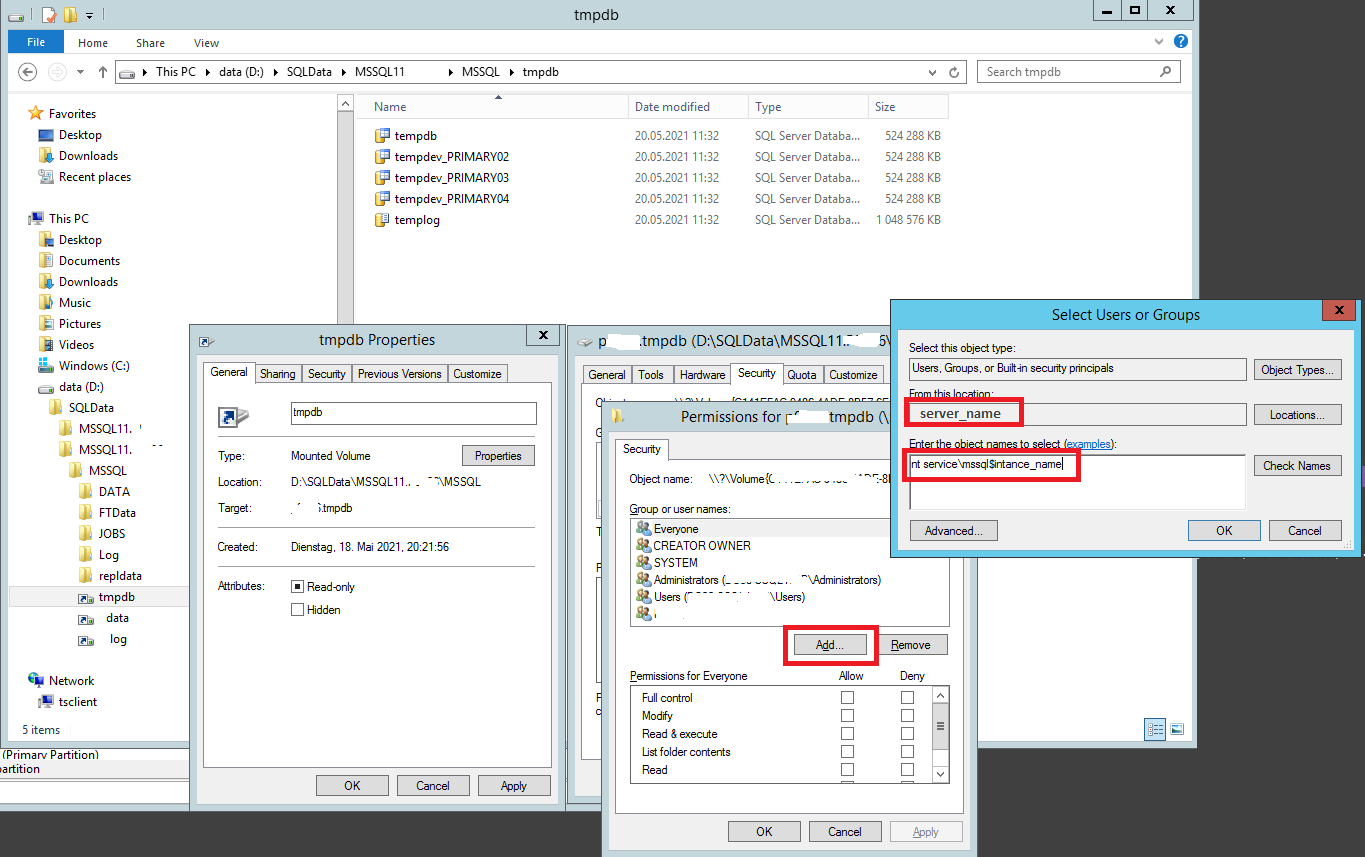
Recently by a customer, we are facing the case to lose all mount points on a secondary node in a HA SQL Server AlwaysOn infrastructure due to a big problem on the Datacenter. We need to build from scratch all mount points for the Data, Log and Tempdb. After multiple researches, I didn’t find how to give back correctly the… 

SQL Server CPU limitation for Express and Standard Edition

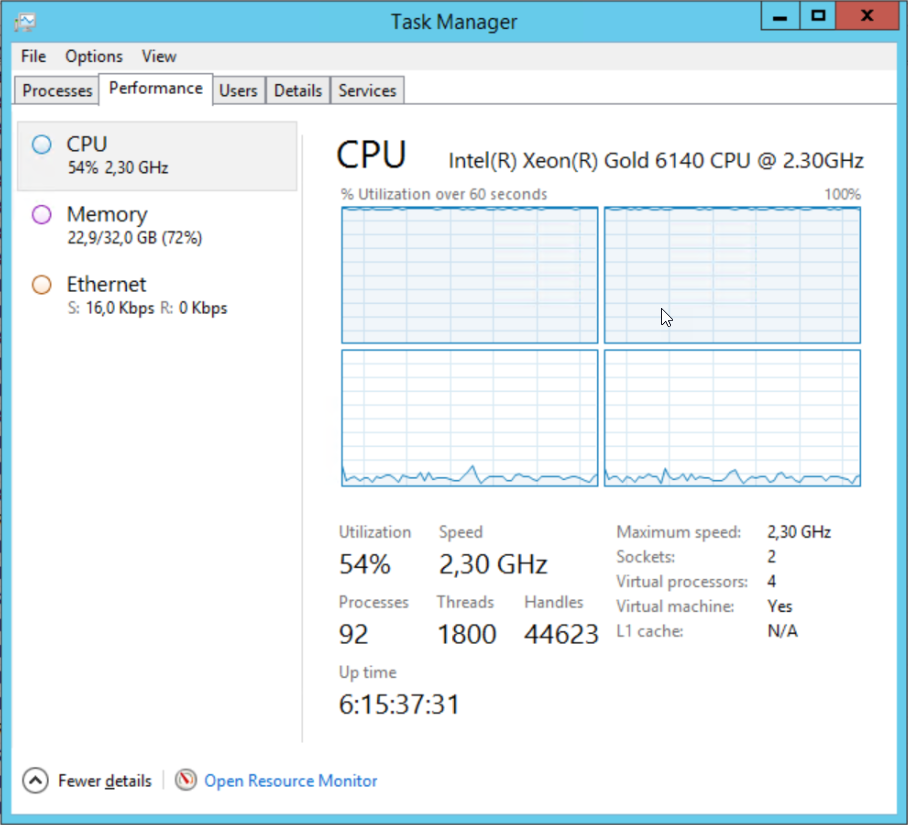
Introduction When performing an audit on an SQL Server VM the first thing the system administrator told me was that there’s no issue with the CPU on this box, the monitoring shows it’s always around 50% usage. Problem Here is the Task Manager: The average CPU usage on this VM is indeed 50% but half of the cores are stuck… 

SQL Server: Get email notifications for Error Log entries

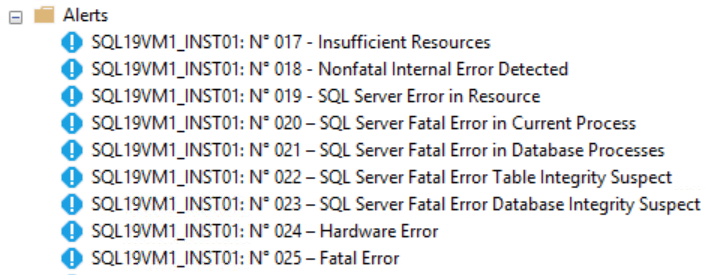
Introduction In a previous blog post, I did a T-SQL script reading Audit files to send emails with valuable information about instance changes. In this one, you will see how to get nice emails from critical errors or specific events occurring on the instance using the ErrorLog. A common best practice for any DBA is to configure SQL Server Agent… 

SQL Server: How to delete the msdb backup history kindly

This week I noticed some slowness on queries related to backup history. The instance had a huge msdb database (more than 10GB size), the backup history had never been purged. I already wrote a post on this topic and provided a small PowerShell script using dbatools to clean the backup history. The issue with sp_delete_backuphistory or Remove-DbaDbBackupRestoreHistory is that the… 

SQL Server: Replace the old SCOM login by the new one

It’s every time hard to replace a login who as role and permissions in every database like the service account for SCOM. In the previous version of Scom, you create a service account (dbiscom) to access the SQL Server and check the health of the databases. Now it’s possible to use the System Center Operations Manager Health Service (NT SERVICEHealthService).… 

SQL Server: Audit changes on Instance Configuration, Linked Servers and Agent Jobs

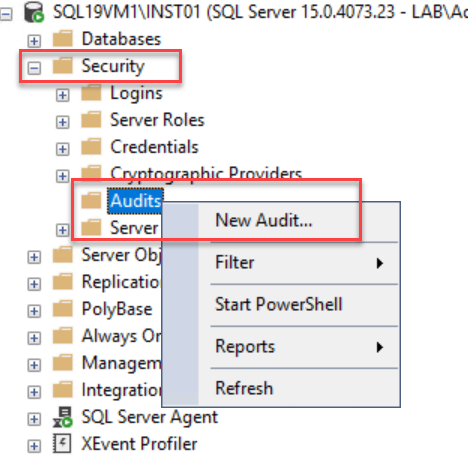
Introduction Very often with our customers, there is only one person with the DBA role. The configuration of the instances is then under control and if anything strange has to be questioned, the culprit is quickly identified. 🙂 When many people, not necessarily having DBA knowledge, have high permissions (sysadmin) on instances it becomes important to know who does what.…