

The last version of” MSSQL extension for Visual Studio Code” has in Preview “the Local SqlServer Containers” based on SQL Server 2025 with the following keys:
- Create and manage SQL Server containers locally without Docker commands
- Use SQL Server 2025 by default with vector and AI-ready features
- Auto-connect with a ready-to-use connection profile
- Start, stop, restart, or delete containers from the connection panel
- Automatic port conflict detection and resolution
- Customize container name, hostname, port, and version
See all Preview Features here
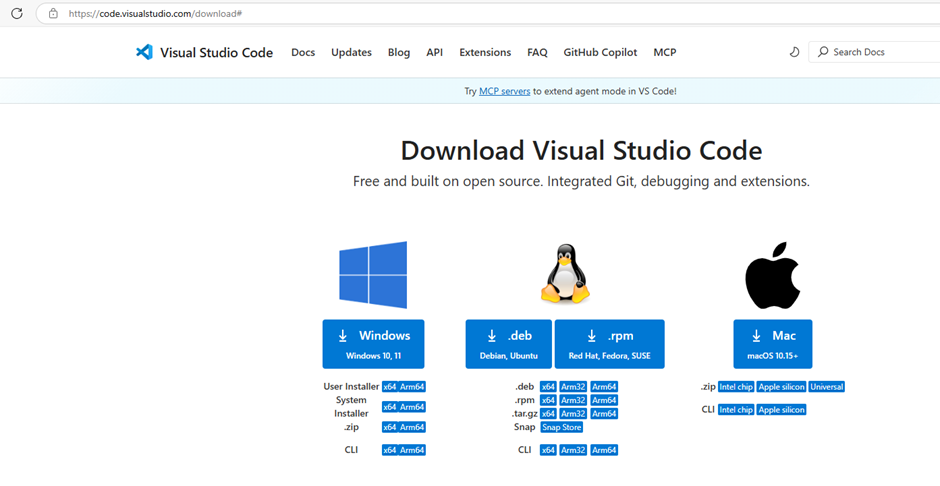
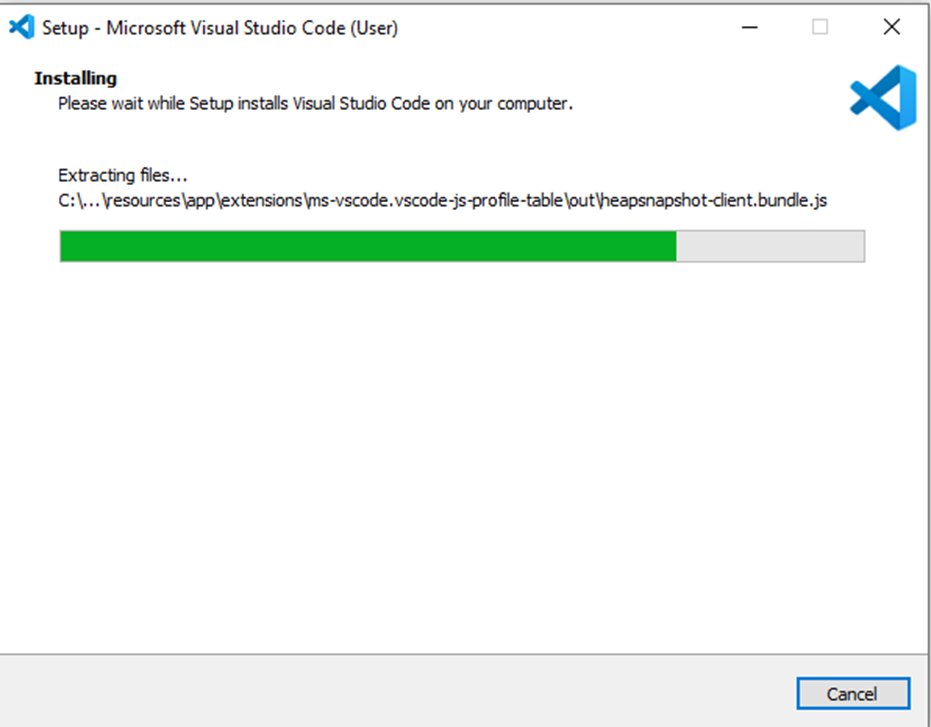
First Step: Download and install Visual Studio Code here
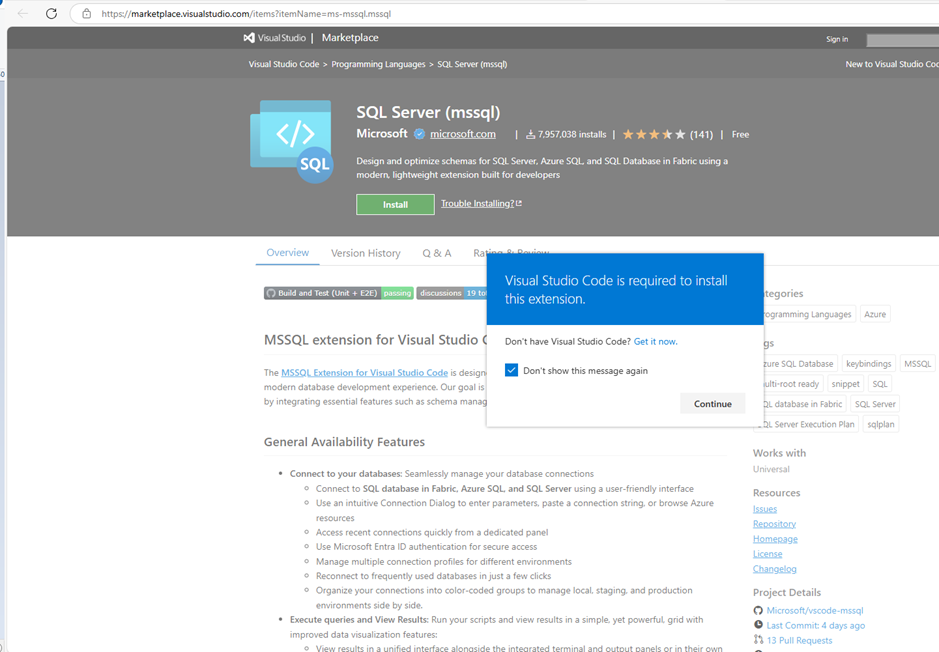
Second Step: Download and install MSSQL extension for Visual Studio Code here
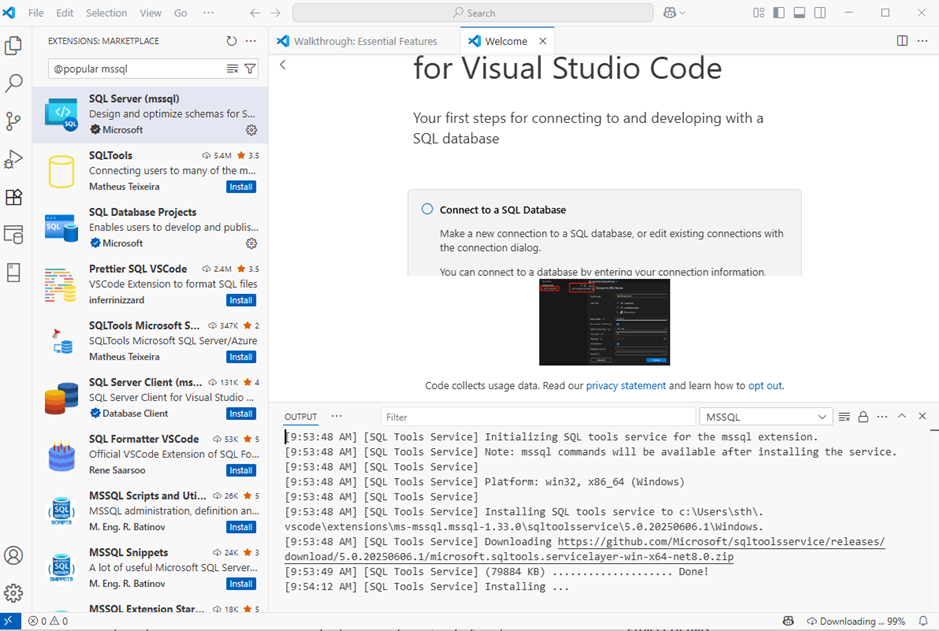
You can also directly from Visual Code, download and install the extension:
Questions about your own setup? A dbi services consultant can look at your case.
Talk to an expert (opens in a new tab)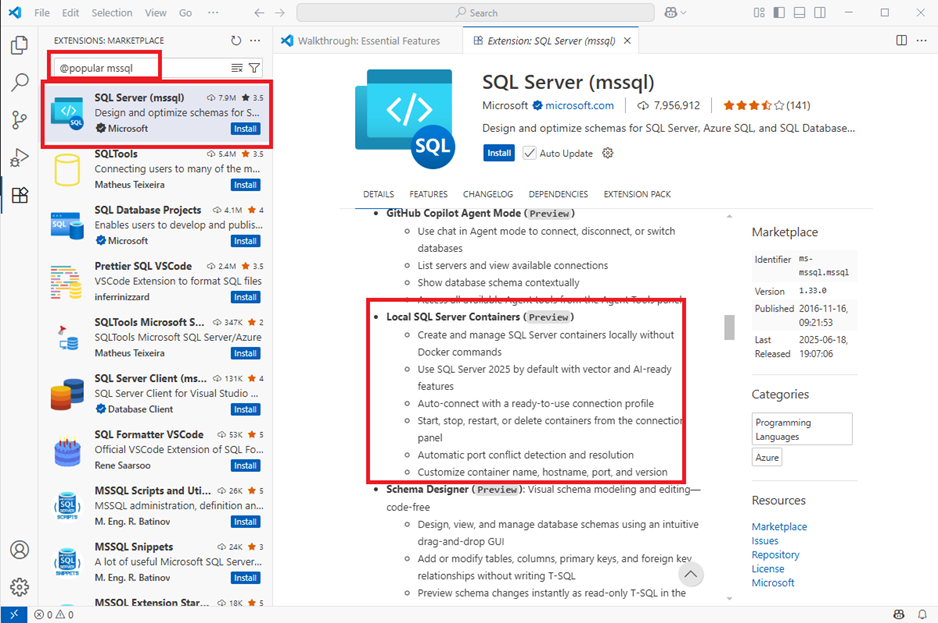
I choose this easy way…
After few minutes, it’s ready to use:
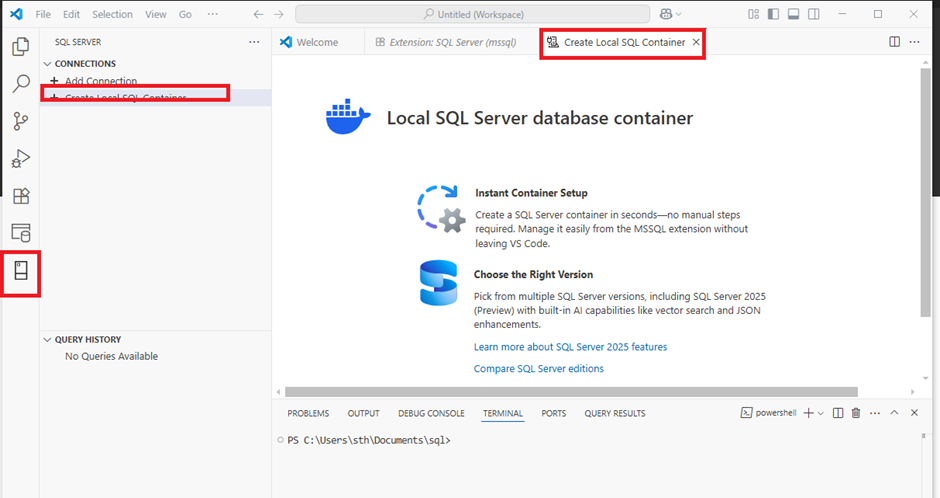
Third Step: create the Local SQL Server Container
Go to the “SQL Server” tab, select the “Create Local SQL Container” in the “connections” menu:
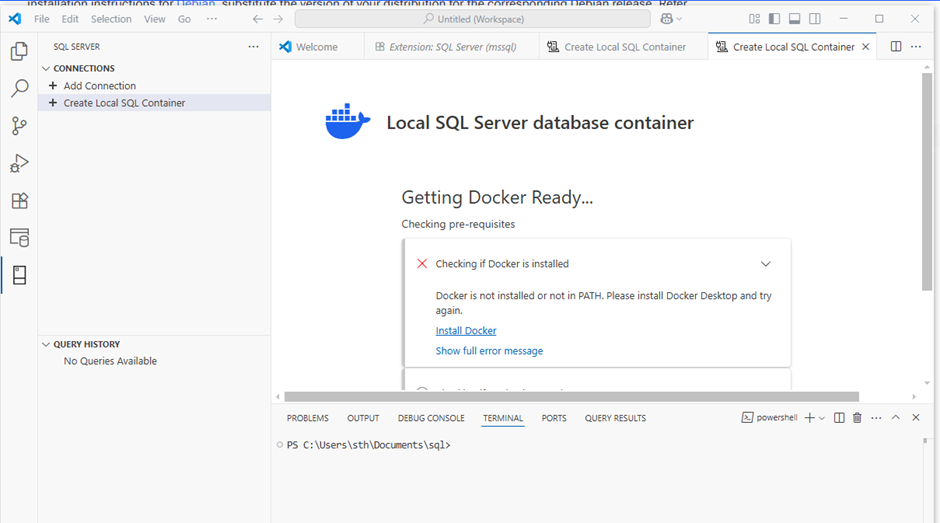
Oups… I forget to install Docker:
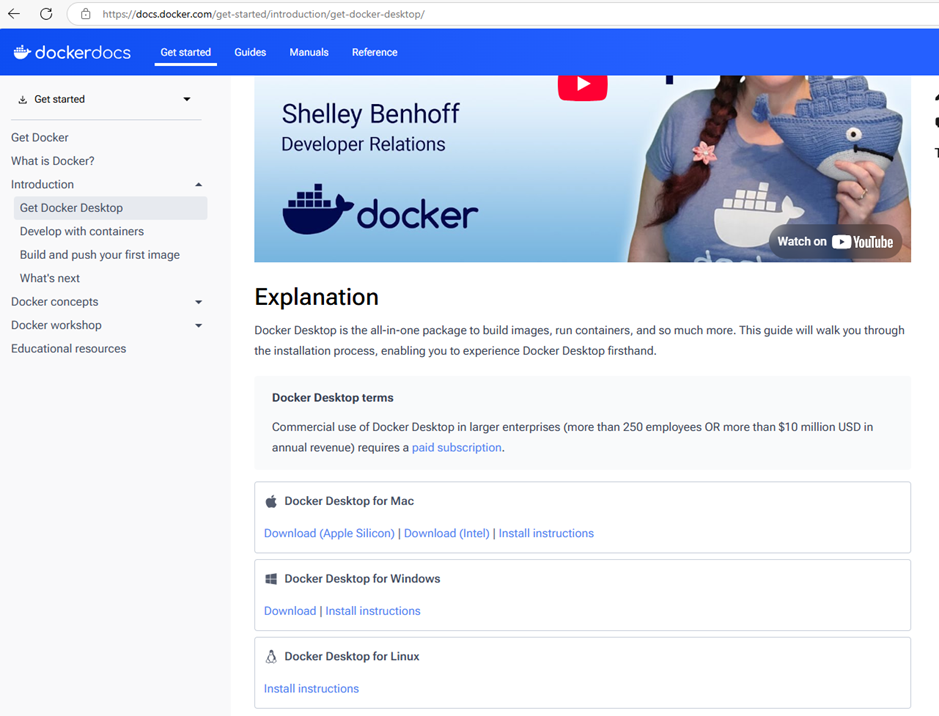
Second Step BIS: Download and Install Docker on my desktop here
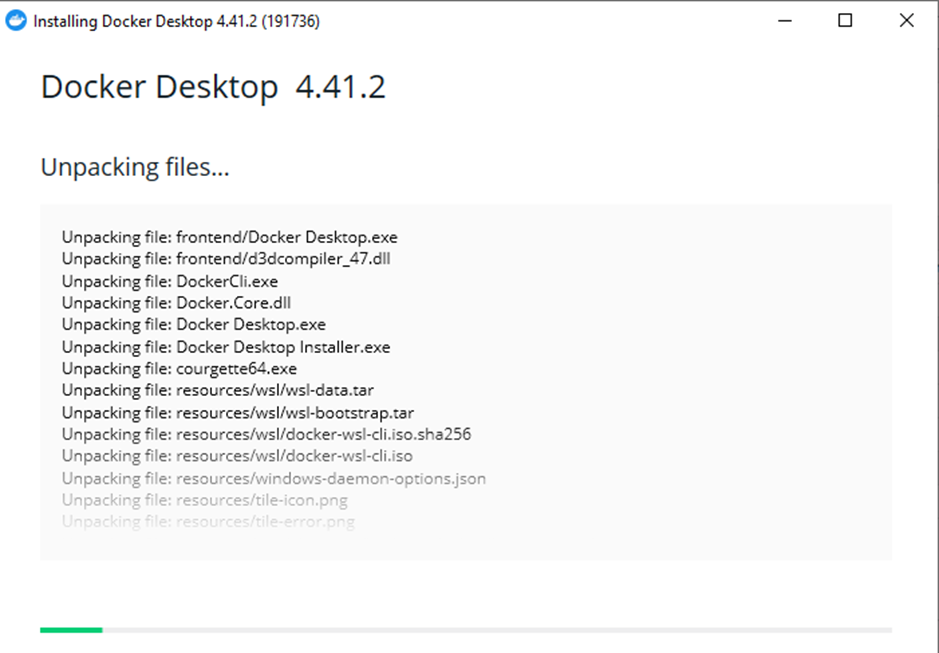
Et voila, Docker is installed:
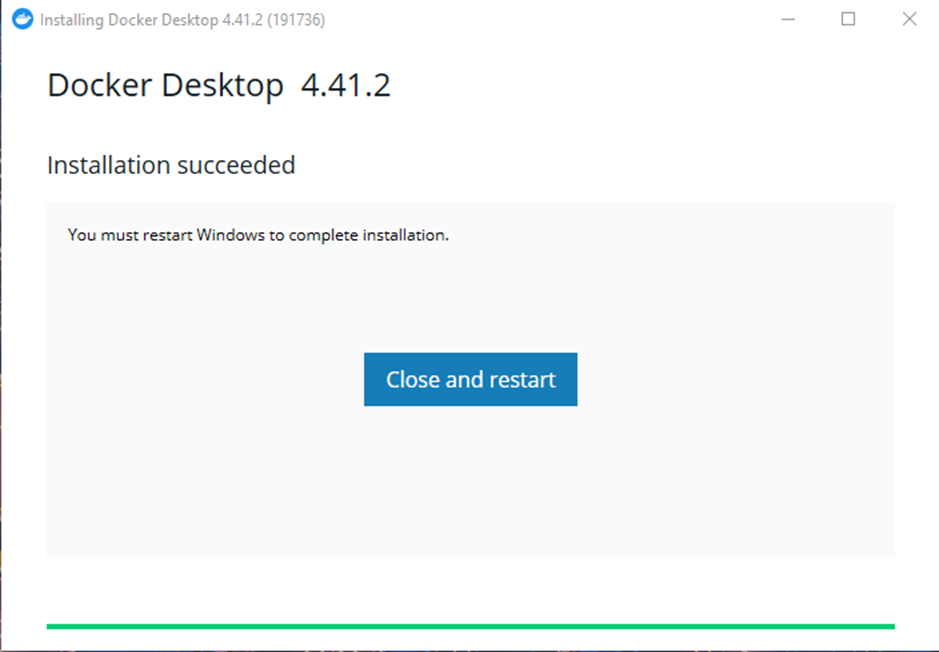
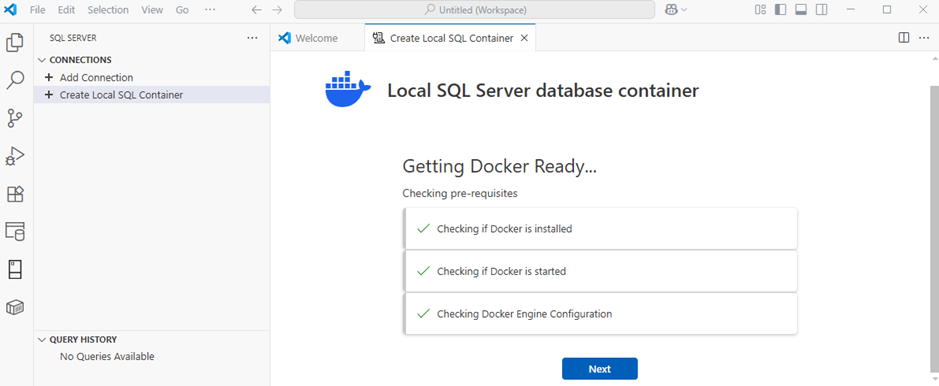
After the restart, I go back to my SQL Server connection in Visual Code.
I see that I’m ready to start…
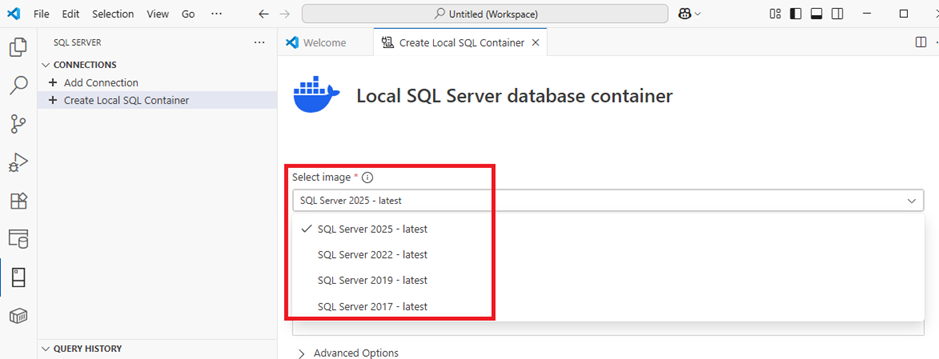
I can choose the SQL Server image until the version of SQL 2017:
I choose the SQL server 2025 version, enter a password and a profile name:
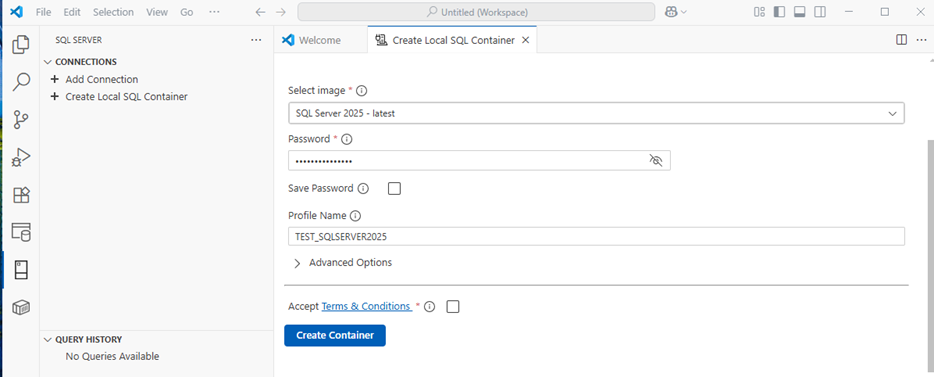
Check also Accept the Terms & Conditions after reading it of course like every time…
I press the button “Create Container”:
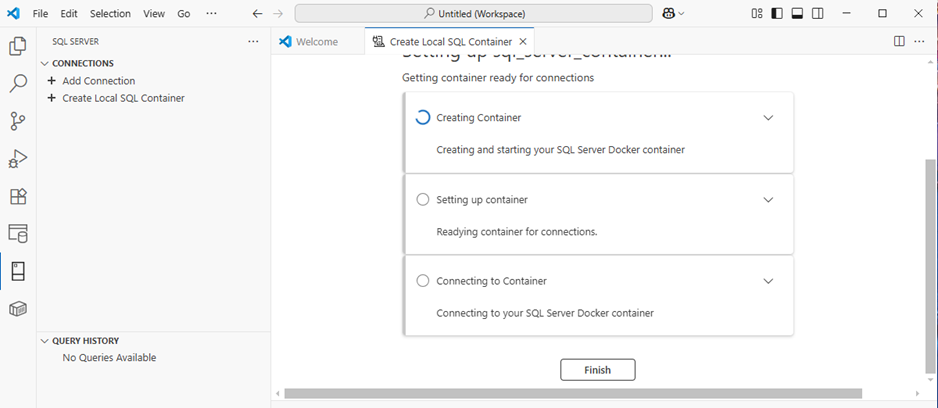
The are three steps:
- Creating Container
- Setting up container
- Connecting to Container
After few minutes, my container is online and ready to be use direclty:
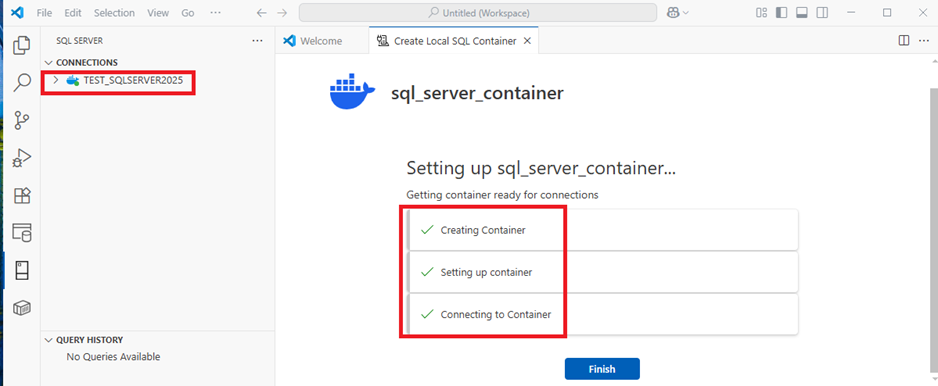
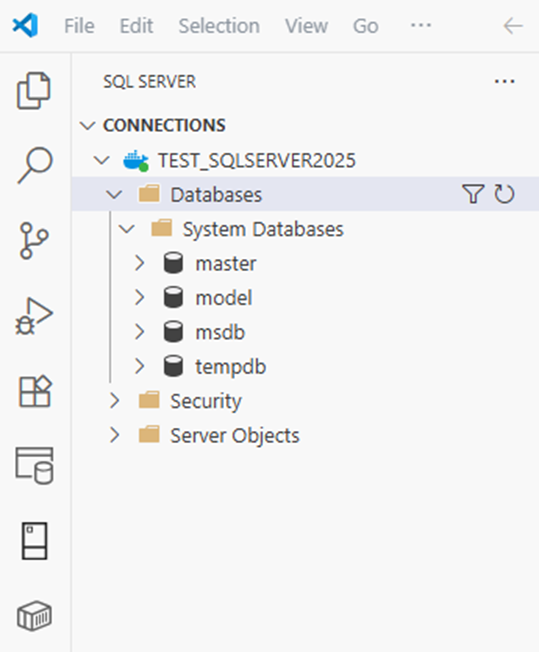
Last Step: Test the connection with a query
I open a query and just do a SELECT @@Version and a SELECT @@Servername:
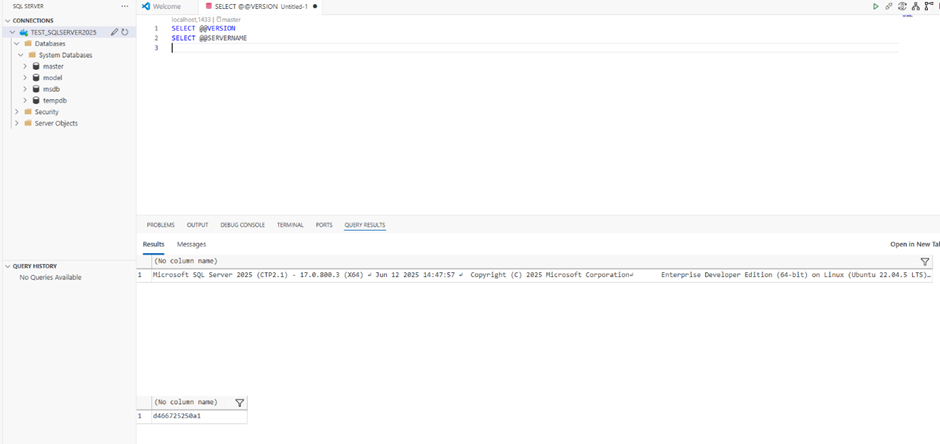
As you can see, we have the SQL server in version 2025 & Edition Developer on Linux Ubuntu installed without any Docker command to deploy it…
Conclusion
Very easy to install and do the first steps with this new feature and without any skills in Docker command…
I know a lot of developers who want to use it asap! 😉