Skip to content

XE

Running Intel x86-64 VMs with an Oracle DB on Apple Silicon (ARM)

For testing purposes many IT-people traditionally use Virtual Machines (VMs) on their Laptops (often on Oracle Virtualbox). Since Apple moved to its own processor type (Apple Silicon, i.e. ARM architecture), it’s no longer possible to run VMs based on Intel x86-64 on Apple ARM (e.g. on Apple MacBook Pros with M1 or M2 processors). I.e. as the Oracle Database does… 

Cleanup a failed Oracle XE installation on Linux Mint

On this Blog I described on how to install Oracle XE on a current Linux Mint version (19.3. Tricia when writing the Blog). After the conversion of the Oracle provided rpm to a deb installation file with the tool alien, you can install the Oracle XE software with a simple command root@clemens-TravelMate:/opt/distr# dpkg -i oracle-database-xe-18c_1.0-2_amd64.deb If the installation fails or… 

Setup Oracle XE on Linux Mint – a funny exercise

On my old Laptop (Acer Travelmate with an Intel Celeron N3160 CPU) I wanted to install Oracle XE. Currently the available XE version is 18.4. My Laptop runs on Linux Mint 19.3 (Tricia). The Blog will describe the steps I had to follow (steps for Ubuntu would be similar). REMARK: The following steps were done just for fun and are… 

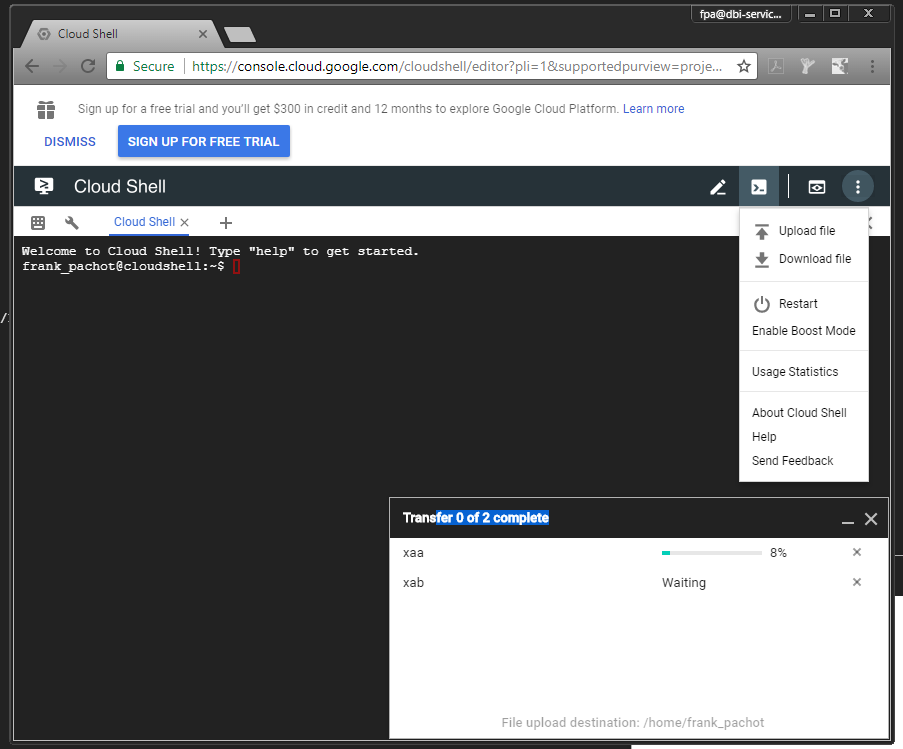
A free persistent Google Cloud service with Oracle XE

By Franck Pachot . In a previous post I’ve listed several free online services which run an Oracle XE so that you can test your SQL easily. You may want use Oracle XE further, with full access to the database and its host, and still from a web browser. You probably have a Google account. Then you also have a…