Another day, another not-so-documented GoldenGate error, this time about the OGG-10556 error, which I had when setting up replication on a new GoldenGate installation. After making changes from the web UI in an extract, I ended with the following error when starting it:
2025-10-16 14:02:30  ERROR   OGG-02024  An attempt to gather information about the logmining server configuration from the Oracle database failed.

2025-10-15 12:06:51  ERROR   OGG-10556  No data found when executing SQL statement <SELECT apply_name  FROM all_apply  WHERE apply_name = SUBSTR(UPPER('OGG$' || :1), 1, 30)>.
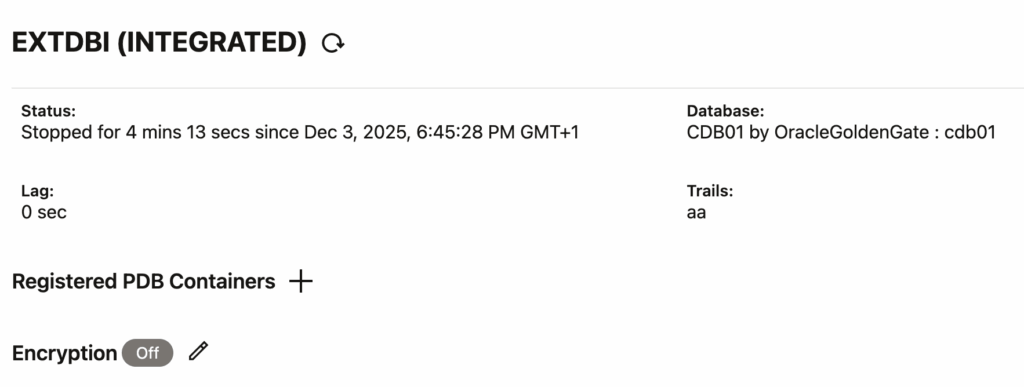
Since the exact configuration is not relevant here, I will not add it to the blog. After some trial and error, it all came down to the extract settings in the web UI (not the configuration file). From the web UI, you can find the list of PDBs on which the extract is registered. In my case, because of the modifications I made, the PDB was not listed in the Registered PDB Containers section anymore:
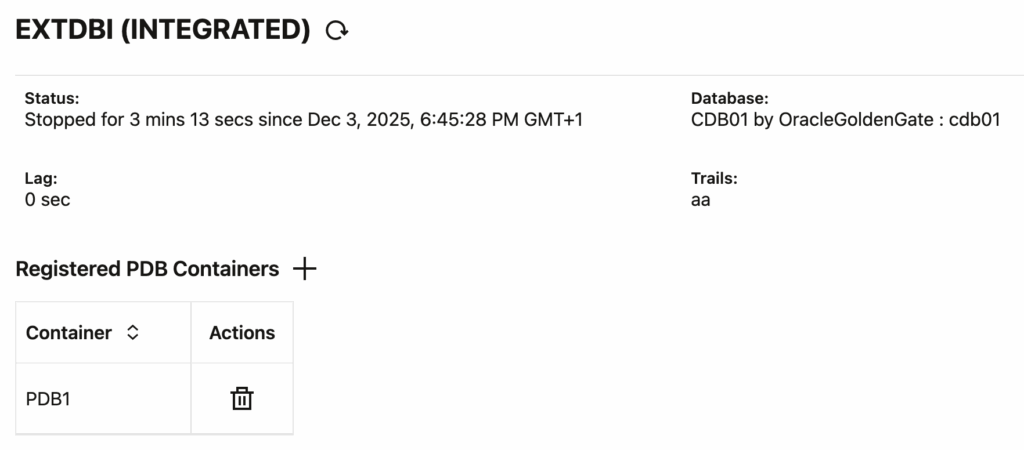
After registering the PDB again, and restarting the extract, it worked !
NB: You’re wondering why you had the issue even without modifying the extract ? This might be because of how slow the GoldenGate UI can be. You cannot add an extract without specifying a PDB. However, the PDB list appears dynamically, sometimes a few seconds after selecting the connection. And in the meantime, it is possible to create an invalid extract !
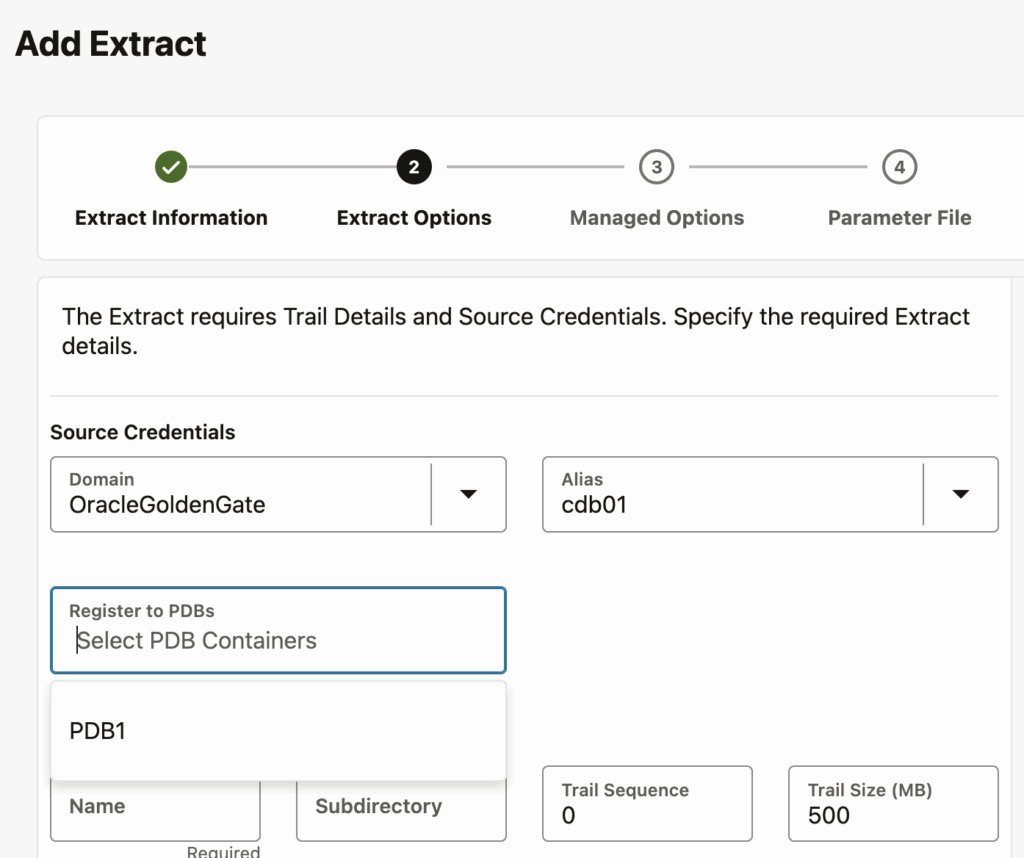
The PDB list sometimes appear a few seconds after selecting the connection
If this didn’t solve your issue, make sure to check if you are connecting to the right database ! The useridalias setting could contain a mistake that makes it connect to the wrong database.
![Thumbnail [60x60]](https://www.dbi-services.com/blog/wp-content/uploads/2025/05/JDE_Web-1-scaled.jpg)
![Thumbnail [90x90]](https://www.dbi-services.com/blog/wp-content/uploads/2022/08/MAW_web-min-scaled.jpg)