

Here we will show you how to unload data from a database on premise Oracle Database 12c PDB and how to load it into the table on the DBaaS Oracle Database 12c PDB.
We will use a SQL Developer to unload data from tables of the CDB_MY_PDP_PREMISE PDB of the on-premises PDB MY_PDB, and to load data into table of the existing PDB1 PDB of the DBaaS ORCL CDB.
How to Export Cart using insert
We use here a Cart method where you add selected objects to be loaded into the DBaaS database (non-CDB or PDB).
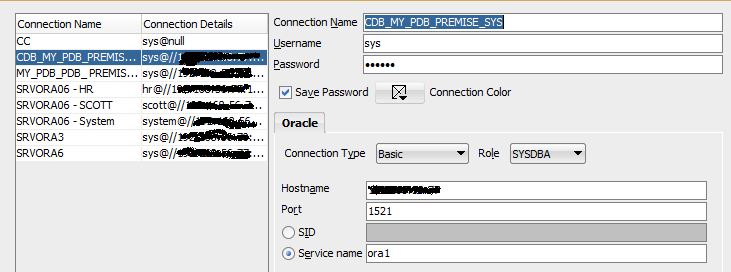
In a first step you must create a connection into your on-premise database.
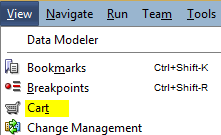
Now we take a sqldeveloper’cart and you navigate on View menu
Click View and then Cart
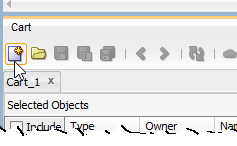
Click New Cart icone
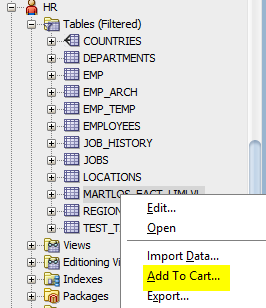
From your database schema you must expand the users for to find your table that you want to export. We take a HR user and the MARTLOS_FACT_LIMLVL table.
Once selected click on Add To Cart
The new box appeared on the sqldeveloper. You must select Data

The selected objects of the cart have generated DDL and DML statements for recreating the table and dependent objects and reloading data into the DBaaS database
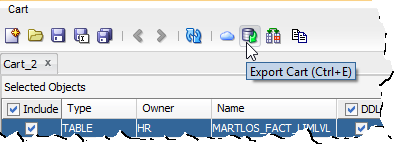
Clik the Export Cart
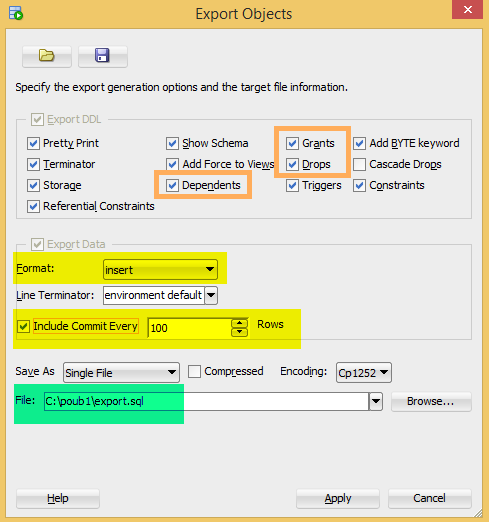
You can select the options that will create supplementary DDL statements in the c:\poub1\export.sql script file.
Here we have selected Dependents and Grant for CREATE INDEX and GRANT statements if indexes exist on the table and DROP table statement.
There is the possibility to define how often a COMMIT statement will occur, here when 100 rows will be inserted in tables.
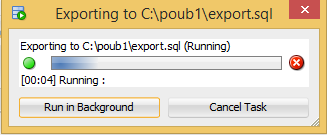
Running Export
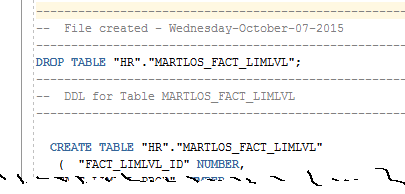
Once executed we get a text file
How to Import Cart using insert
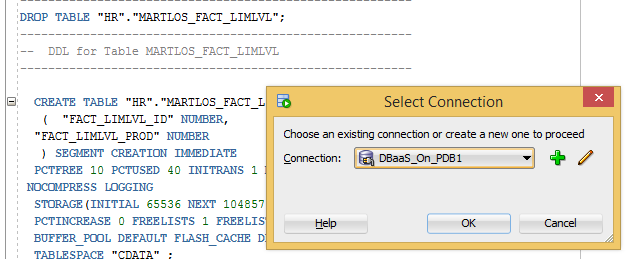
We are going to connect to the DBaas PDB and we launch the script to import data
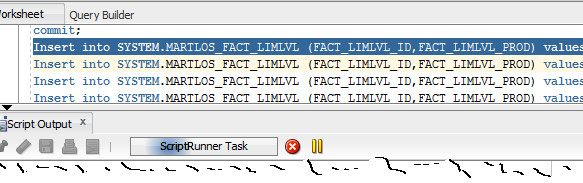
End execution
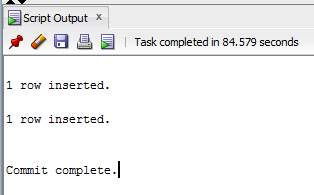
All DDL and DML statements are successfully executed in the DBaaS PDB1 by using the export.sql SQL file