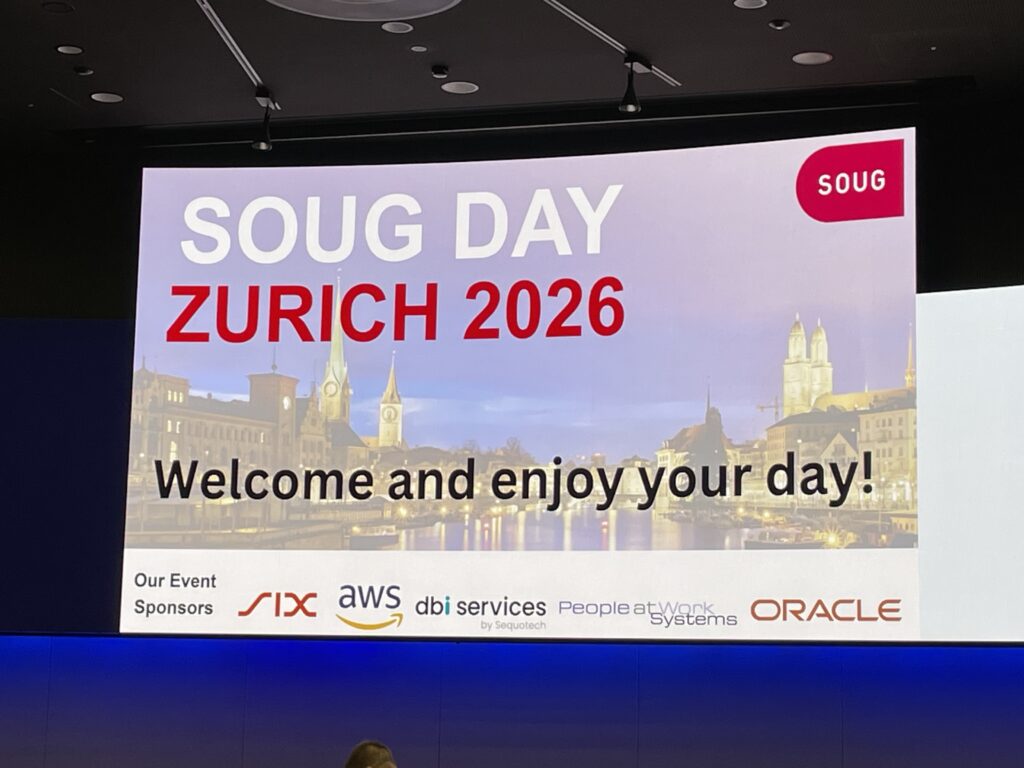
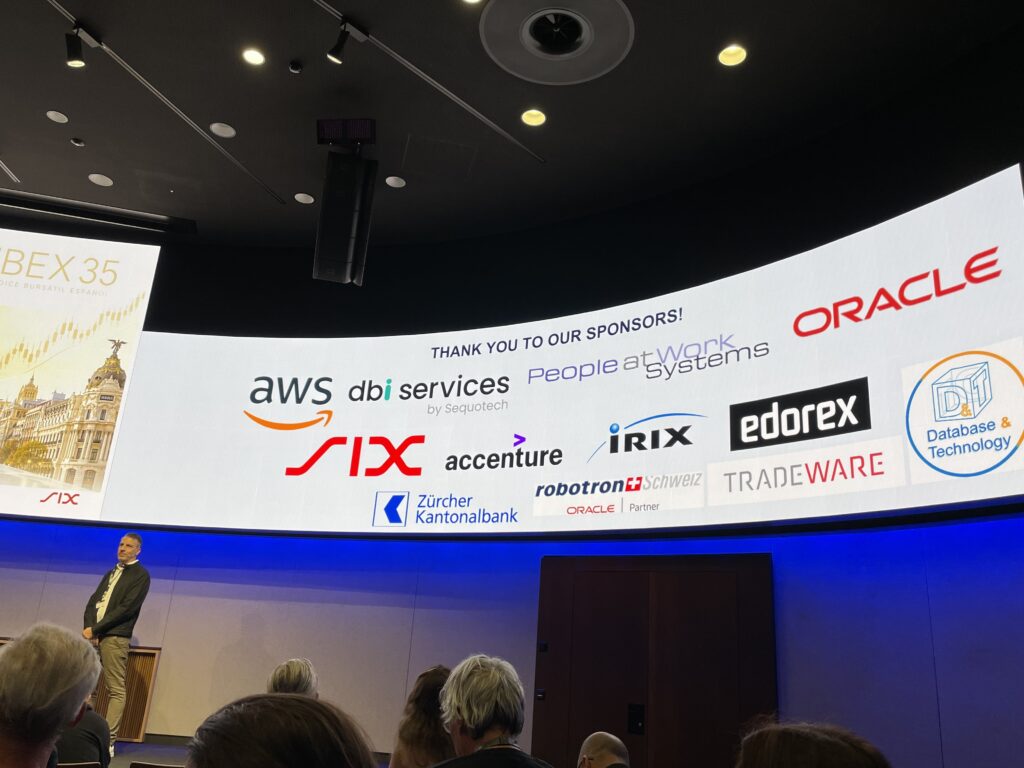
What a great and interesting day I could spent today at the SOUG Day which took place at the SIX ConventionPoint in Zurich. Thanks to the whole SOUG team for the great organization and to all the speakers for the interesting sessions.
Oracle Database Mission-critical Technologies by Ashish Ray (Oracle)
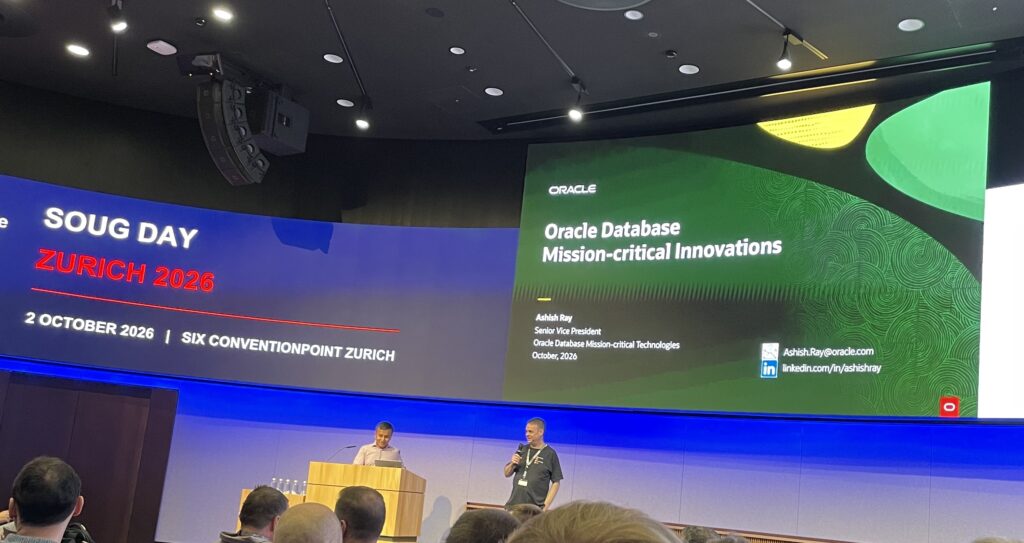
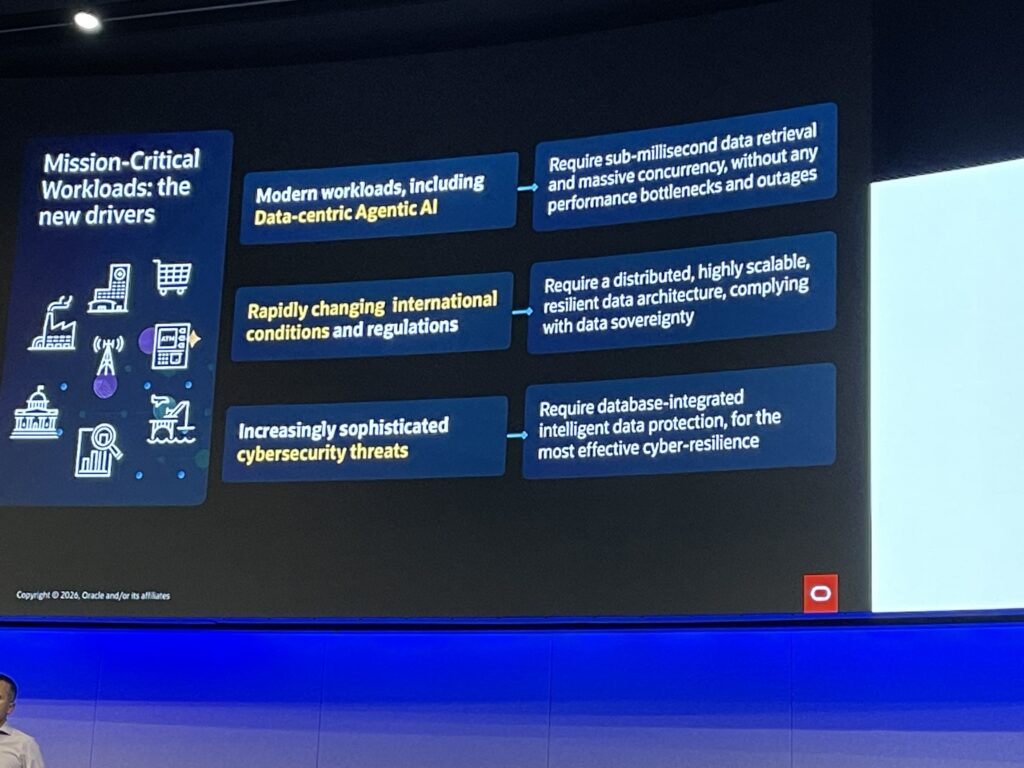
In his presentation, Ashish definitively confirmed that the new driver is AI. We discuss about the roadmap and latest innovations in Oracle AI database.
Trusted AI is a very important case, as we need to have trust in the AI application to access the data, and this is not easy to accept.
Deep data security uniquely enables enterprises to declare flexible and powerful end-user specific data privacy rules in the database.
Extreme performance subject was also highlighted. Next-generation intelligent Data Architecture, with Exadata evolution, is very important.
Exadata Exascale, new modern storage architecture is the future and will certainly replace ASM. With Exascale, storage management tasks are moved directly onto the storage servers. It is the next generation storage.
We also addressed Exadata system software new features. 26.2 release has just been announced recently.
The next big part is High availability and scalability. 26ai brings a lot in Maximum Availability Architecture (MAA) features. The great example is the how faster database role transitions in Oracle Data Guard now is. Comparing 19c and 26ai, for small configuration, the switchover duration was reduced from 76s to 22s, and failover duration from 80s to 15s. For large configuration, the duration drops down from 77s to 29s for switchover and 94s to 26s for failover. Ashish mentioned the great work of Ludovico teams. We can easily find this information in Ludovico blogs: https://www.ludovicocaldara.net/blog/dg-26ai-faster-role-transitions/.
Ashish also recommended to have multiple standby per regions mentioning the recent event that happened in the world.
We also spoke about Intelligent data protection with On-Premises ZDLRA (zero data loss recovery appliance) and ZRCV (zero data loss autonomous recovery service) in the cloud. It is so easy to enable automatic backup in the Cloud and choosing as backup destination autonomous recovery service, will guarantee customer RPO.
Ashish also highlighted deployment flexibility across on-premises and the cloud with On-premises databases, exadata Cloud@Customer (hybrid cloud), public cloud exadata database service, …
ODA on premises, with Oracle Base Database Cloud@Customer, has also now its public cloud solution. You can read more here.
https://blogs.oracle.com/database/announcing-oracle-base-database-cloudcustomer
Also know that exadata database-developer is available at no cost for develppers.
What’s new in the third edition of troubleshooting Oracle Performance by Chris Antognini
Chris presented some great updates in terms of performance troubleshooting that 26ai is bringing. He wrote a third edition from his book, titled “Troubleshooting Oracle Performance” that will be available in December this year.
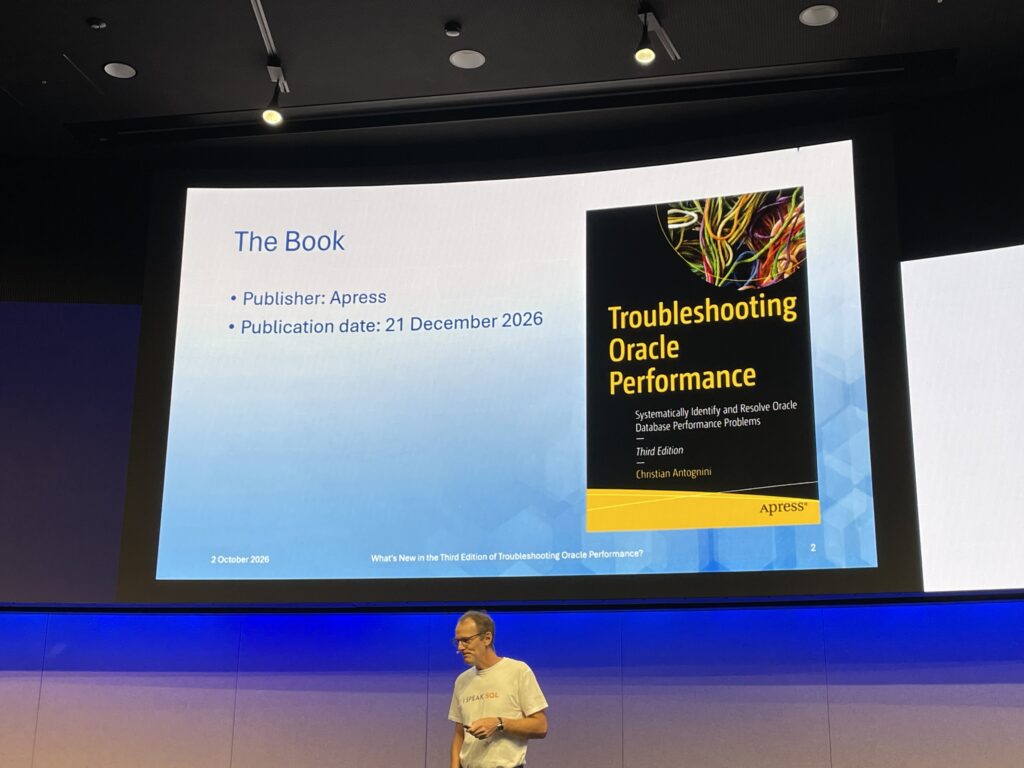
We talked about several topics like:
Signatures:
- Signatures are used to recognize SQL statements that are equivalent from a functional point of view
- DBMS_SQLTUNE.SQLTXT_TO_SIGNATURE
- SYS.SQLLOG$ is containing the signature of SQL statements that were executed in the past
- 19.11 bug 32238935 mix of both literals and bind variables leads to a wrong computation o fthe force-matching signature
Possibility in 23ai to push down group-by function when using union all (23+):
- Push group by clauses inside views or inline views that contain union all operators
- cost based query transformation
Subsumption of views and subqueries:
- Purpose is to replace multiple query blocks that are created due to views, inline views or subqueries accessing the same tables with one query block
- Purpose is to avoid double execution
DBMS_STATS: gather stale option specific when gathering object statistics at the database or schema level
- only objects with stale statistics are processed
- 23.7 DBA_AUTO_STAT_OBJ_GATHER_DETAILS view with column REASON_TO_GATHER will give the reason why stats were gathered
Dynamic statistics/sampling and PL/SQL functions (23.8):
- Sampling queries only call PL/SQL functions that are referenced in predicates
- DYNAMIC_STATS preference: choose, on, off
Add verified SQL Plan baseline (23.3):
- Let the database engine search for the best-known execution plan for a given SQL statement
- New function ADD_VERIFIED_SQL_PLAN_BASELINE provided by DBMS_SPM package
- Backported to 19c starting 19.22
Real-time SQL Plan Management (23):
- verify during a hard parse if the exec plan is the same as one one contained in ASTS
- AUTO_SPM_EVOLVE_TASK=AUTO
IN conditions with many expressions (23.4):
- long lists of expressions frequently lead to performace problems, in condition with 64 or more expressions re implemetned differently when a full table sacn is executed
- instead of using disjunctive predicates a key vector containing the expressions is created
Parallel executions downgrades:
- downgrades are now outlined in real-time monitoring reports
- x$qksxa_reason to find what the code means (degree of parallelism downgrade reason)
Logical Partition change tracking (23+):
- For materialized view the database can track the staleness at the table and partition level
- 23 comes with logical PCT (partition change tracking) that means the database is able to use logical range partitions now
- Logical PCT will help on faster refresh
I also would like to hightlight that Chris had really good demos.
Beyond the Service Request: A view from the other side of the screen by Laurentiu Cotescu (Oracle)
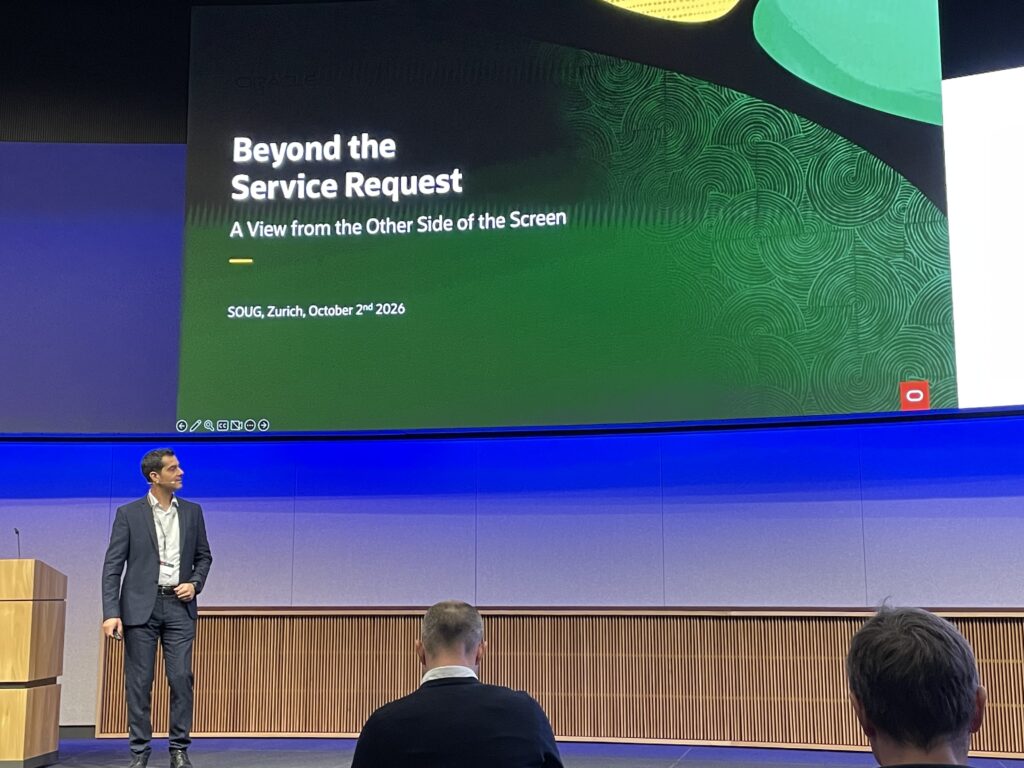
Purpose of this presentation is for us to somehow meet the support guys, people working behind a Service Request.
Laurentiu talked about Oracle EU Sovereign Cloud.
But What is Oracle EU Sovereign Cloud?
Oracle EU Sovereign Cloud enables commercial and public sector organizations to place sensitive data and applications in the cloud—in alignment with EU data privacy and sovereignty requirements.
Laurentiu provided us some inside of oracle support. When we go to MOS and log a SR, Oracle support expect for fast handling to have following information already mentioned during SR creation: Problem summary, OCID’s, timestamp of the issue, exadata cloud versions, evidence with logs as of TFA logs, business impact.
Setting the right severity is also important:
Critical Outage -> SEV 1
Significant Impairment -> SEV 2
Technical issue -> SEV 3
General Guidance -> SEV 4
Critical outage + system unavailable + production env -> Most critical, management of oracle support will be informed.
Product classification very important to have the SR going in the right queue.
And what does Oracle Development?
Oracle Developpement is composed of product engineering behind software improvements and fixes. They will work with support on production issue, develop product capabilities and code fixes and fix delivery (patches and Release Updates).
When the progress feels slow, what can we do?
- Option 1 – Trigger/initiate Chat widget, type agent to connect with a live agent
- Describe the business impact, is there WA, explain the concern, …
- Option 2 – Request manager Actions from Details page
- Front line manager or level 1 duty manager or level 2 director and duty (after 45 min of no reaction)
How can we do Better together?
- Initiate zoom session (or any other conference system, just need to provide an invitation link) after several goes and back
- Proactive Milestone SR procedural document – KB127520
- Request manager action to ask for a consolidated ownership of all the SRs opened
- Useful exchange with impact, context, evidence, …
Once SR is created, there is no more AI agent or chatbot. AI is only used as tool like AI parsers to help analyzing the logs.
Upgrade to Oracle AI Database 26ai – Best Practices and more by Mike Dietrich
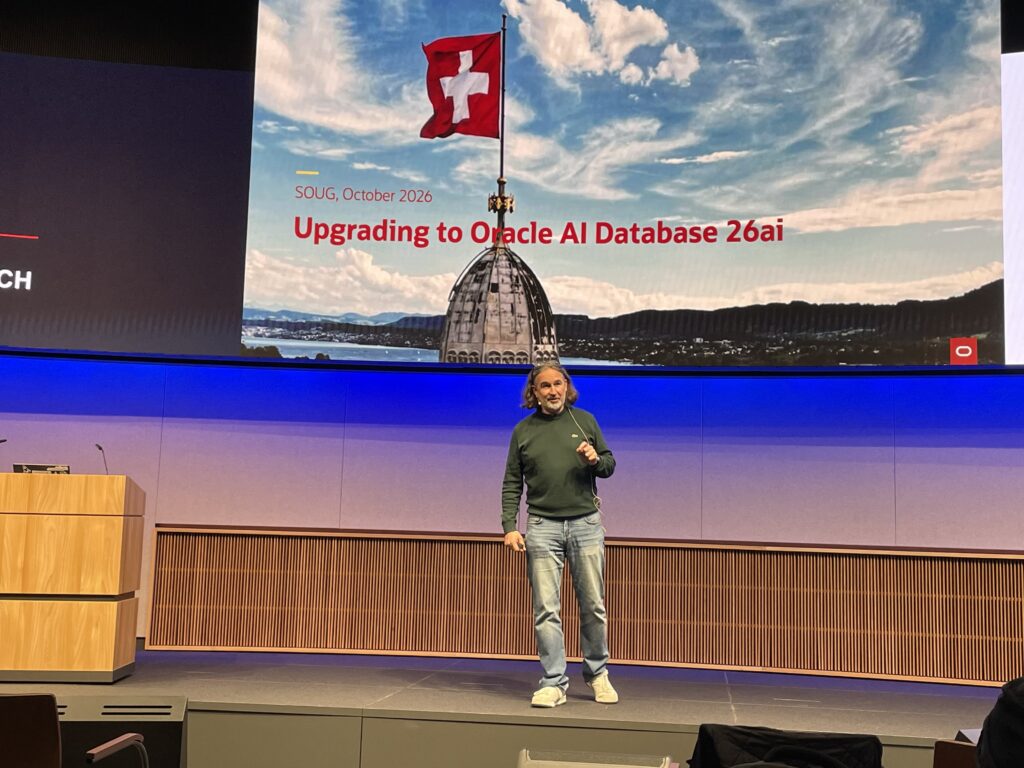
As you know Mike Dietrich, we spoke a lot about patching and upgrade.
Mike spoke about release strategy:
- 11.2.0.4, 12.1, 12.2, 18c -> 19c -> 26ai upgrade (with downtime) or directly with datapump
- 23ai -> 26ai release update (no downtime)
- October 2025 Oracle AI Database 26ai version is named 23.26.0.0.0
- January 2026 is named 23.26.1.0.0, see 1 for quarter and not months
- Which will make July 2026 release name as been 23.26.3.0.0
- What will be 2027? Let’s see what will come
- For 26ai release schedule, see PNEWS1360
We also spoke about:
- Converting DB to PDB
- To set
alter system set max_pdbs=3;in order to prevent license violations (change spfile, it is very important) - Going to pdb no application changes, does not impact application only connection sqlplus / as sysdba connection might be impacted
- Multitenant extra license when you have more than 3 PDBs
- Recommendation for noncdb to pdb migration is to start with 3 databases and consolidate them early enough into Multitenant
- It is important not to forget client / server interoperability, see KB141043. For security reason it is important to uplift the client. Same matrix applies to database link
select * from gv$session_connect_info;to know client version
- Traditional auditing is desupported in 26ai
- It is still possible for the database to generate audit records but you can not create new policies or change existing ones.
- KB120309 for syntax to converter script
For an upgrade:
- Look at the Upgrade guide
- Use oradiff tool (https://oradiff.oracle.com) to compare 2 releases and know fixes covered. oradiff has a rest API.
- Execute a dictionary check before upgrade KB150043
- Ensure dictionary and fixed objects statistics.
- Purge recyclebin and gather dictionary stats 24 hours before upgrade
How to upgrade and convert:
- Installation of Oracle home is simpler, gold images, use autoupgrade
- Create container database first
- character set, always choose AL32UTF8 to not take care of PDB character set and accept any
- components, only install the components that is only needed, for faster upgrade and patching
- compatible parameter, 23.6.0 (default), if downgrade would be needed first manually change it
- unplug always possible in higher version but not to a lower compatible settings
- new command:
alter database set downgrade compatibility to '23.9.0'; - update the compatible parameter on the fly without restarting the database
- cdb_registry to check component
- pdb$seed might not be seeing
alter system set "_exclude_seed_cdb_view"=false;to make it visible
- pdb$seed might not be seeing
Use Autoupgrade tool for upgrade, non-cdb to pdb conversion and patching:
- 1- plugin, 2- upgrade, 3- convert
- Get it through KB123450
- Or using www.oracle.com/goto/upgrade
It is important to know that DBUA is retired. Upgrade with autoupgrade is simple. Need a config file with all parameters
We can also easily collect autoupgrade logs with option -zip.
Conversion to pdb is irreversible. Rollback options would be: backup/restore or copy data files or refreshable clone PDB.
PDB creation does not propagate to the standby.
tips for view parameter:alter system set "_cursor_obsolete_treshold"=1024 comment="Added XXX";, comment for _ paraameteralter system set "_column_tracking_level"=1;
By the way, here can you find Mike’s slides: https://mikedietrichde.com/slides/
Upgrade, Patch, Repeat – Stay Secure and up to date with Oracle AutoUpgrade and Ansible by Martin Berger
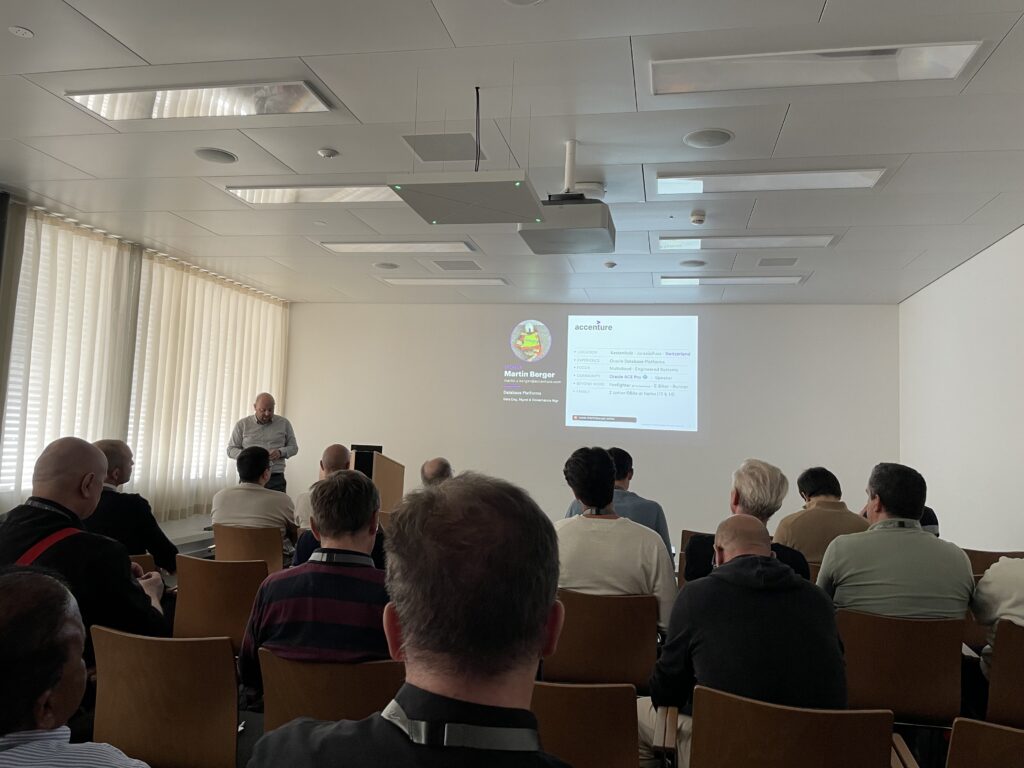
Martin spoke about how security is important. Attackers comes at the oracle db using listener, privilege, sql inection, data exfiltration db links or datapump. This is why patching is so important and patch are more and more frequent.
For release and patch we have Release Update (RU), Monthly Recommended Patch (MRP), Critical Security Patch Update (CSPU) and Critical Patch Update (CPU).
To cover his explanation, Martin highlighted that there were 656 total fixes between 19.31 (MRP) and next month 19.32 (RU).
Martins also point how useful oradiff.oracle.com was.
When out of place upgrade is the prob move, the in-place is the classic way to do. Let’s push for out of the place upgrade, new home can be rollbacked and there is minimal downtime.
Oracle autoupgrade and how to create new oracle home with autoupgrade:
- Get latest autoupgrade
- Create MOS keystore
- Get release update
- Create db_home
With autoupgrade we can patch OEM as well to 24.1, lastest autoupgrade version 26.5.260807 required.
3 modes of autoupgrade: analyze, fixups and deploy (change only -mode option value)
Remaining tasks : timezone, gather dictionary statistics, compatible parameter (change when 100% no downgrade), use and drop restore point
With Data Guard we can run standby-first patching.
ansible : autoupgrade takes care of the database. Ansible handles everything else.
ansible is agentless, idempotent, declarative
OLAM: Oracle Linux Automation Manager for automation and the oracle Autonomous Database for tracking.
Martin did a great demo with OLAM and ansible.
4 years Oracle 19c (Exadata sparse) Pluggable Database cloning, did it bring something by Jérôme Witt
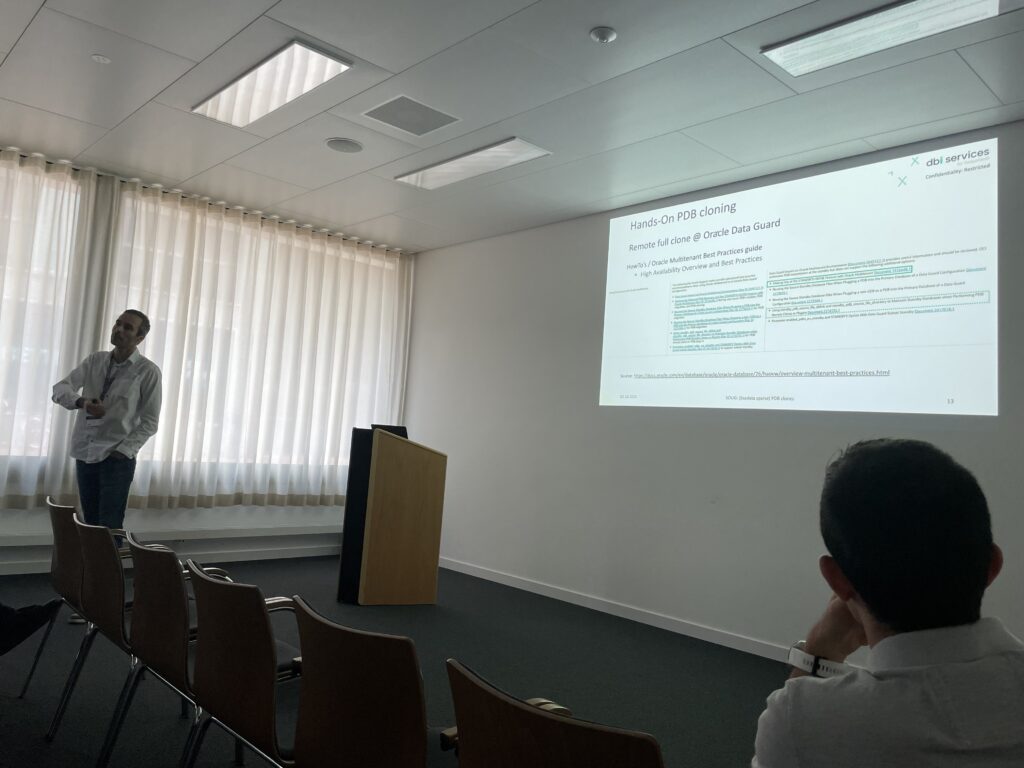
Great presentation from my Collegue who spoke about various pluggable database cloning method and mainly with Exadata sparse.
This presentation comes from a real case customer project migrating from on premises to Exadata Cloud@Customer project, and migrating an existing cloning NetApp platform to an Oracle technlogy cloning method system using PDB cloning and Exdata Spare technology.
Maintenance:
- PDB relocation
- un-plug/plug
- RTO in case of Disaster Recovery and all with automation
Automation:
- centralized, highly-available scheduler
- log, config management
- CI pipelines
- self-service
Jerôme explained PDB cloning techniques and method: PDB clone local vs remote, Non-CDB to PDB conversion, snapshot copy (storage based vs sparse) and refreshable clones
Exadata Sparse Clone:
- Single source, multiple targets
- small storage footing
- one command line
- transform sparse clone to full clone materialization process
- 3 cons: requires a Test-Master-Read-Only source, dependency on shared storage and capacity management for Oracle ASM (%DATA, %REDO, %SPARSE)
Finally Jérôme provided perfect Demos and provided also real-world challenges, experience coming from customer projects.
Great explanation how to remote full clone in Oracle Data Guard environment (as for example STANDBY=NONE)
Exadata sparse clone:
- Create a Test Master Read-Only (TMR)
- Refreshable clone
- Read-Only standby database
- Read-Only full clone (full clone subset PDB)
- Provision sparse clones
- Locally within same CDB
- Remotely over database link
- Drop or Materialize sparse clone
- Revert source PDB datafiles read-write
SQL> DBMS_DNFS.RESTORE_DATAFILE_PERMISSIONS(pdb_name=> 'PDB');
- Re-create / Refresh TMR
Jérôme successfully ran several nice demos:
- Demo remote full clone with Oracle Data Guard.
- Demo create refreshable clone from Orale Data Guard (active) standby
- Demo refresh refreshable clone from Oracle ADG standby
TNS Connections – what can be going wrong? by Axel Vom Stein
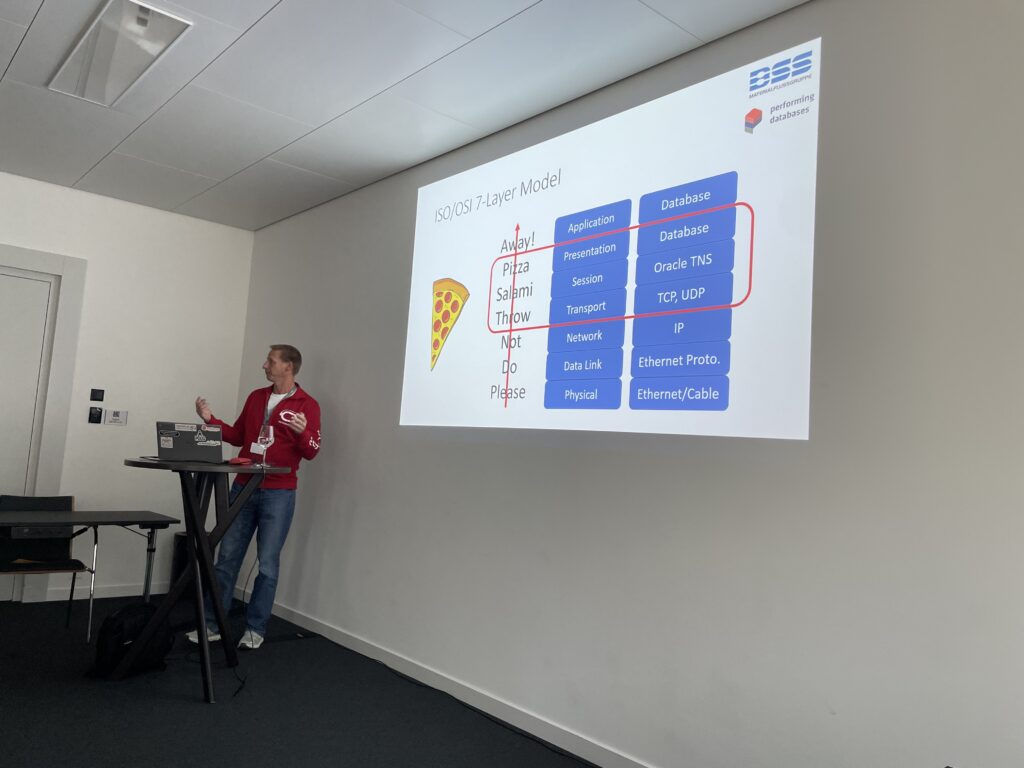
Axel introduced the presentation by reminding on the TCP basics connections and then presented a real case TCP issue troubleshooting: ncat, nestat, tcpdump, … tcpdump with wireshark analyses
Transparent Network Substrate (TNS): Protocol TCP, TCPS, IPC, BEQ.
Listener endpoints: sqlnet.ora, tnsnames.ora, listener.ora
What can go wrong:
- sqlnet.ora with EZCONNECT and HOSTNAME,
- listener.ora with DEFAULT_SERVICE_LISTNER: no service, take this service
- sqlnet.ora OUTBOUND_CONNECT_TIMEOUT overriden by tnsnames.ora CONNECT_TIMEOUT
- sqlnet.ora EXPIRE_TIME can be mitigated with firewall configuration
- listener configuration with dynamic and static registration
- Service managed by DBMS_SERVICE or srvctl grid infra
- listener name
- listener USE_SID_AS_SERVICE and DEFAULT_SERVICE
- TNS Connection with LISTENER and SCAN_LISTENER
- Do not minimize the firewall configuration (with RAC, needs to configuration scan listener and listener)
- TNS Connection timeouts (Data Guard address list in tnsnames.ora).
Pay attention on the connect_timeout, retry_count and retry_delay
transport_connect_timeout parameter - Duplicate tns names entries in tnsnames.ora (the last always wins)
- IFILE with max 3 levels for tnsnames.ora, listener.ora and sqlnet.ora
- TWO_TASK (linux) %LOCAL% (windows) variables
- Encryption sqlnet.ora parameter
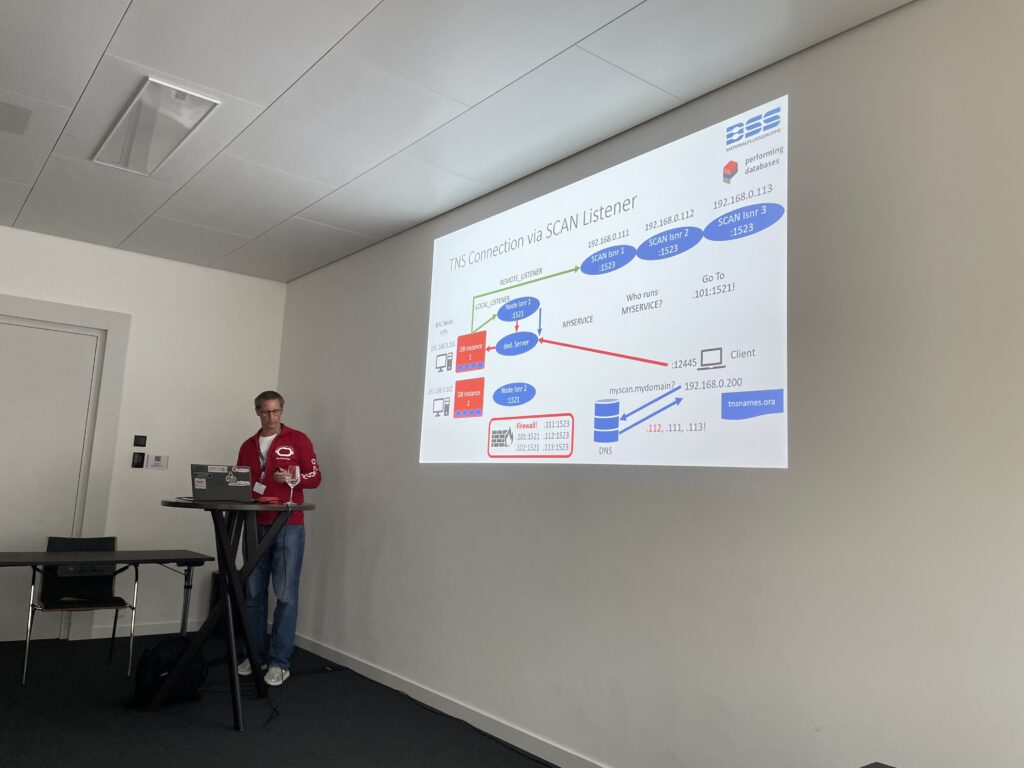
Analyze can be done with gv$session_connect_info and gv$session
During the troubleshooting funny Oracle errors have been highlighted: ORA-28041, ORA-1699 error
And what about the DJ?
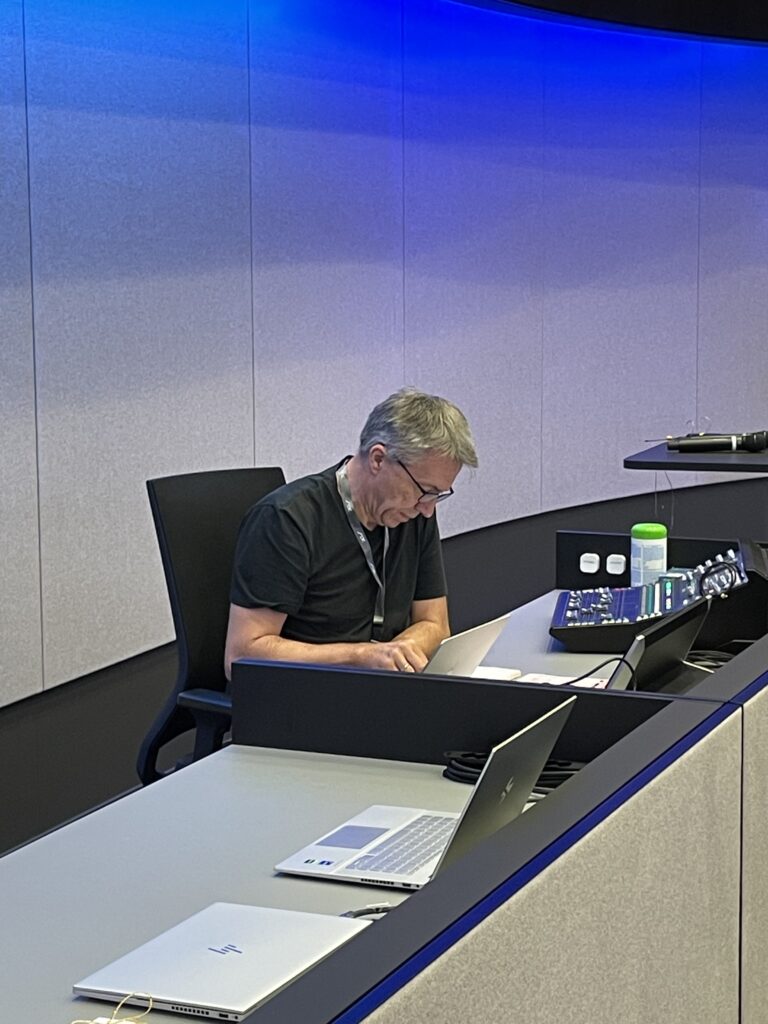
At dbi services we can even have our expert shine as DJs! Thanks Clemens! Good job!
![Thumbnail [60x60]](https://www.dbi-services.com/blog/wp-content/uploads/2022/08/MAW_web-min-scaled.jpg)
![Thumbnail [90x90]](https://www.dbi-services.com/blog/wp-content/uploads/2025/05/JDE_Web-1-scaled.jpg)
![Thumbnail [90x90]](https://www.dbi-services.com/blog/wp-content/uploads/2025/11/LTO_WEB.jpg)
![Thumbnail [90x90]](https://www.dbi-services.com/blog/wp-content/uploads/2025/07/ALK_MIN.jpeg)