

Documentum Interactive Delivery Services or IDS is a Documentum product that can be useful to publish some documents to an external web server or something similar. It usually works rather well, even if there hasn’t been much changes in the product in years, maybe because it does what it is supposed to do… As a big fan of Linux systems, I pretty much never work on Windows Servers but when I do, somehow, there are always trouble! Maybe I’m cursed or maybe the OS is really not for me…
Last time I worked on a Windows Server, I had to install an IDS 7.3 on a bunch of servers (POC, DEV, QA, PRD). The POC installation went smoothly and everything was working as expected but then trouble started with the other three where the IDS Service couldn’t start at all with an error 31: device not functioning.
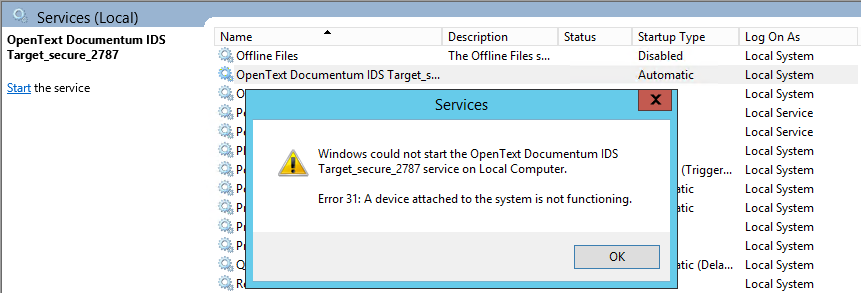
This is a rather generic message, as often. Therefore, looking at the Event Viewer gave some more information:
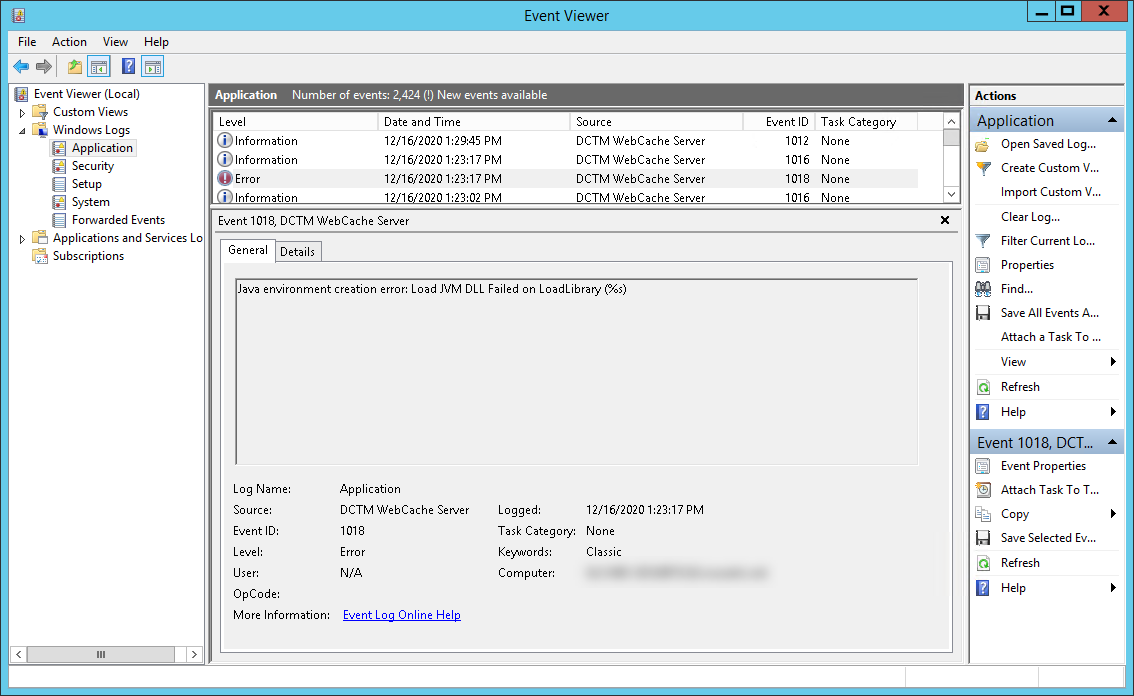
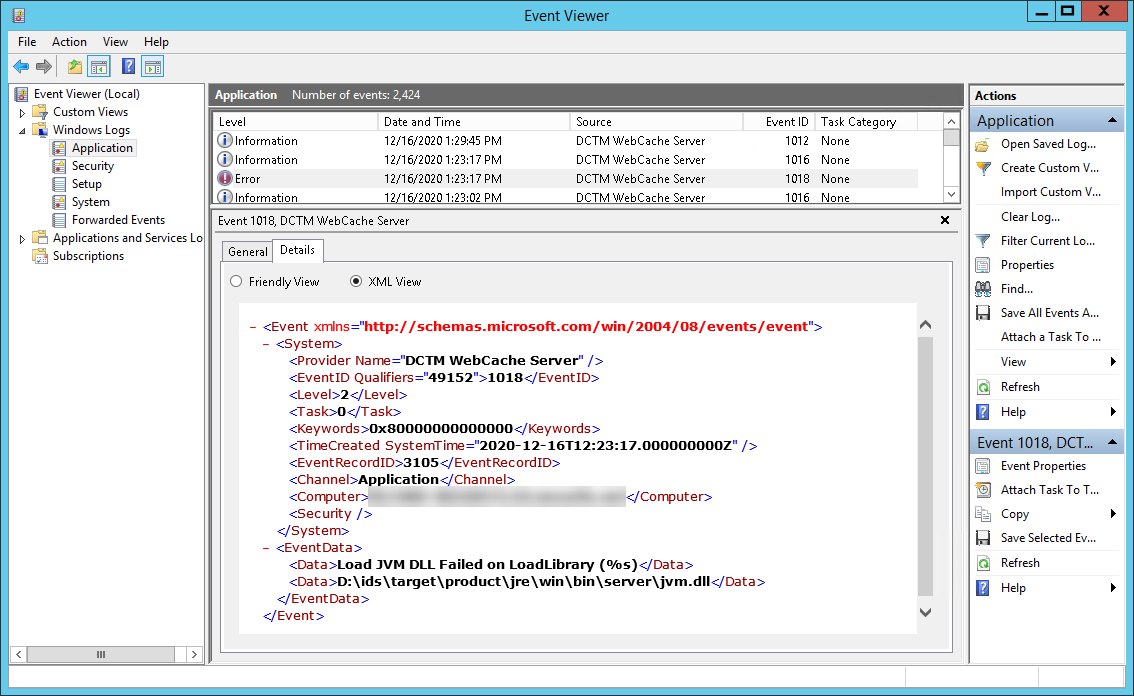
The text extract of this event is:
<Event >
  <System>
    <Provider Name="DCTM WebCache Server" />
    <EventID Qualifiers="49152">1018</EventID>
    <Level>2</Level>
    <Task>0</Task>
    <Keywords>0x80000000000000</Keywords>
    <TimeCreated SystemTime="2020-12-16T12:23:17.000000000Z" />
    <EventRecordID>3105</EventRecordID>
    <Channel>Application</Channel>
    <Computer>hostname.domain.com</Computer>
    <Security />
  </System>
  <EventData>
    <Data>Load JVM DLL Failed on LoadLibrary (%s)</Data>
    <Data>D:\ids\target\product\jre\win\bin\server\jvm.dll</Data>
  </EventData>
</Event>
It is rather clear that the issue is related to Java but everything looked good at first sight. Comparing the working server with the non-working one, they both had the same setup and same environment. Listing all environment variables between the two servers showed the same output except for a customer specific value that was apparently the base image used to install the Windows Server (2012R2 02.02 vs 2012R2 02.03). Looking into it further, even if the JAVA_HOME variable wasn’t set on any of the servers, I still tried to add it to see the behavior:
- Click on the Start button
- Write “Edit the system environment variables” on the search and click on it
- Click on the Environment Variables button
- Create the system (bottom of screen) variable JAVA_HOME with: D:\ids\target\product\jre\win (or whatever path you have installed your IDS to)
- Update the system (bottom of screen) variable PATH, prepend it with: %JAVA_HOME%\bin;
After doing that, the IDS Service was actually able to start… I do not have the complete explanation but this issue must have been caused by the different OS build. Even if they are both 2012R2 (latest supported version of IDS 7.3), there must be some differences in the customer specific build (automated OS installation) that caused the issue to happen whenever the JAVA_HOME isn’t setup in the environment. This is normally not needed by IDS since Java is included into this product directly and therefore, all the commands and libraries already point to the expected path. Nevertheless, if you are facing the same issue, it might be worth giving it a try!